What this tool does
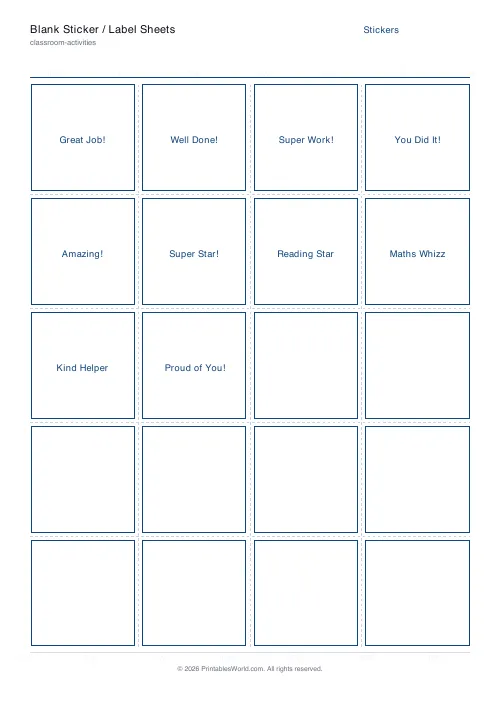
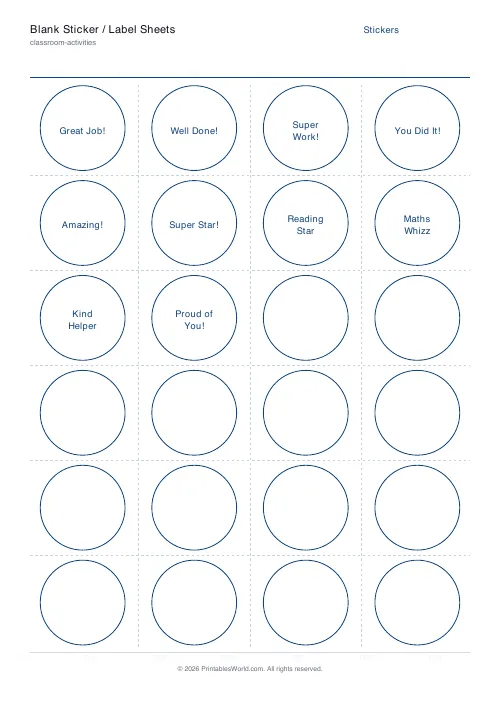
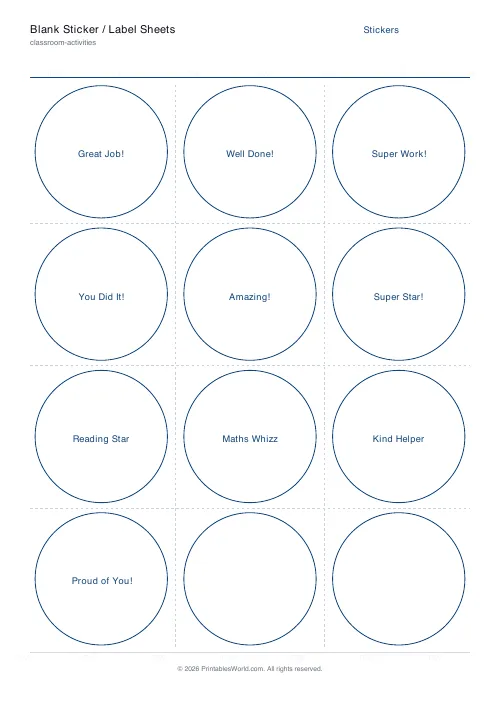
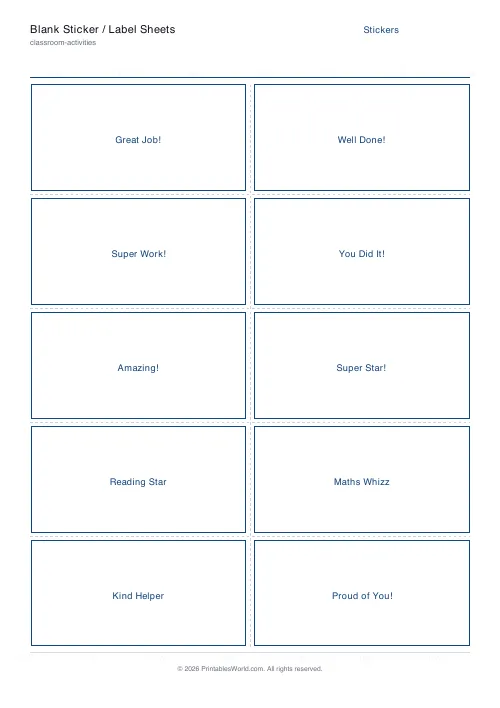
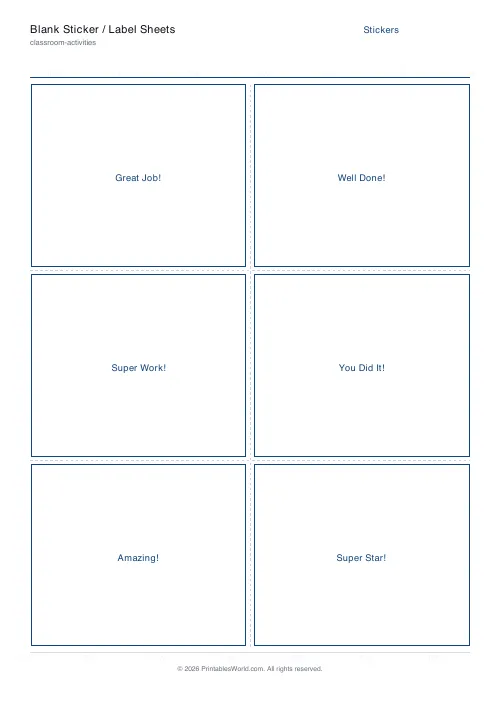
Blank sticker and label sheets in six preset layouts — 24 or 12 round, 20 praise stickers, 10 rectangular labels, 6 name tags, 12 blank — or a custom grid you set yourself.
People also used
Feedback
Spotted something off with this tool?
Six presets, or your own grid
Round cells or rectangular, in layouts sized to the common label-sheet arrangements: twenty-four small rounds, twelve larger ones, twenty praise stickers, ten rectangular labels, six name tags, or twelve blanks. Set columns and rows yourself if none of those fits.
Each cell takes a few centred lines of text — a praise phrase, a name, a classroom reward — or nothing at all.
Plain paper or actual label stock
Both work. They are different jobs.
On ordinary paper these are cut-out tokens. Glue one into a book, pin one to a display, hand one over. On adhesive label stock they become real stickers, which is what you want for anything destined for a jumper.
If you are printing onto branded label sheets, do not trust the preset to line up. Print one on plain paper first, hold it over the label sheet against a window, and check before running twenty through the printer.
Say what was done, not what the child is
A sticker can teach something. Or it can just be pleasant.
"You showed your working" or "you kept going when it got hard" names a behaviour the child can repeat. "Clever girl" names a trait, and the research on this is reasonably consistent: praising the fixed quality makes children more cautious about attempting things they might fail at, because failure then threatens the label.
The blank presets exist for exactly this. Writing the specific thing by hand takes ten seconds and is worth more than any pre-printed phrase.
Keep them scarce
A sticker given for everything is a sticker given for nothing. If every child has twelve by Wednesday they have stopped meaning anything at all, and you have built yourself an economy that now has to be maintained.
Give fewer than feels natural. The ones that land are the unexpected ones.
Where they get used
Marking books, reward charts, behaviour systems, reading records. Outside school entirely too: chore charts, potty training, the dentist, swimming lessons, anything at all where a small child benefits from a visible record that something went well.
Print on card if they are being handled, and remember that a cut-out circle on plain paper survives a school bag rather better than a thin sticker does.
Related
For redeemable rewards rather than markers, the reward coupons and brag tags. For a card filled in over time, the punch cards.
FAQs
Quick answers
Can I print a different phrase on each sticker?
Yes. Keep the repeat option off and separate each phrase with a blank line in the text box. The tool flows one phrase into each sticker cell, so a whole sheet of varied rewards prints in a single pass.
Can I make plain blank stickers?
Yes. Clear the text box and keep the sticker outlines on. You will get an empty grid of round or rectangular stickers that children can decorate or that you can write on by hand.
Do the stickers match real sticker paper?
The layouts follow common sticker and label sheet counts, 24, 20, 12, 10 and 6 per sheet, and a custom grid lets you match other sheets. Hide the outlines for peel-and-stick paper, or keep the cut guides on to trim plain paper by hand.
Does it work on A4 and US Letter?
Yes. Pick A4, US Letter or US Legal before you download, and the grid is laid out to fill the printable area of the page you choose.
Related tools
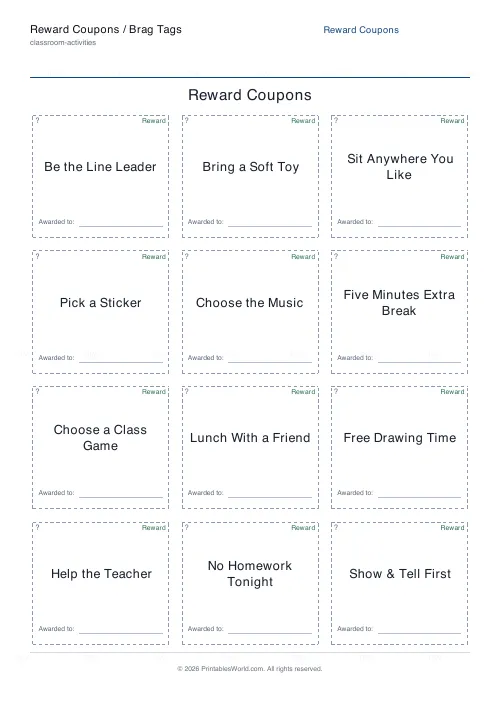
Reward Coupons / Brag Tags
Print a sheet of cut-out reward coupons and brag tags.
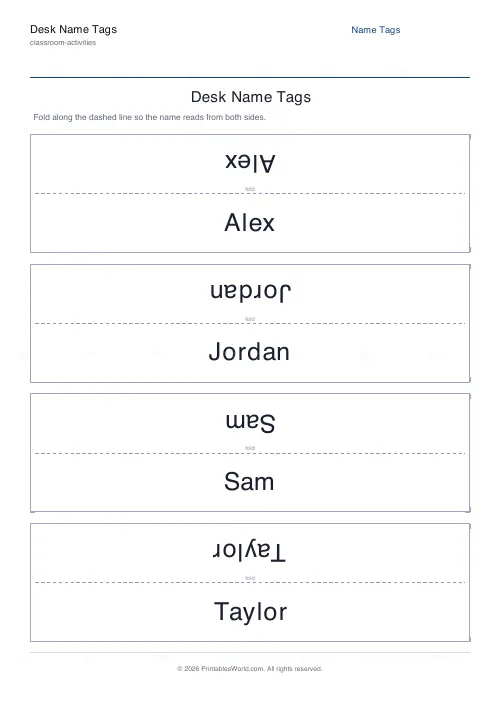
Desk Name Tags
Foldable tent-style name plates that read from both sides.
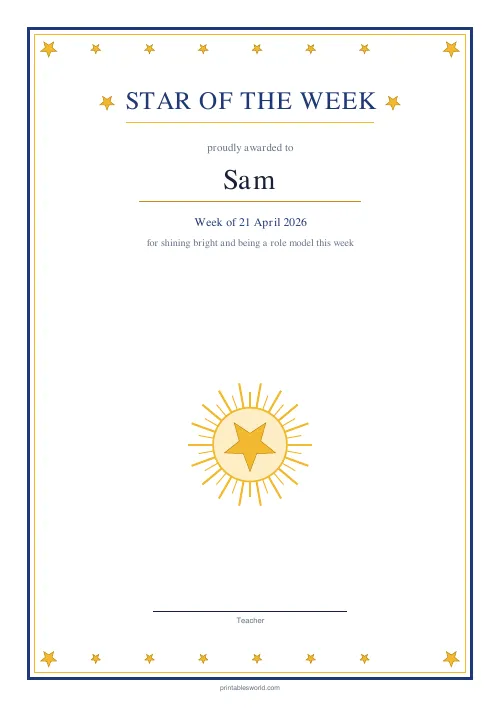
Star of the Week Certificate
A bright "Star of the Week" certificate with a golden star frame.
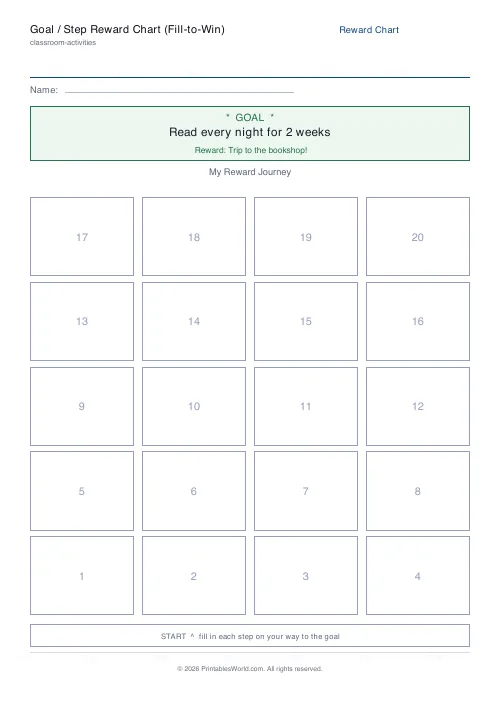
Goal / Step Reward Chart (Fill-to-Win)
Printable fill-to-win goal chart: colour in each numbered step on the way to a reward.
Further reading
Classroom Activities
20 classroom games that need zero prep
Games organised by the gap they fill: two minutes at the end of a lesson, ten minutes before assembly, or a whole wet lunchtime. Almost all need nothing but a voice.
6 min read
Classroom Activities
Positive reinforcement in the classroom: charts that work
Reward charts work when they name a specific behaviour and fade over time. They backfire when they rank children publicly. Here is the difference in practice.
5 min read