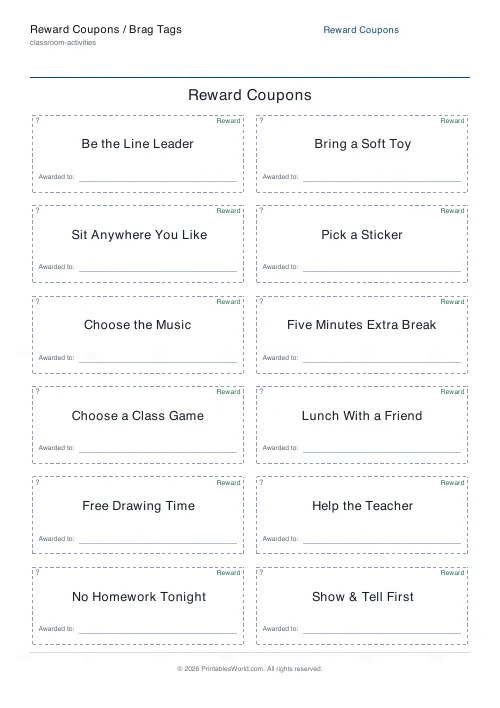
What this tool does
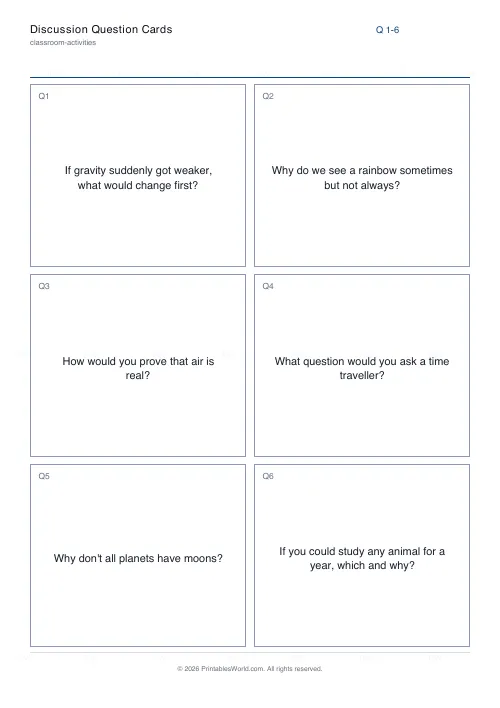
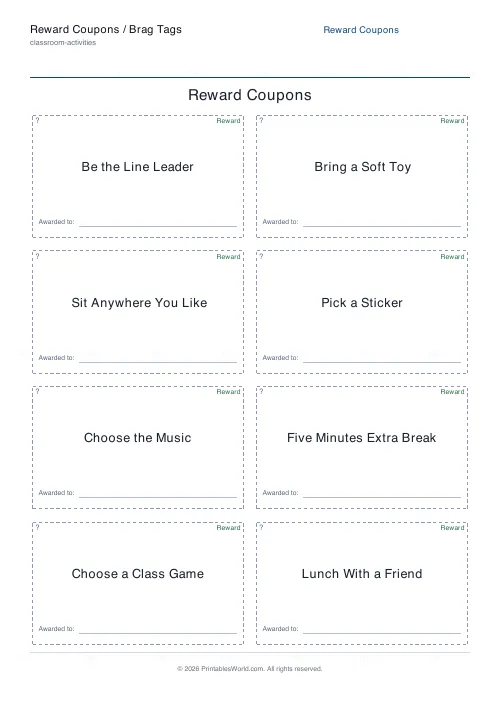
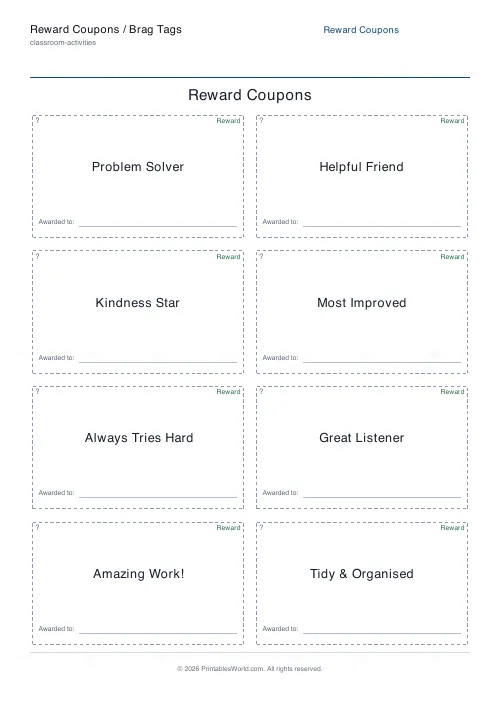
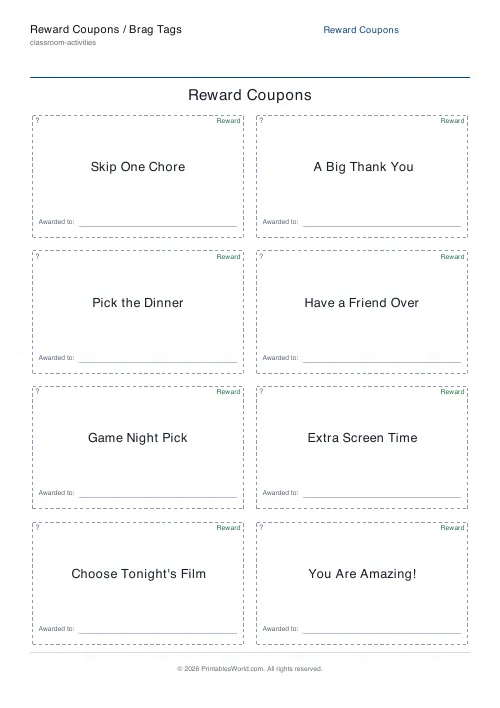
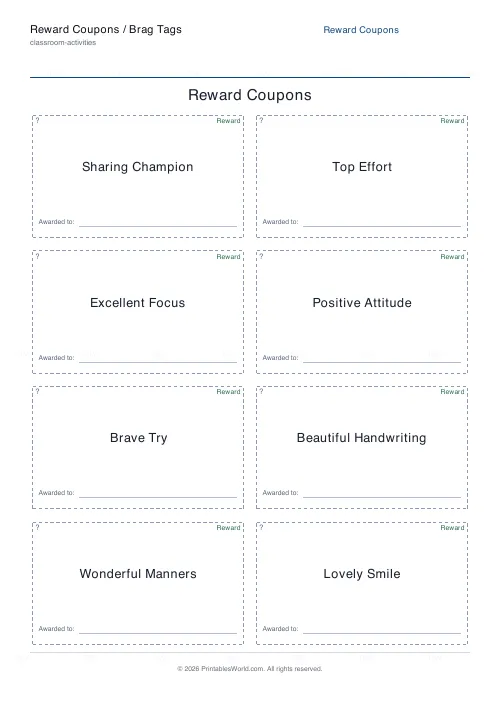
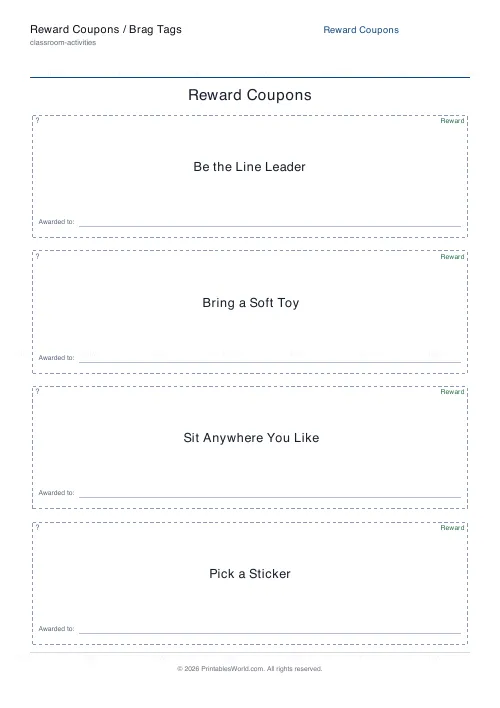
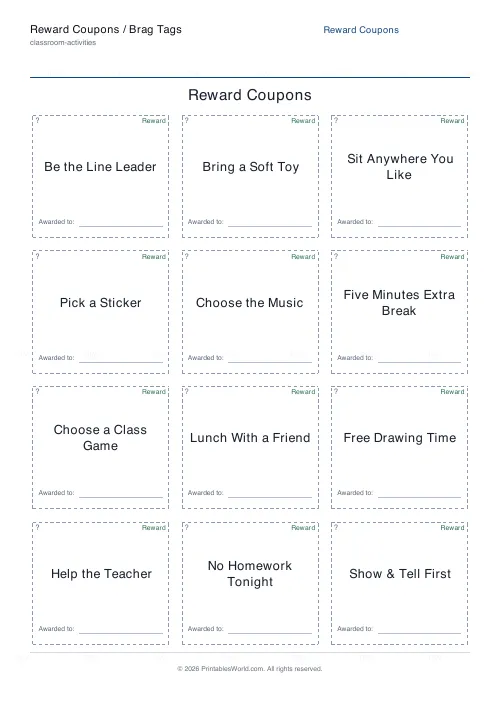
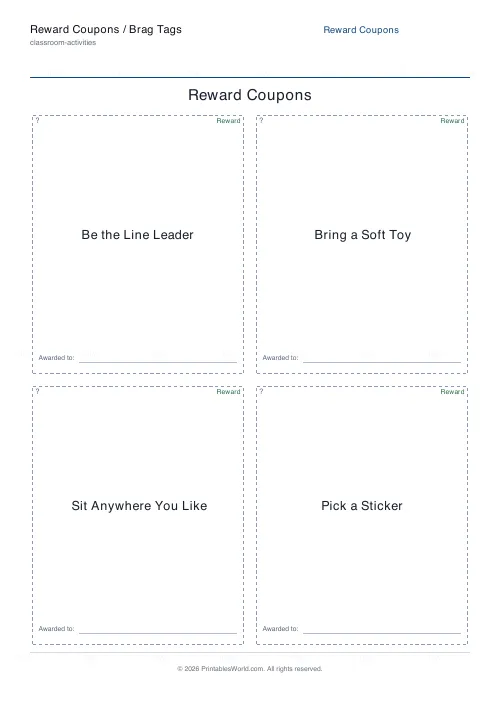
Cut-out reward coupons and brag tags in four themed sets — rewards, brag, home, classroom — on a grid you set, up to 3 across and 6 down, with an optional "Awarded to" line.
People also used
Bingo Card Generator
Generate unique printable bingo cards with custom words, FREE centre toggle, call sheet, and seeded shuffles.
Coloring Page Maker
Create printable coloring pages with mandala, geometric, and animal templates in any line thickness.
Certificate of Achievement
Formal classroom certificate with name, reason, date, and signature line.
Feedback
Spotted something off with this tool?
Cards you cut out
A grid of cards inside dashed cutting lines, each carrying a short incentive message drawn from a built-in set. Up to three columns and six rows, so eighteen cards a sheet at most, with an optional "Awarded to" line on each.
The four sets
Rewards is the general-purpose one. Brag holds the achievement-style messages a child wears or takes home. Home is family-shaped. Classroom is written for school.
Pick the set that matches where the cards will be handed out, because the wrong register lands badly — a classroom message given at home sounds institutional, and a home one in a classroom sounds odd to twenty-nine other children.
Coupons and brag tags are different things
Worth separating, because they work by different mechanisms.
A coupon is redeemable. It buys something — stay up late, choose the film, sit anywhere in the lesson — and the child hands it back when they use it. Its value is in the thing it buys.
A brag tag is kept. It records that something happened, and children collect them on a ring or a lanyard. Its value is in the accumulation, and handing one back would defeat it.
Decide which you are making before you print, because a card that is ambiguous about this causes an argument the first time it is used.
Non-material rewards work better than you expect
The best coupons cost nothing. Choose the music in the car. Sit in the front seat. Pick what everybody eats on Friday. Ten minutes extra reading before lights out. Lunch with the teacher.
Those buy attention and autonomy rather than objects, they do not escalate, and they do not turn into a shopping list. A coupon economy based on sweets or toys inflates within a fortnight.
Print on card, and keep the printing small
These go in pockets and school bags. Ordinary paper is a week from disintegration.
Print a sheet at a time rather than a term's worth. Something on the list will turn out to be wrong — a reward nobody wants, one you regret offering — and eighteen cards is a cheap mistake where a hundred is not.
Related
For a card the child fills in over time, the reward punch cards. For one long journey towards a single goal, the step chart.
FAQs
Quick answers
What is the difference between a reward coupon and a brag tag?
A reward coupon promises a privilege the child can redeem, such as extra break time or choosing a game. A brag tag is a praise card that recognises something the child did well, like showing kindness or trying hard. This tool can print either. Just choose the matching theme.
How many cards fit on a page?
You choose. Set the columns (1 to 3) and rows (1 to 6) to control both the number of cards and their size. A 2 by 4 grid gives eight medium cards on one page.
Can I add a child's name?
Yes. Turn on the Awarded to line and each card gets a write-on space so you can fill in a name by hand before handing it out.
Will every printed sheet be the same?
No. The messages are drawn from the chosen theme and reshuffled each time, so pressing Generate New gives you a different mix. The cutting layout and branding stay consistent.
Related tools
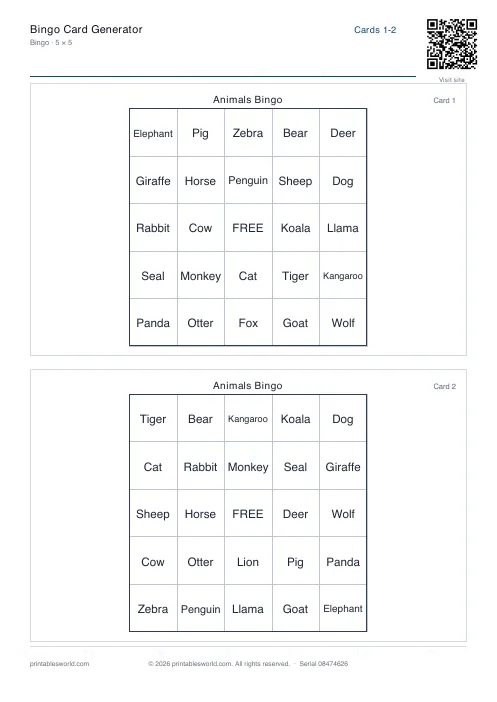
Bingo Card Generator
Generate unique printable bingo cards with custom words, FREE centre toggle, call sheet, and seeded shuffles.
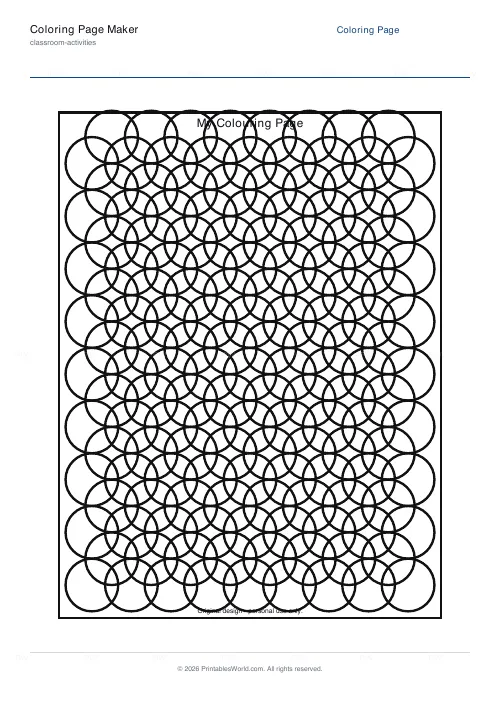
Coloring Page Maker
Create printable coloring pages with mandala, geometric, and animal templates in any line thickness.
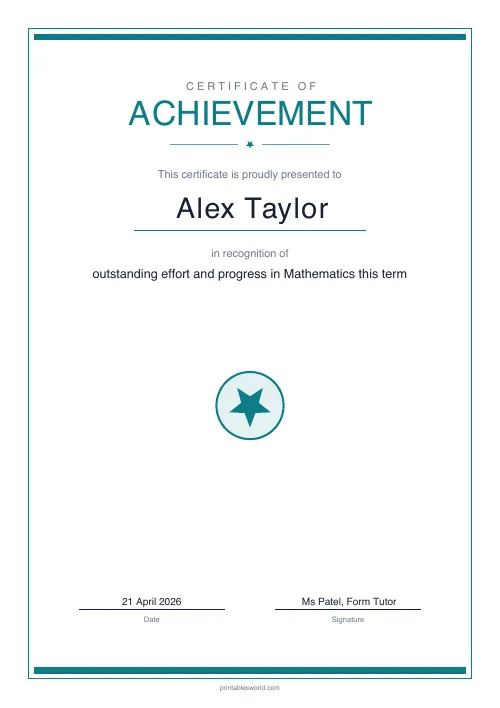
Certificate of Achievement
Formal classroom certificate with name, reason, date, and signature line.
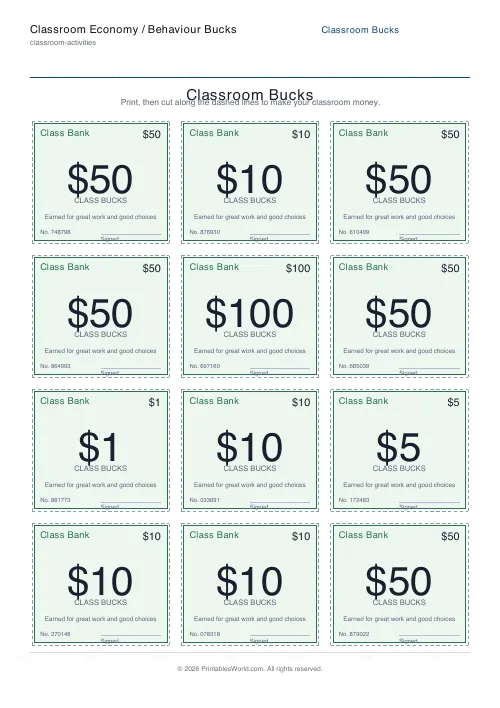
Classroom Economy / Behaviour Bucks
Print a sheet of cut-out classroom money for a token reward economy.
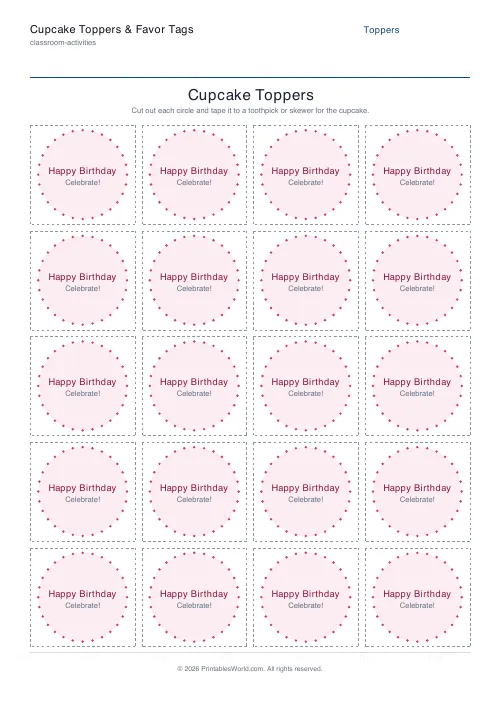
Cupcake Toppers & Favor Tags
Printable circle cupcake toppers and party favor tags you can personalise and cut out.
Further reading