What this tool does
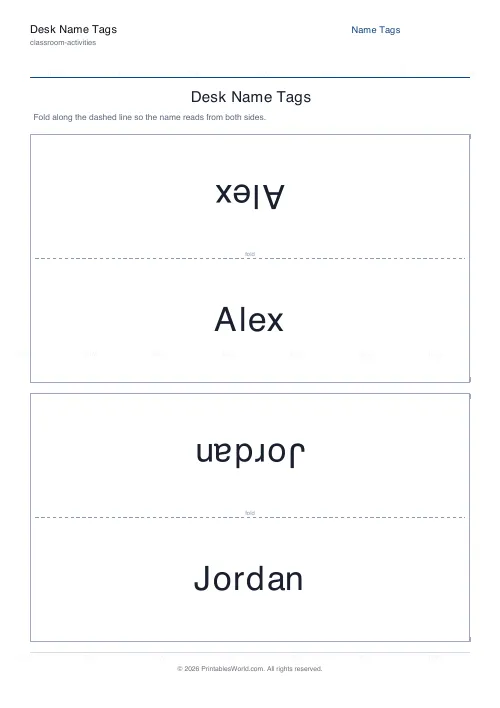
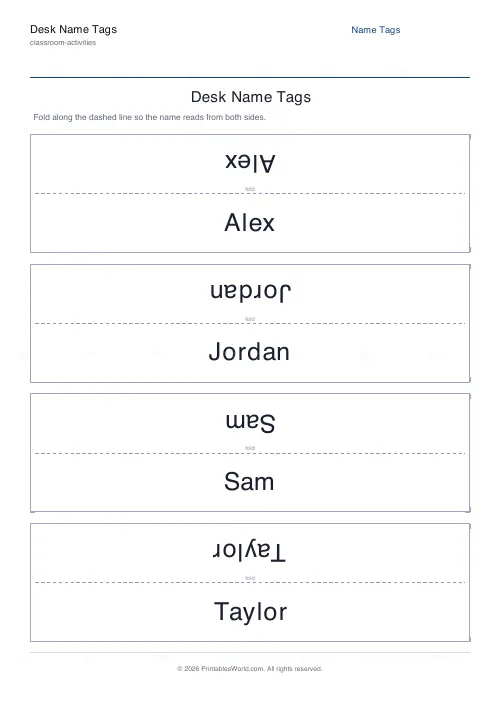
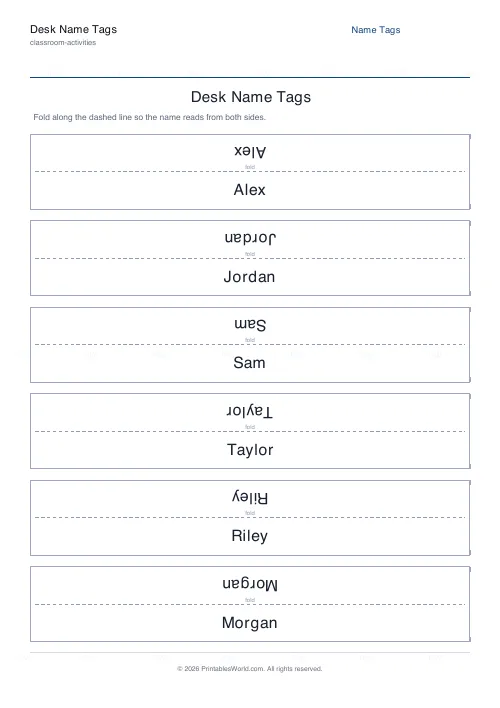
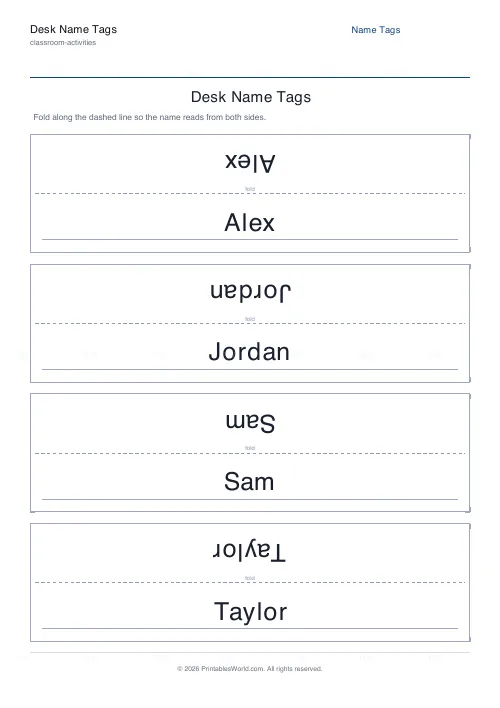
Foldable tent name plates. The name prints twice — upright below the fold and upside-down above it — so it reads from both sides once folded. Paste in your class list.
People also used
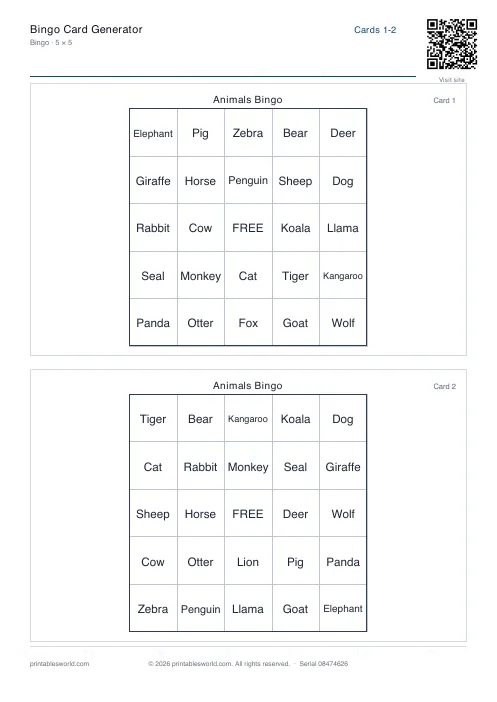
Bingo Card Generator
Generate unique printable bingo cards with custom words, FREE centre toggle, call sheet, and seeded shuffles.
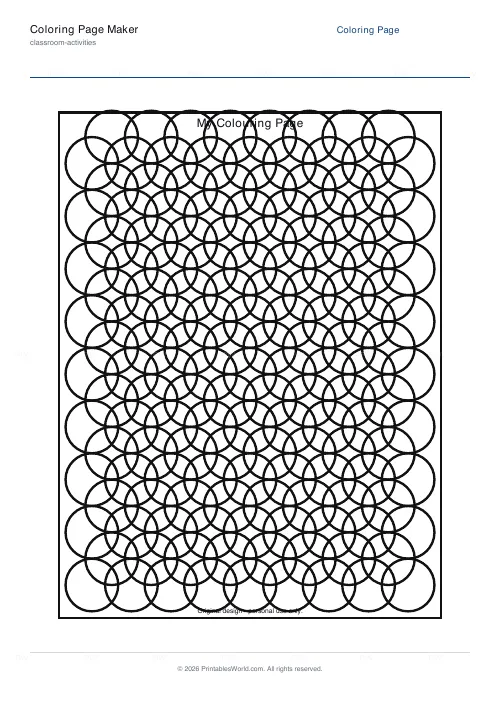
Coloring Page Maker
Create printable coloring pages with mandala, geometric, and animal templates in any line thickness.
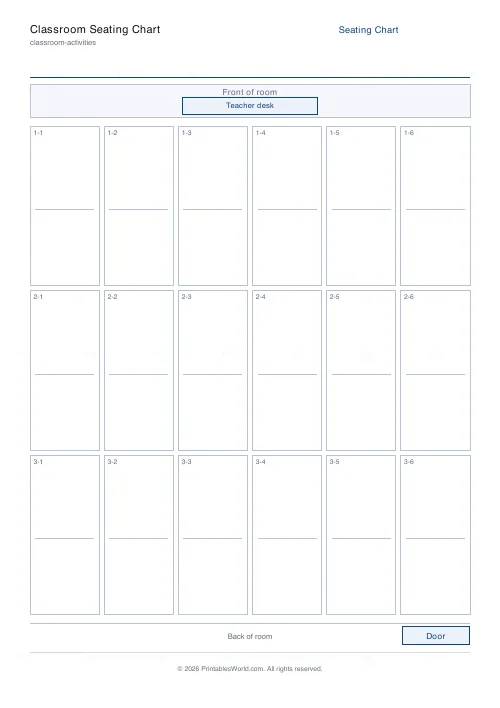
Classroom Seating Chart
Printable seating plan grid with configurable rows, columns, teacher desk, and door.
Feedback
Spotted something off with this tool?
Printed twice, on purpose
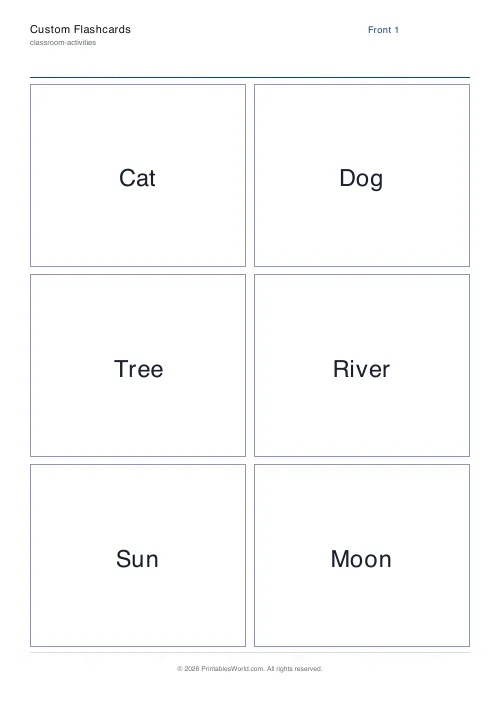
Each plate is a rectangle with a fold line across the middle. The name appears the right way up on the lower half and upside-down on the upper half, so when you fold it into a tent it reads correctly from the front and from behind.
Paste in a list of names, choose how many plates go on a page, and print. Cut marks, the fold label and a blank writing line are all optional.
Both sides matter more than people expect
A plate that reads only from the front is half a plate.
The teacher at the front needs to see the name, and so does the child sitting opposite in a group of four, and so does anyone walking round the room. A single-sided plate faces one of them and turns its back on the rest. Reversing the upper half costs nothing and fixes it.
Card, not paper
A tent folded from 80 gsm paper falls over the first time somebody breathes near it, and by Wednesday it is a crumpled shape on the floor.
Use 160 gsm or heavier. Score the fold line with a ruler and a bone folder or the back of a scissor blade before folding, and the crease comes out straight rather than wandering.
Print the names in the first week and again in the third
The first set is for you. The second set is worth doing because the first will be wrong in ways you cannot predict — a child who goes by a different name entirely, one whose name you have spelled the way the register spells it rather than the way they do, and a couple who have simply destroyed theirs.
Ask them. A child sitting behind a misspelled name plate for a term rarely says anything, and it is a small unkindness with an easy fix.
Where these are used
New classes in September, which is the obvious one. Supply and cover teachers, for whom a room of named desks is the difference between managing a lesson and surviving it. Parents' evenings. Training courses and workshops. Conference tables and committee meetings.
Anywhere, in short, that somebody has one hour to learn twenty names and no chance of doing it otherwise.
A practical touch
Leave the blank line on and let children write something small on the back — a favourite animal, what they want to be, a drawing. It gives them a reason to look after the plate, and plates that are looked after last the term.
Related: the seating chart grid for the plan that goes with them.
FAQs
Quick answers
Why is the name printed upside-down on the top half?
Once you fold the card into a tent, the upper half flips over to face the other direction. Printing it rotated 180 degrees means it reads the right way up from both sides of the desk after folding.
How many name tags can I print at once?
Type one name per line and the tool lays them out across as many pages as needed, using your chosen plates-per-page setting. Long class lists are handled automatically.
Do I need to cut the plates out?
Not necessarily. You can fold each plate as-is. If you prefer tidy edges, turn on cut marks and trim along the corner guides before folding.
Can pupils write their own names?
Yes. Turn on the write-in line and leave the name list blank, or add a single space per line, to print empty plates pupils can fill in and decorate themselves.
Related tools
Bingo Card Generator
Generate unique printable bingo cards with custom words, FREE centre toggle, call sheet, and seeded shuffles.
Coloring Page Maker
Create printable coloring pages with mandala, geometric, and animal templates in any line thickness.
Classroom Seating Chart
Printable seating plan grid with configurable rows, columns, teacher desk, and door.
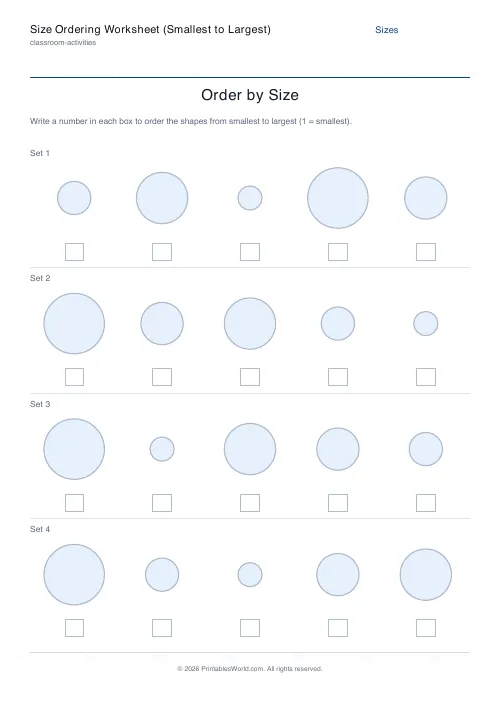
Size Ordering Worksheet (Smallest to Largest)
Number graduated shapes from smallest to largest.
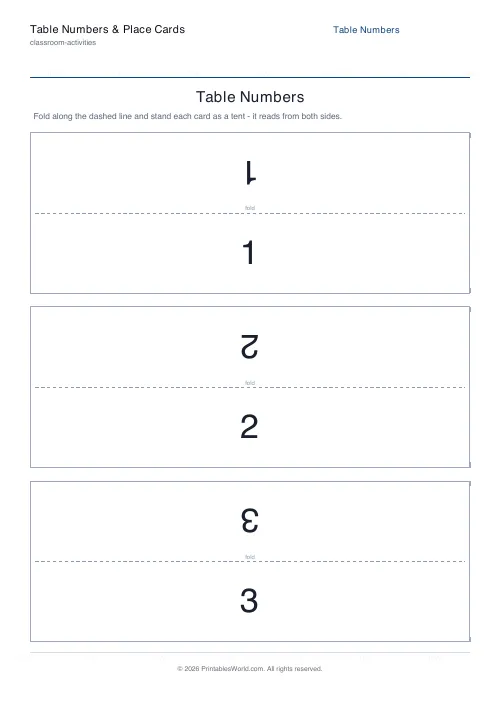
Table Numbers & Place Cards
Foldable tent cards. Large table numbers and guest place cards that read from both sides.
Further reading
Classroom Activities
Back-to-school printables every teacher needs
Sorted by when you will actually need them: the two things to print before the children arrive, the week-one set, and the routines worth establishing while everyone is still compliant.
5 min read
Classroom Activities
Positive reinforcement in the classroom: charts that work
Reward charts work when they name a specific behaviour and fade over time. They backfire when they rank children publicly. Here is the difference in practice.
5 min read
Classroom Activities
20 classroom games that need zero prep
Games organised by the gap they fill: two minutes at the end of a lesson, ten minutes before assembly, or a whole wet lunchtime. Almost all need nothing but a voice.
6 min read