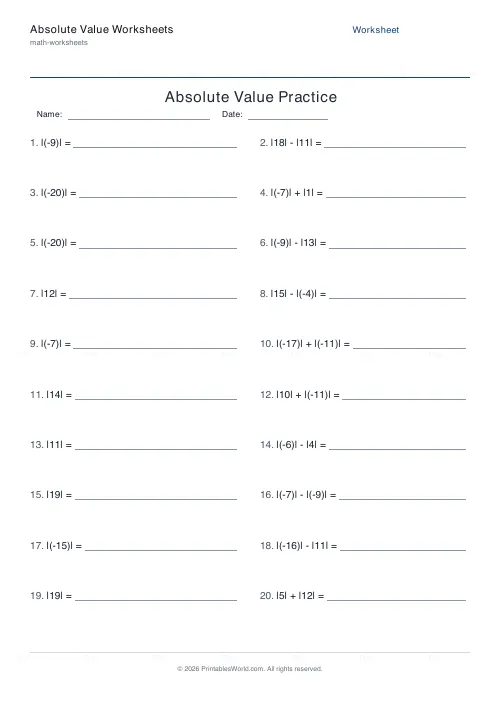
What this tool does
Absolute value practice in three shapes: evaluate expressions like |x| and |a| ± |b|, compare two absolute values with <, > and =, or solve |x ± a| = k for every solution.
People also used
Introduction to Algebra Worksheets
Printable beginner algebra practice. Evaluate, simplify, and substitute.
Equation Solving Worksheets
Printable one-step and two-step linear equations to solve.
BODMAS Order of Operations Generator
Order-of-operations practice with brackets, exponents and mixed arithmetic.
Feedback
Spotted something off with this tool?
Three modes
Evaluate asks for the value of |x|, and of expressions combining two of them. Compare puts a symbol between two absolute values. Solve gives equations of the form |x| = k or |x ± a| = k and wants every solution.
Twenty questions by default with an answer key.
Distance from zero
That is the definition to teach, and it is better than "make it positive" for one specific reason: the shortcut fails the moment a variable is involved.
|−7| is 7 because −7 sits seven units from zero. |7| is also 7. Distance has no direction, which is exactly why the answer is never negative — and a pupil who has the distance picture will never write |x| = −3 has a solution.
Solving is where it gets interesting
|x| = 5 has two solutions, not one. Both 5 and −5 are five units from zero.
Missing the second solution is the defining error of this topic, and it persists. Insist that every solve answer is checked for a partner — if the equation gives a positive value on the right, there are always two, and if it gives a negative one there are none at all.
|x − 3| = 5 works the same way once you see the bars as asking about a distance: x is five units from 3, so x is 8 or −2. Splitting it into two equations, x − 3 = 5 and x − 3 = −5, is the mechanical route and it is worth teaching alongside the picture, because the mechanical route survives into inequalities.
Comparison mode
Quick, and it does something the others do not: it forces a pupil to evaluate before deciding, which catches anyone treating the bars as decoration.
|−9| against |4| looks like it should favour the 4 to a pupil reading signs rather than magnitudes. Enough of these and the habit breaks.
No solution is an answer
|x| = −2 has none. Some pupils will write 2, some will write −2, some will leave it blank because it looks broken.
Leaving it blank is closest to right, and "no solution" is the answer wanted. It is worth including deliberately, because it is the question that shows whether the definition landed or only the procedure did.
Level
Usually first met around thirteen or fourteen, alongside inequalities and coordinate geometry, and revisited when absolute value inequalities arrive.
Related: negative numbers, which this depends on entirely, and inequalities.
FAQs
Quick answers
What is absolute value?
Absolute value is the distance a number is from zero on the number line, so it is never negative. For example, |−7| = 7 and |7| = 7. This tool builds fluency with that idea across evaluate, compare, and solve modes.
Why do absolute value equations often have two answers?
Because the expression inside the bars can be positive or negative and still give the same distance. For |x| = 6, both x = 6 and x = −6 work. The answer key lists every solution so students learn to expect two.
Can the answer to an evaluate problem be negative?
A single absolute value like |−5| is always non-negative, but a two-term expression such as |3| − |8| can be negative (here, −5). This is intentional and reinforces that you evaluate each absolute value first, then apply the operation.
How large are the numbers in the questions?
Values inside the bars range up to 20. This keeps the arithmetic approachable and the solution sets short enough to fit cleanly on the page.
What does the compare mode ask students to do?
Compare mode shows two absolute value expressions with a box between them, and students write <, >, or = to indicate which magnitude is larger. It is a quick way to reinforce that the sign inside the bars does not affect size.
Will the worksheet print correctly on US Letter paper?
Yes. The PDF is designed to fit both A4 and US Letter without cropping or scaling. Load your paper and print directly.
Can I get a fresh set of problems each time?
Yes. Every time you generate a worksheet the problems are randomised within your chosen mode, so you can print unique practice sheets for different students or repeated attempts.
Related tools
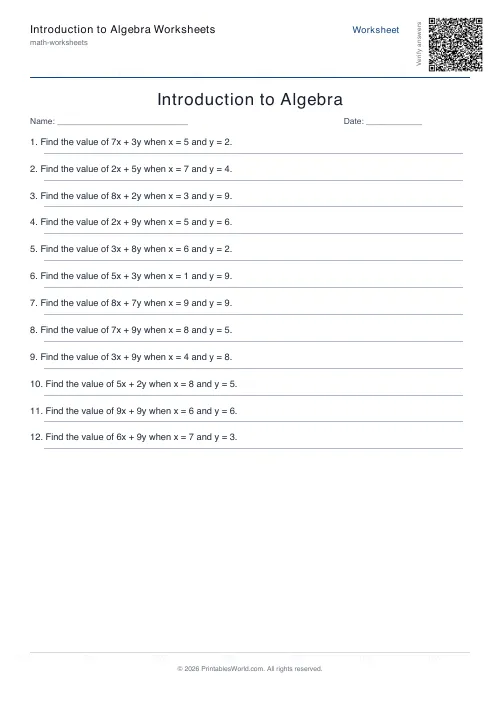
Introduction to Algebra Worksheets
Printable beginner algebra practice. Evaluate, simplify, and substitute.
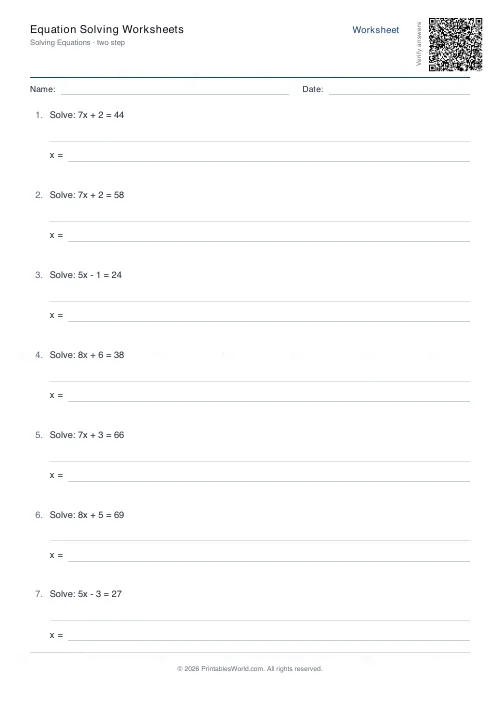
Equation Solving Worksheets
Printable one-step and two-step linear equations to solve.
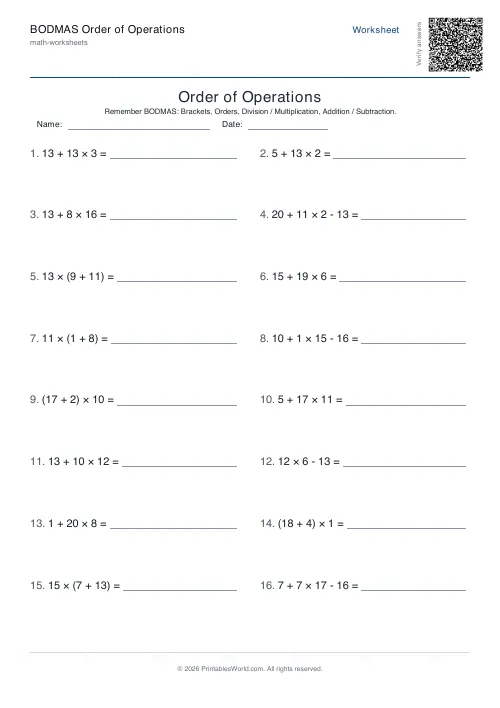
BODMAS Order of Operations Generator
Order-of-operations practice with brackets, exponents and mixed arithmetic.
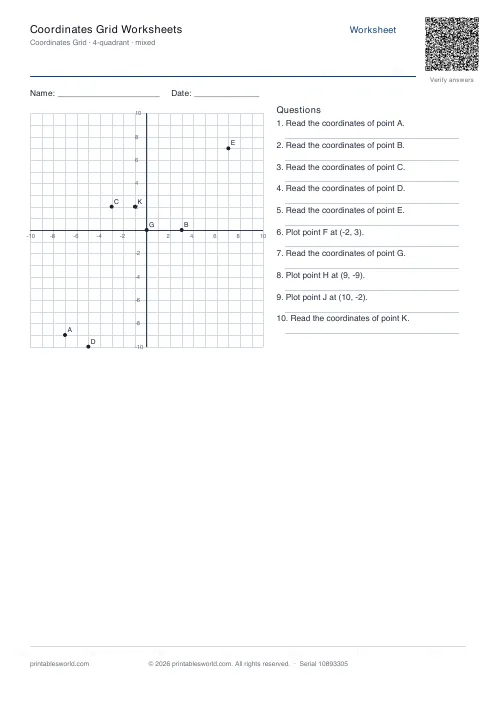
Coordinates Grid Worksheets
Create printable coordinate grid worksheets with 1-quadrant or 4-quadrant layouts.
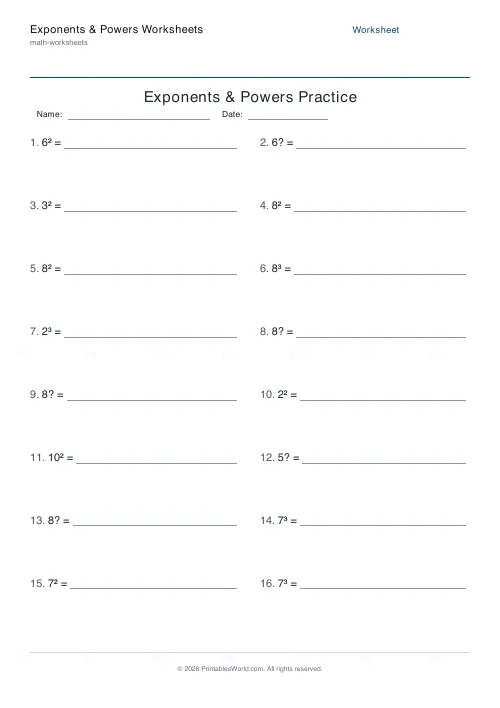
Exponents & Powers Worksheets
Generate worksheets to evaluate powers, simplify products and quotients, and raise a power to a power.
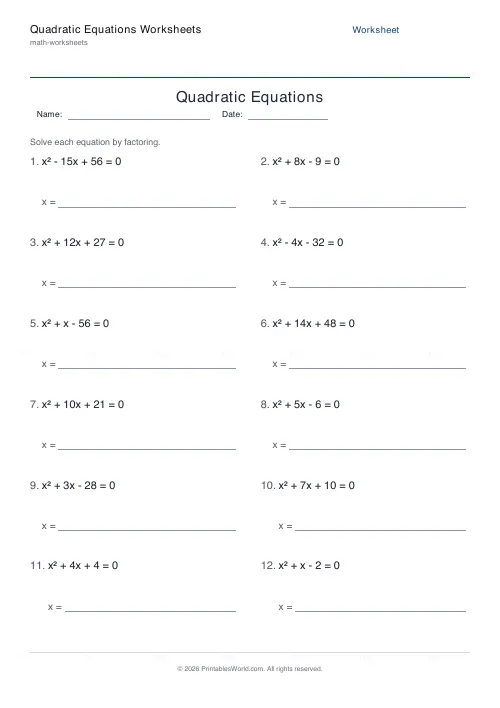
Quadratic Equations Worksheets
Generate printable quadratic equation worksheets with clean integer roots, solvable by factoring or the quadratic formula.
Further reading
More like this
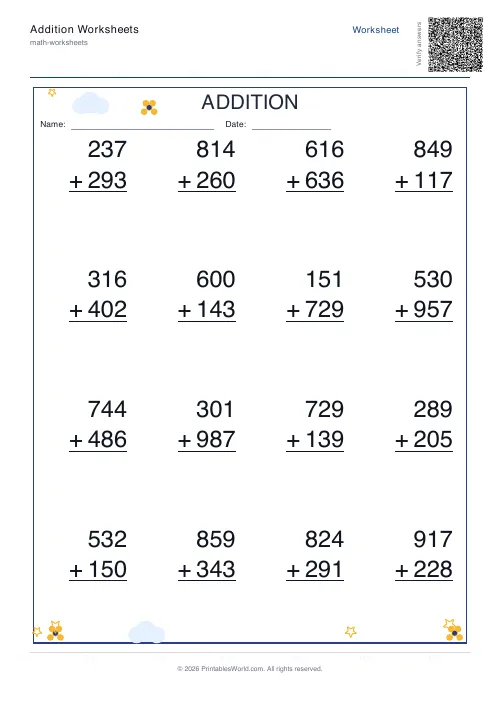 Addition Worksheets Generator
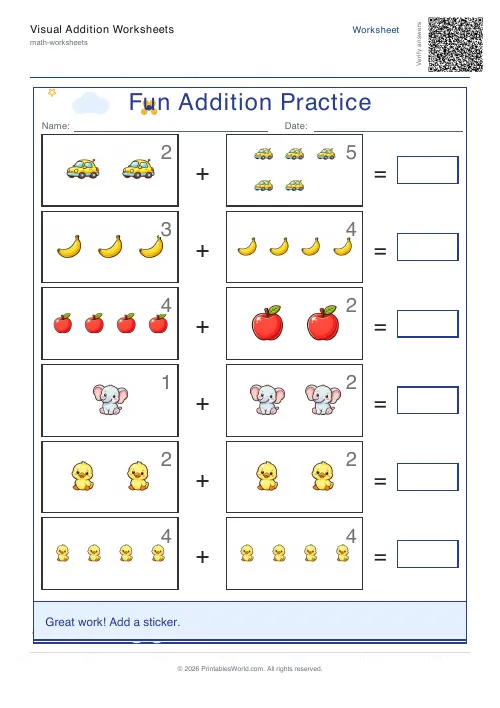 Visual Addition Worksheets Generator
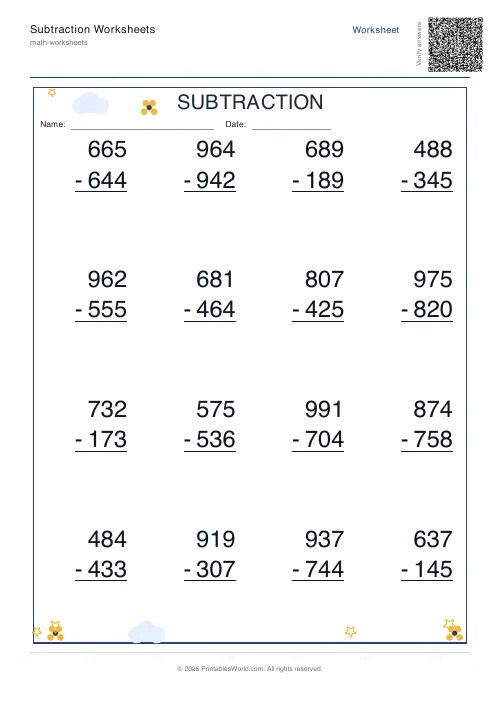 Subtraction Worksheets Generator
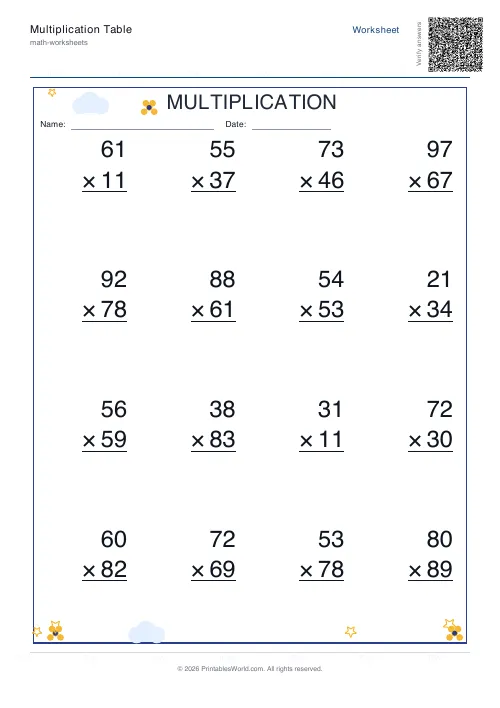 Multiplication Table Generator
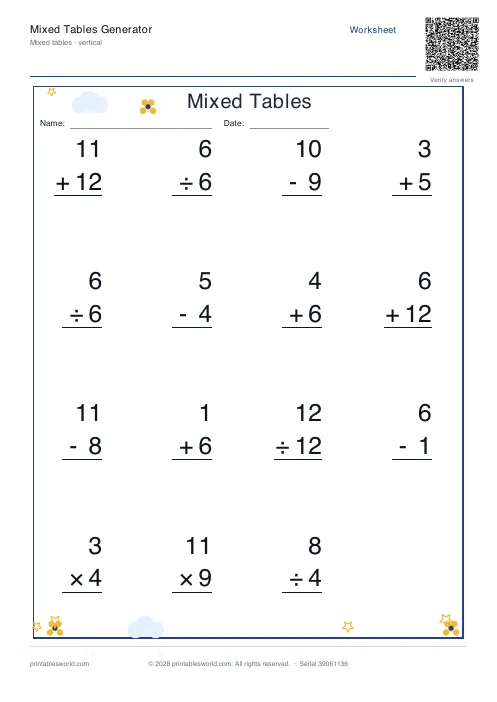 Mixed Tables Generator
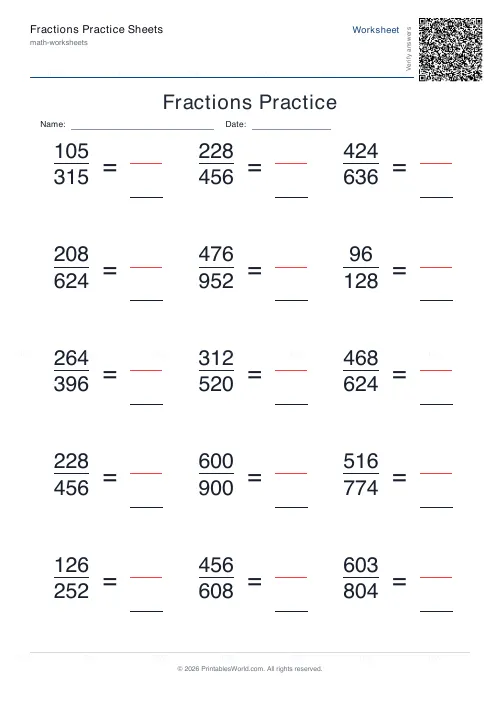 Fractions Practice Sheets Generator
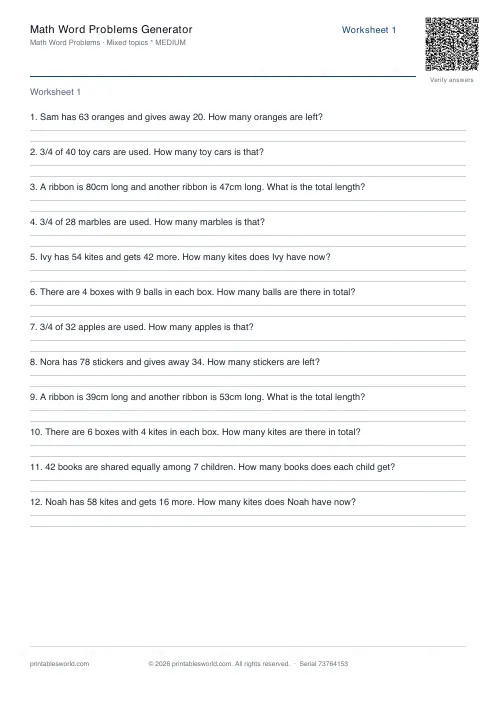 Math Word Problems Generator
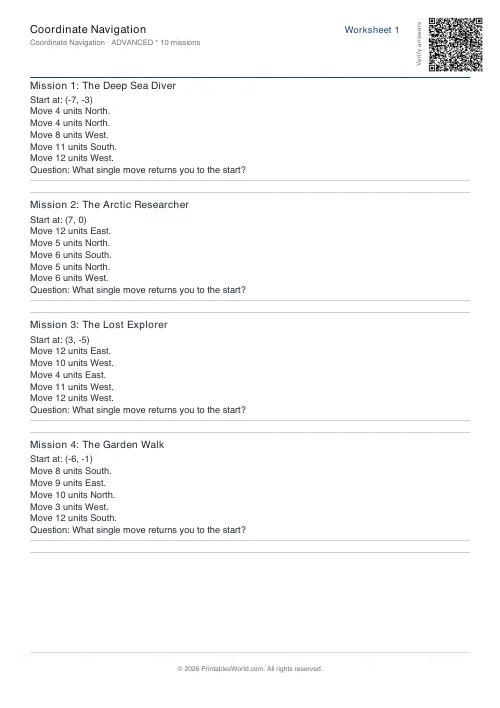 Coordinate Navigation Generator
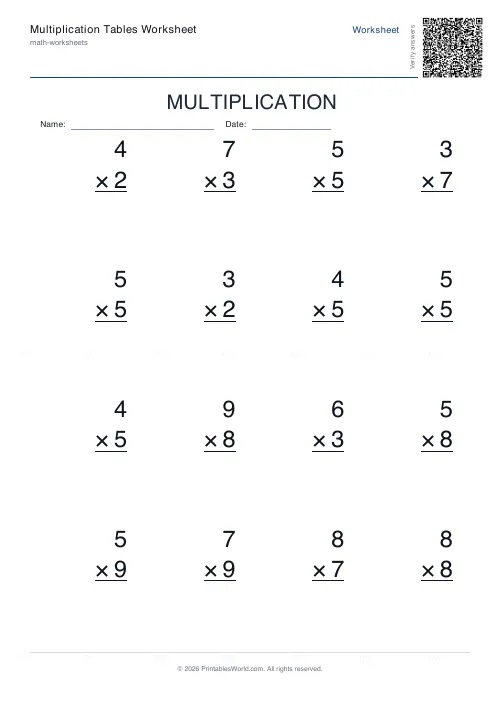 Multiplication Tables Worksheet
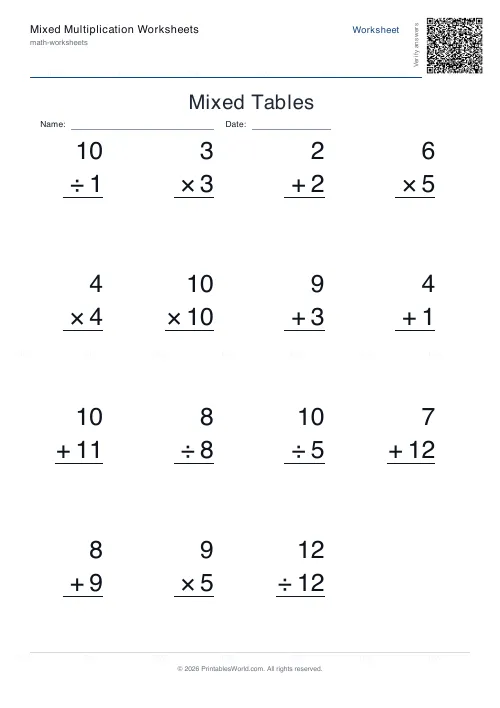 Mixed Multiplication Worksheets
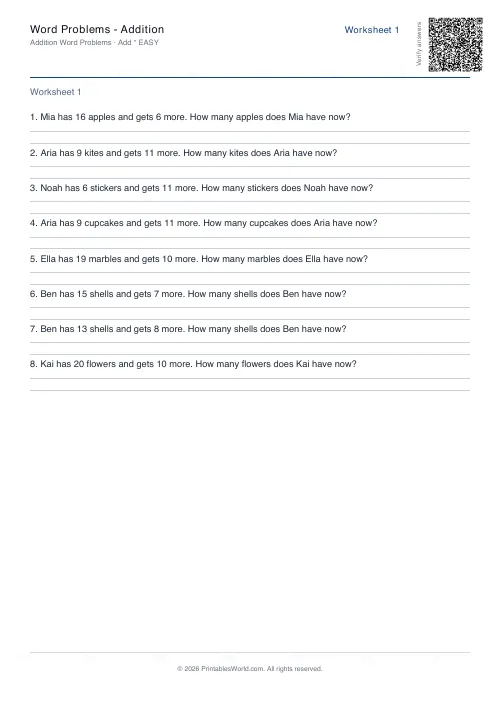 Word Problems: Addition
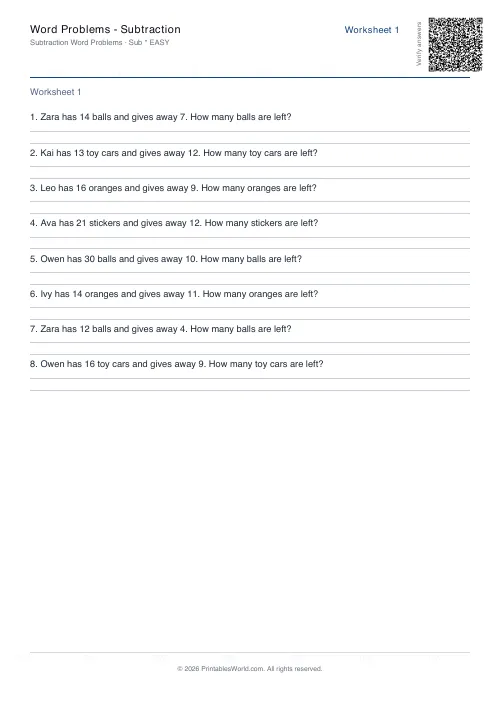 Word Problems: Subtraction
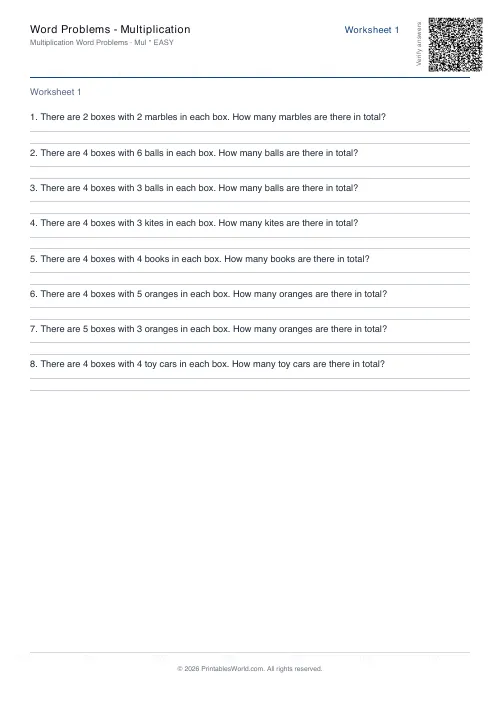 Word Problems: Multiplication
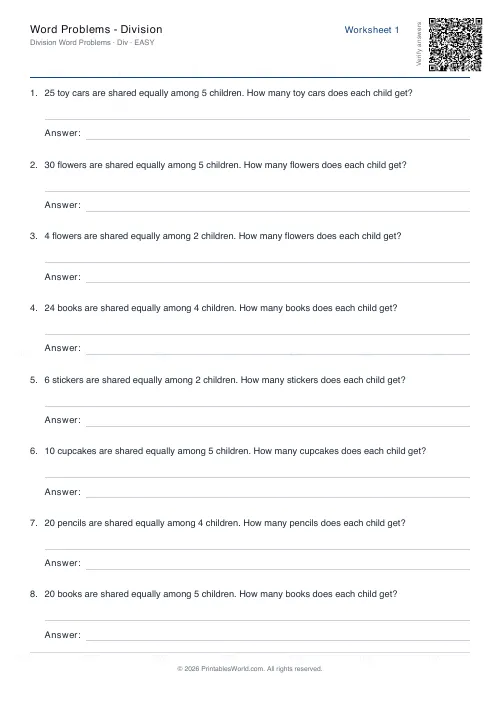 Word Problems: Division