What this tool does
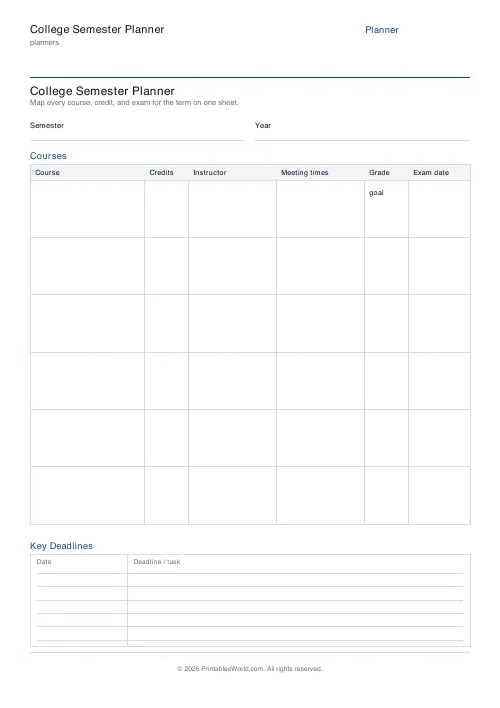
A term on one sheet: a course table with credits, instructor, meeting times, grade goal and exam date, plus a dated deadline list. 4 to 8 courses.
People also used
Feedback
Spotted something off with this tool?
Courses across the top, deadlines below
Six columns per course: course, credits, instructor, meeting times, grade goal, exam date. Four to eight courses. Underneath, a dated list of deadlines and tasks.
Fill it in during week one
Every syllabus lands in the first week, and every one of them is a separate document that will be opened once and then lost in a downloads folder.
Copy the dates onto one sheet while you still have all of them in front of you. It takes twenty minutes and it is the highest-value twenty minutes of the term, because from then on the whole semester is visible in one place instead of scattered across six.
What the single sheet shows you
Collisions. Three essays landing in the same November week, a lab report due the day after an exam, two exams on consecutive mornings.
Those weeks exist in every semester and they are entirely predictable from the syllabuses, which means they can be worked around — but only if somebody has put the dates side by side. Discovering them in November is discovering them too late.
Grade goal, honestly
That column exists to make you do arithmetic most students never do.
Work out what each assessment is worth. A piece carrying 5% is not worth three days, and a final worth 50% is worth considerably more attention than it usually gets in the fortnight it is set. Writing the target grade beside the credits is what turns effort into something allocated rather than something spent on whatever is most urgent.
Credits are the load
Write them in, and total them. A semester's credit count is the best single predictor of how hard that semester will be, and it is a number you can know in the first week rather than the sixth.
A heavy load and a job and a sport is a combination people take on in September and reconsider in October, usually after something has gone wrong. Better to see the total on paper first.
Meeting times and instructor
These look like the dull columns and they are the ones you use weekly. Office hours in particular go unused mostly because nobody remembers when they are, and a sheet on the wall fixes exactly that.
Print it at the start, keep it visible
Above the desk, not in a folder. Cross deadlines off as they pass — a term where you can see what is already behind you is a considerably less stressful term than one where you cannot.
Related: the assignment tracker for the week-to-week detail, and the weekly planner for the hours themselves.
FAQs
Quick answers
How many courses can I list on one sheet?
Between 4 and 8 course rows. The default is 6, which suits a typical full-time load. The table row heights scale to fill the page whichever number you choose.
What columns does the courses table include?
Course, Credits, Instructor, Meeting times, Grade goal and Exam date. Everything you would otherwise dig out of six separate syllabi.
Where do I write the semester and year?
In the labelled Semester and Year fields at the top of the sheet. The title itself is set in the tool; the semester and year are handwritten so you can reuse the same printout style each term.
Is this a fillable PDF?
No. It prints as a clean worksheet you complete by hand. That keeps it universal, works offline, and needs no PDF editor.
Can I total my credit hours?
Yes. The Credits column lines up down the table so you can add your credit hours or units and confirm you are at the right load for the term.
What is the Key Deadlines list for?
It is a dated list at the bottom for term-wide milestones. Add/drop dates, midterms, paper due dates, project demos, withdrawal cutoffs and finals. Kept on the same page as your courses.
Which paper sizes are supported?
A4 and US Letter. Print at 100% scale so the table columns and deadline lines stay aligned on the page.
Related tools
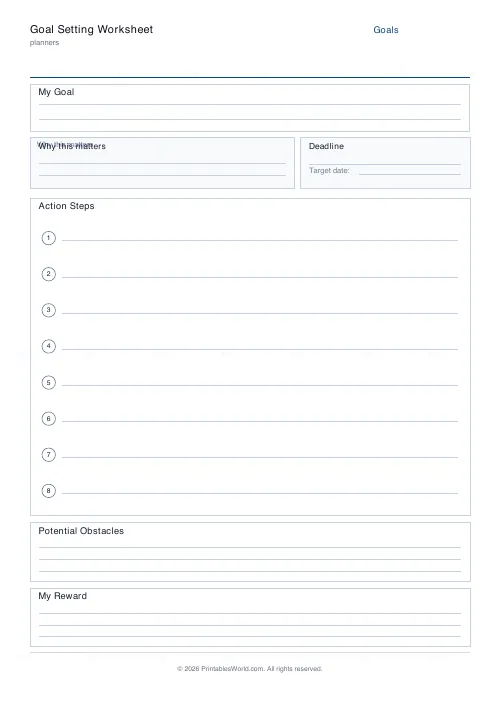
Goal Setting Worksheet
One-page goal worksheet: goal, why, deadline, steps, obstacles, and rewards.
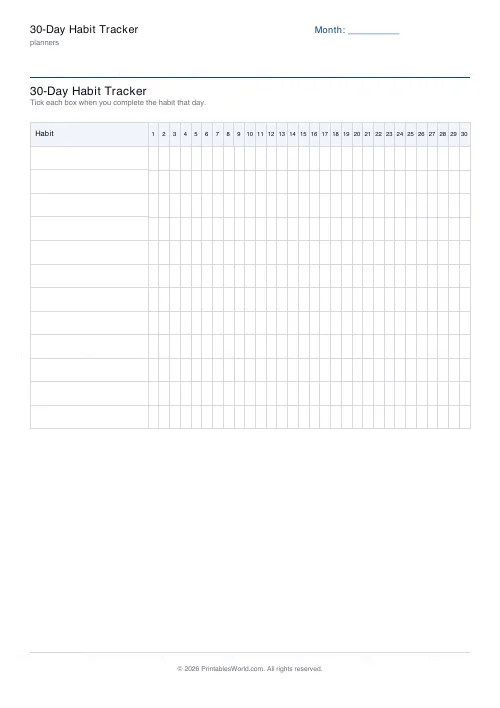
30-Day Habit Tracker
A printable 30-day habit grid to tick off every morning. One row per habit.
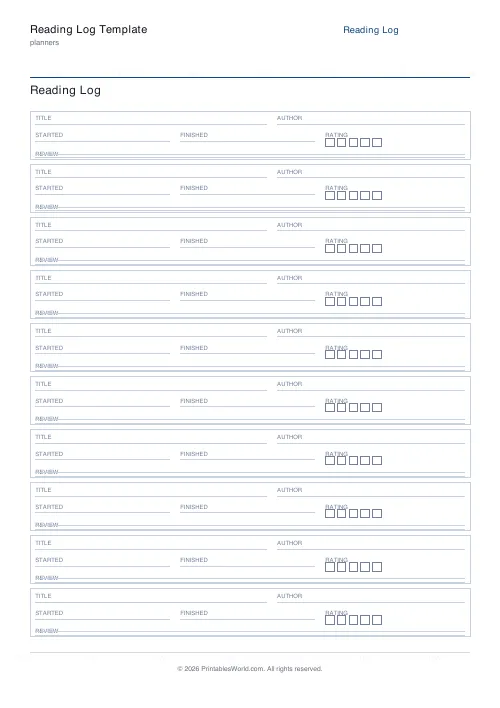
Reading Log Template
Printable reading log. Track titles, authors, dates, ratings, and reviews.
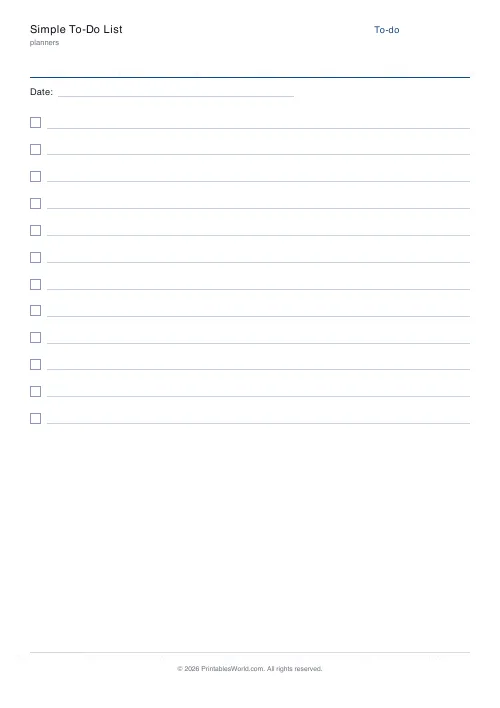
Simple To-Do List
Minimal printable to-do list with tick boxes and a configurable item count.
Further reading
Planners
Study planning for exams: a student's complete guide
A revision timetable is only as good as what goes in the slots. Here is how to build one backwards from the exam date, and which study methods the evidence actually supports.
5 min read
Planners
ADHD-friendly planning: systems that work
Standard planners assume you will remember to open them. That single assumption is why they fail for a lot of ADHD brains. And what an ADHD-friendly system has to replace.
6 min read
Planners
How to pay off debt faster with a payoff tracker
One method costs less; the other is easier to stick to. Here is how to choose between them honestly, and why a visual tracker changes the odds either way.
5 min read