What this tool does
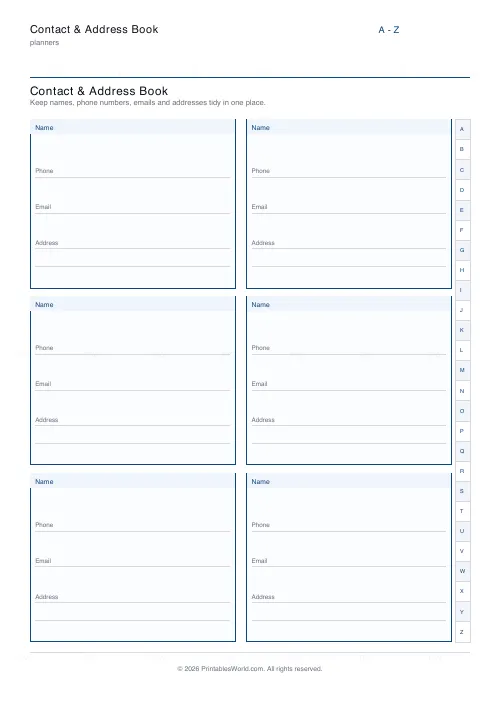
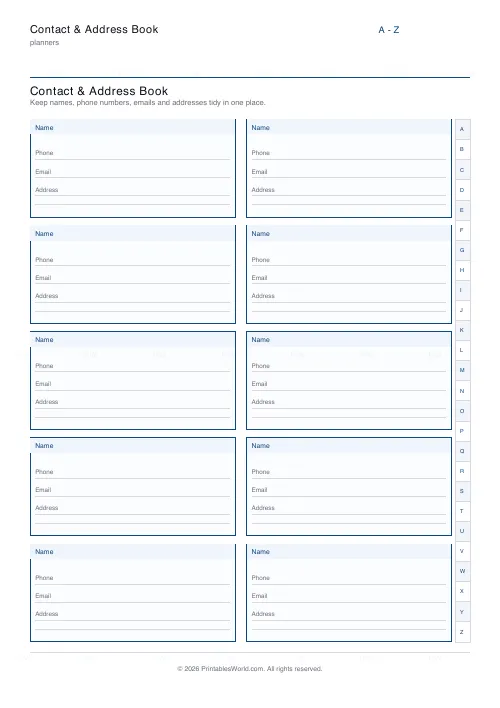
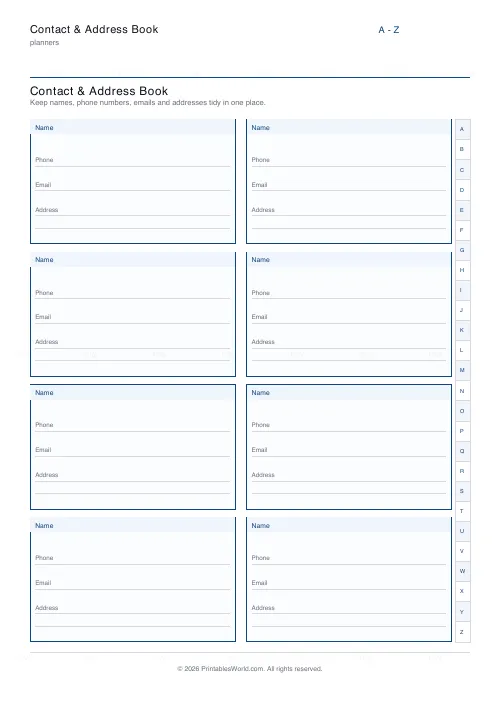
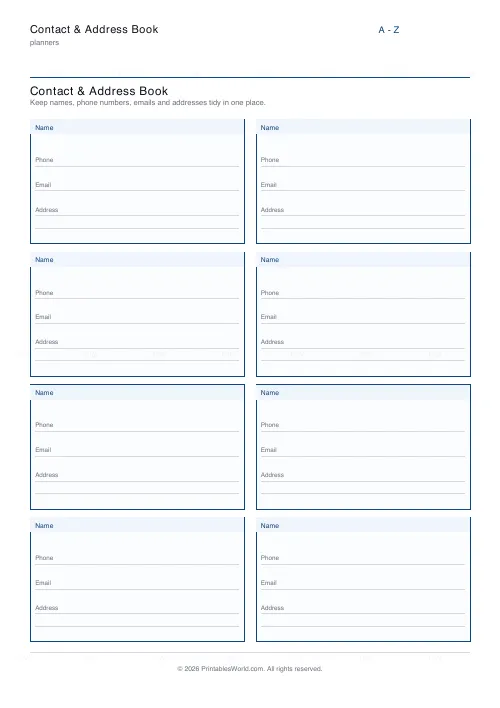
A page of contact blocks with labelled lines: name, phone, email, address. 4 to 12 blocks a page, and an A–Z tab strip down the right edge if you want one.
People also used
Feedback
Spotted something off with this tool?
Blocks, not rows
Each contact gets a block of its own, with labelled ruled lines: name, phone, email, address. Eight to a page by default. Four to twelve available, plus an alphabet tab strip down the right edge that you can turn off.
Fewer blocks, bigger writing space. That matters if the book is for someone whose handwriting has got larger.
Why anyone still wants one on paper
Because a phone is a single point of failure. Everyone discovers this at the same moment.
It is lost, or dead, or wiped, and with it goes every number you had — including the ones you would need in order to sort out the phone itself. Almost nobody knows a friend's number by heart any more. That is a genuinely new situation and a fragile one, and a page in a drawer does not care about battery life or a forgotten cloud password.
Where it is actively useful
Emergency contacts by the landline, for anyone in the house, babysitters included. Elderly relatives, for whom a printed book beats a phone menu comfortably. Children who need to reach a parent from a school office.
Community groups, clubs, a village hall committee. Anywhere at all that a shared list has to exist somewhere other than on one particular person's device, which is the situation every committee eventually finds itself in when that person resigns.
The tab strip
Print several pages, one per letter group, and the tabs turn a stack of sheets into a book you can actually navigate. Turn them off for a single-page emergency list, where they are clutter.
Alphabetise by surname. It is the convention for a reason: a book sorted by first name works only for the person who wrote it.
Writing it
Pencil, so that a house move does not cost you a whole page. Put country codes on mobile numbers: a number written without one is unusable from abroad, which is precisely the situation in which you will want it.
Write relationships beside the names on an emergency sheet. "Margaret — next door, has a spare key" tells whoever picks the sheet up exactly what they need to know, and a bare name tells them nothing at all.
One caution
This page holds other people's personal details. Those are theirs, not yours. Keep it somewhere sensible, and shred it rather than binning it when it goes out of date.
FAQs
Quick answers
How many contacts fit on one page?
Choose between 4 and 12 contact blocks per page. Fewer blocks leave more writing room per contact; more blocks fit a longer list.
What does the A–Z tab strip do?
It prints alphabet tabs down the right edge so a stack of printed pages reads like a traditional address book. You can turn it off if you prefer a plain grid.
What does each contact block include?
A shaded name bar plus labelled ruled lines for phone, email and address, with two lines for the address so a full postal address fits.
Can I print several pages for a full address book?
Yes. Print as many copies as you need at 100% scale and file them together. Group pages by letter using the A–Z tabs.
Related tools
Further reading