What this tool does
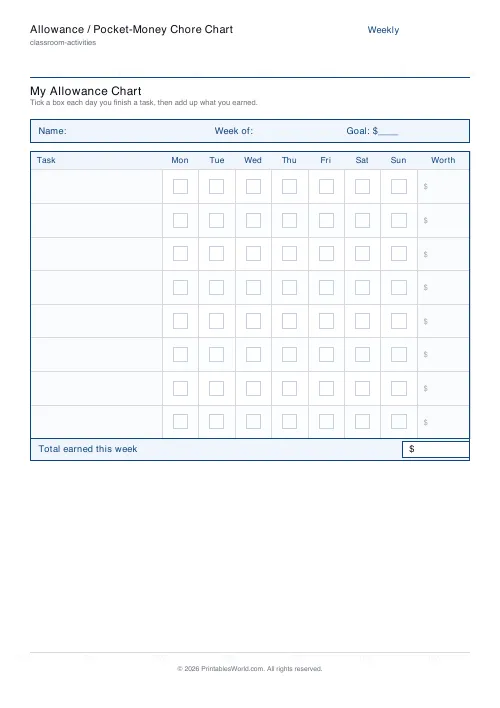
A chore chart that pays: tasks down the side, seven days across, tick boxes between, and a "worth" column in your currency. Carries a weekly goal and a total-earned box.
People also used
Reward Coupons / Brag Tags
Print a sheet of cut-out reward coupons and brag tags.
Behavior Chart for Kids (Daily / Weekly)
Printable daily or weekly behavior chart for children. Behaviors and goals down the side, days or time slots across the top.
KWL Chart Template
Three-column "Know, Want to Know, Learned" graphic organiser, fillable and printable.
Feedback
Spotted something off with this tool?
What it looks like
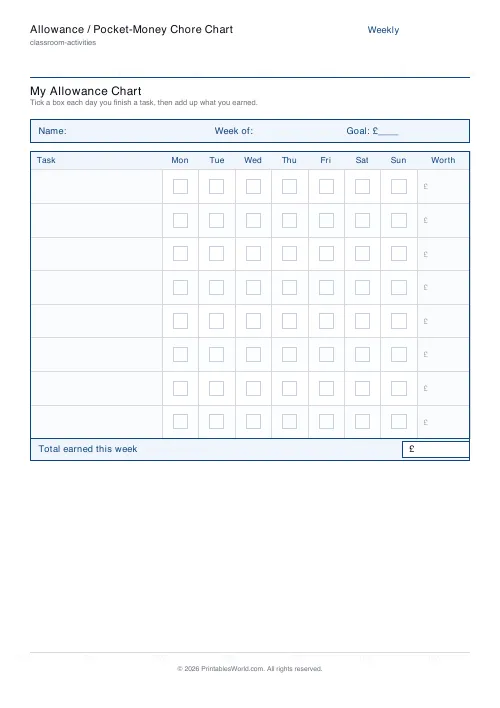
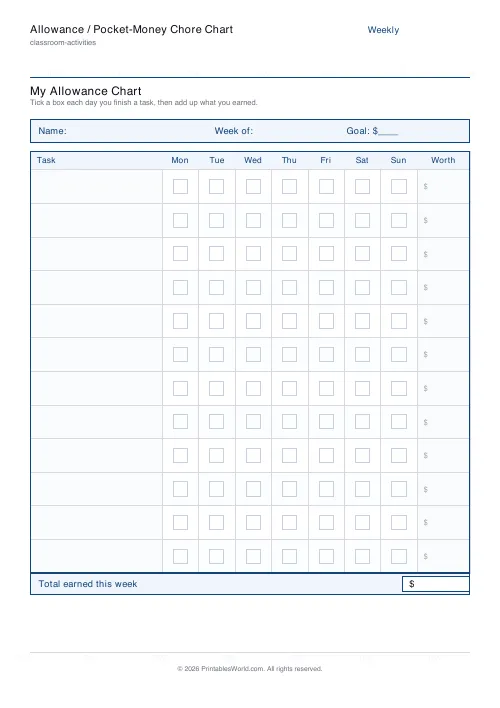
Eight task rows by default, which you fill in yourself, running against seven day columns of tick boxes. On the right, a money column: what each task is worth.
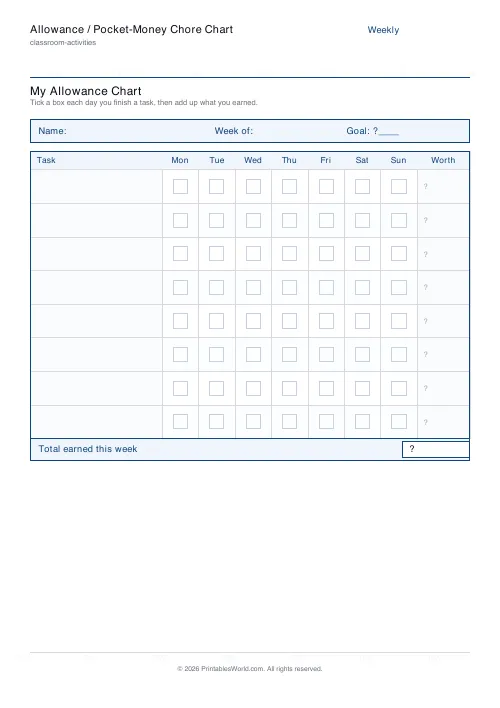
Across the top: the child's name, a weekly goal, and a box for the total earned. The currency symbol is yours to set, so the sheet works in pounds or dollars or euros with no conversion going on in anyone's head.
Money makes the chart real
A sticker chart runs on approval. This one runs on arithmetic, and that changes what the child is learning.
Once a task has a price, the choice is theirs: do the thing, or do not, and see the consequence in a column of numbers on Sunday. That is a lesson about work and money rather than about pleasing an adult, and it is one children take up surprisingly readily, because for once the terms are written down and cannot be changed halfway through the week.
Setting the rates
Small, and consistent. Twenty pence for the bins, fifty for hoovering, a pound for washing the car.
Two failure modes. Rates so low that a full week of work barely buys a chocolate bar, which reads as an insult and will be treated as one. Or rates so high that the household budget cannot survive a genuinely enthusiastic fortnight, which ends with an adult quietly renegotiating and the whole arrangement losing its authority.
Test the maths before printing: multiply every rate by seven, add them up, and decide whether you could actually pay that.
What should and should not be on it
The usual advice is good advice: some jobs are simply part of being in a family. Clearing your own plate. Putting your washing in the basket, keeping your room habitable.
The paid list is the extra work — the things an adult would otherwise do. Washing the car, weeding, cleaning the bathroom, walking the dog on a wet Wednesday. Keeping that line clear avoids the position where a child expects to be paid for existing tidily.
The weekly goal
Fill in the goal box with what they are saving for, in their words. A specific object at a known price does more for persistence than an abstract sum, and it makes the arithmetic worth doing: four more weeks at this rate, or three if the car gets washed.
Pay on the same day every week and pay in cash if you can. Counting real coins is half the education.
Related
The screen-time chart is the same idea with minutes as the currency. For younger children who are not ready for money, reward punch cards.
FAQs
Quick answers
How many tasks should I list?
Pick 5 to 12. Younger children do well with 5–6 simple tasks; older children can handle up to 12 with different pay values.
Does the chart add up the money for me?
No. The 'Worth' column and 'Total earned this week' box are left blank so the child can fill them in by hand. Tallying the week is part of the money-skills practice.
Can I change the currency symbol?
Yes. Enter any short symbol such as $, £ or € and it appears in the goal strip, the Worth column and the total box.
Can I print a blank chart and fill it in by hand?
Yes. Leave the Tasks list blank and the rows print empty, ready to write in. Handy if you rotate jobs each week.
Related tools
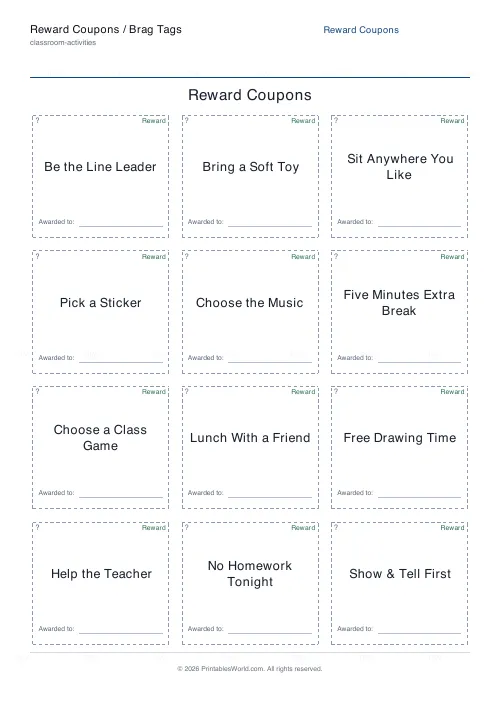
Reward Coupons / Brag Tags
Print a sheet of cut-out reward coupons and brag tags.
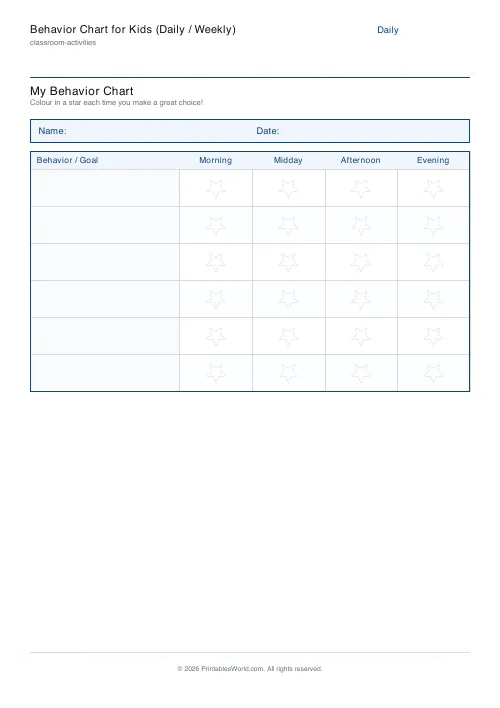
Behavior Chart for Kids (Daily / Weekly)
Printable daily or weekly behavior chart for children. Behaviors and goals down the side, days or time slots across the top.
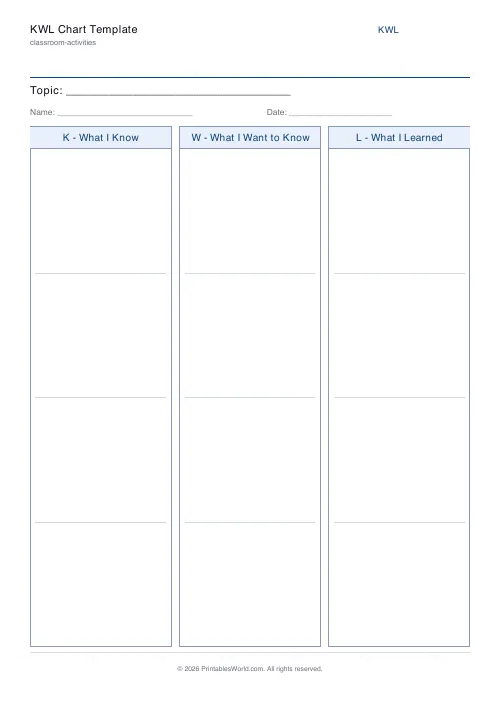
KWL Chart Template
Three-column "Know, Want to Know, Learned" graphic organiser, fillable and printable.
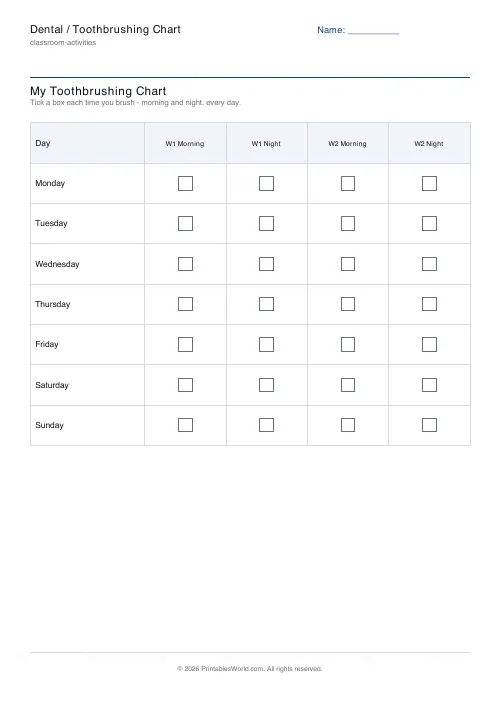
Dental / Toothbrushing Chart
Printable toothbrushing chart with morning and night tick boxes for every day of the week.
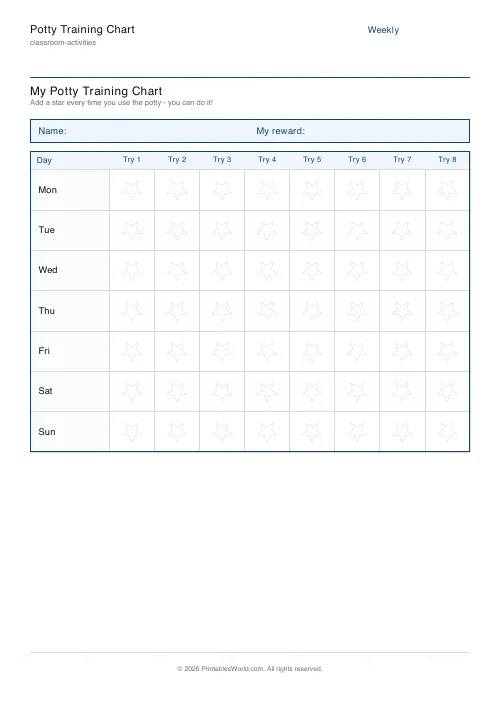
Potty Training Chart
Printable potty training reward chart. 7 days × potty-time star boxes for toddlers.
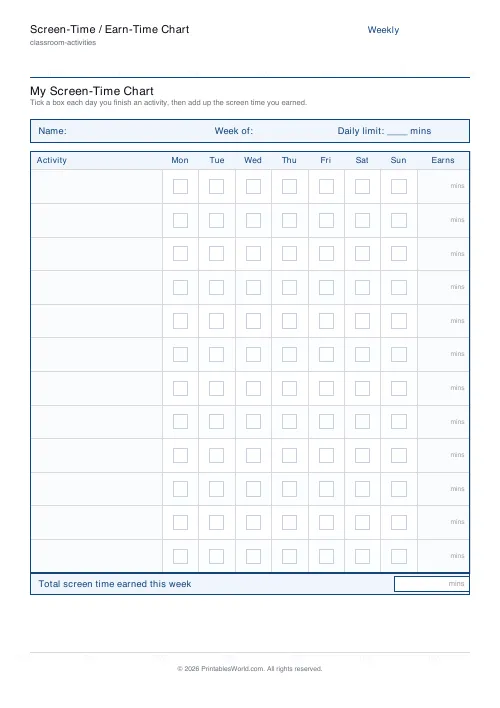
Screen-Time / Earn-Time Chart
Printable screen-time chart. Earn-time activities × 7 days of tick boxes, an earns column and a weekly total.
Further reading
Classroom Activities
How to run a classroom economy (free printables)
A classroom economy teaches money, work and choice at once. But it collapses if the maths is wrong. Here is how to set the numbers, and the four pitfalls to avoid.
5 min read
Planners
Chore charts that motivate kids (without nagging)
Most chore charts fail for the same three reasons. Here is what to put on one by age, whether to attach money, and how to stop being the person who remembers everything.
5 min read
Classroom Activities
Positive reinforcement in the classroom: charts that work
Reward charts work when they name a specific behaviour and fade over time. They backfire when they rank children publicly. Here is the difference in practice.
5 min read