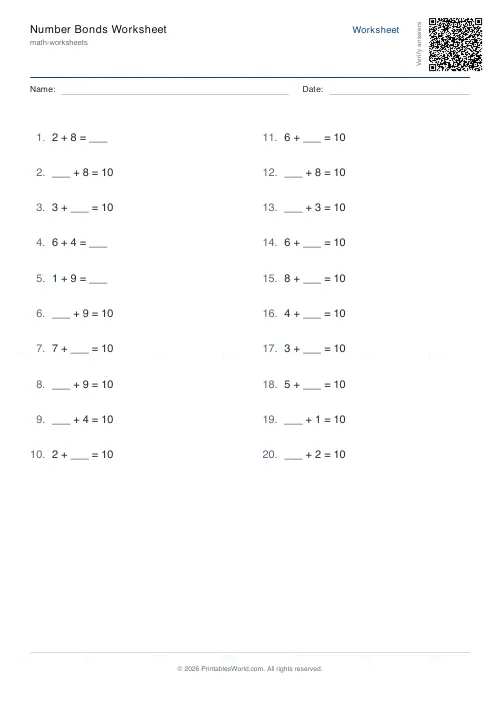
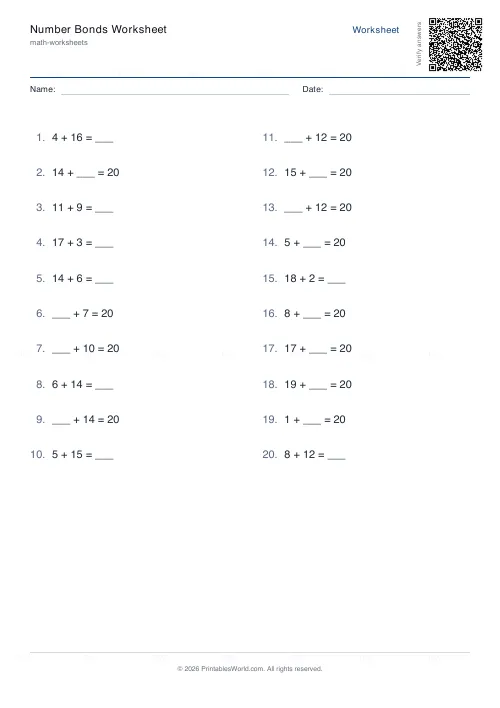
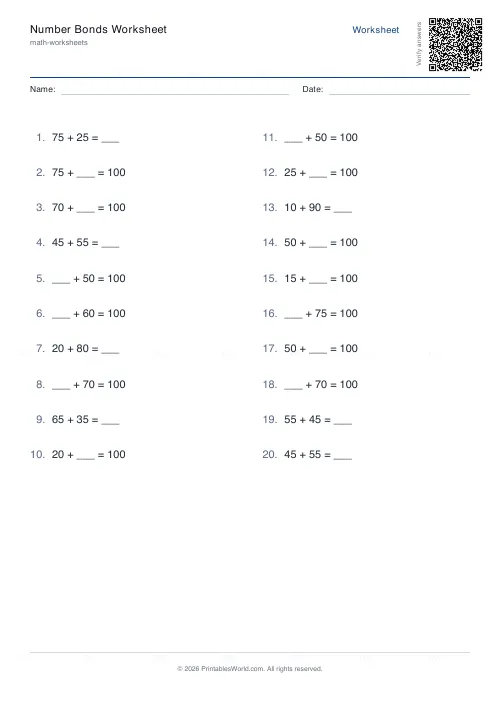
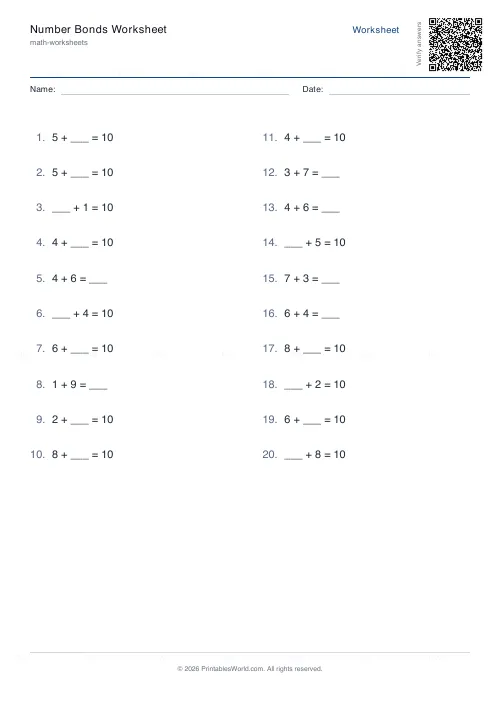
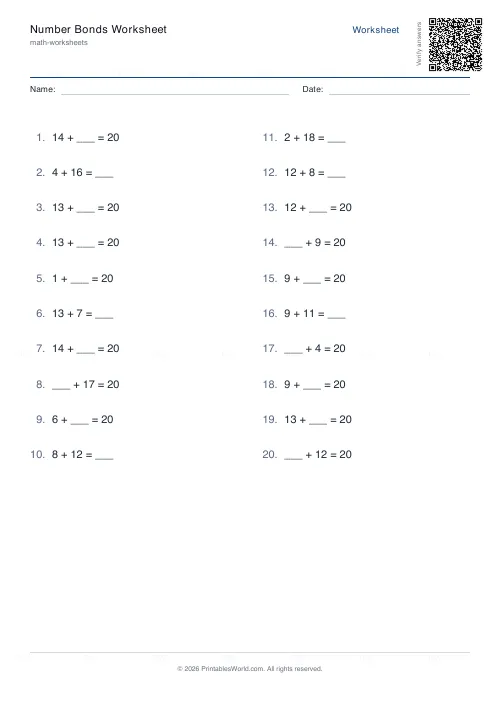
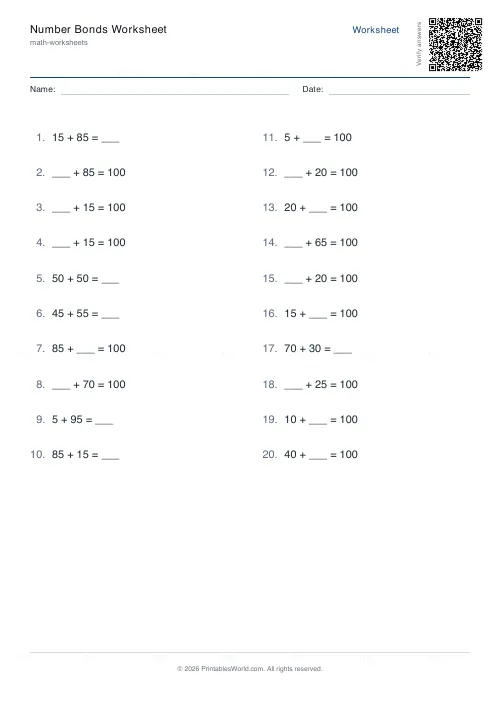
What this tool does
Missing-number practice bonded to 10, 20 or 100 — "7 + ___ = 10", "___ + 40 = 100". The gap moves between the two positions, and there is an answer key.
People also used
Missing Numbers Worksheet Generator
Free printable fill-in-the-missing-number worksheets for addition, subtraction, multiplication and division.
Fact Families Worksheet Generator
Generate printable fact family worksheets for addition, subtraction, multiplication and division practice.
Addition Worksheets Generator
Free printable addition worksheets in tables or line-by-line layouts.
Feedback
Spotted something off with this tool?
The gap moves
Every question is an addition with one number missing, and the missing one is not always in the same place. Sometimes it is the second term, sometimes the first, so a pupil cannot fall into answering by position.
Choose whether the bond is to 10, to 20 or to 100. Set the question count and print the answer key if you want it.
What a number bond is
A pair that makes a total. Six and four make ten. Thirty and seventy make a hundred.
These are the facts everything else is built on. A child who knows their bonds to ten does not calculate 6 + 4 — they recall it, instantly, and the working memory that would have gone into counting is free for whatever the actual question was about. That difference compounds every year afterwards.
Ten first, and thoroughly
There are only eleven bonds to ten, counting zero, and they should be as automatic as a name.
Do not move on early. A child who is still counting on their fingers for 7 + 3 is not ready for twenty, and pushing forward means building the next layer on something that needs conscious effort. Ten is the foundation because our whole number system is, which is why bonds to a hundred come so easily once bonds to ten are secure — 30 and 70 is 3 and 7 wearing a nought.
Twenty, and the bridging trick
Bonds to twenty are where the payoff starts to show.
Asked for 8 + 5, a fluent child does not count. They take 2 from the 5 to make the 8 into 10, then add the remaining 3, and arrive at 13. That method — bridging through ten — is unavailable to anyone who does not know instantly that 8 needs 2, which is a bond to ten. The whole of mental addition rests on this one piece.
A hundred
The practical one. Change from a pound. Change from a note. Percentages, and every rough estimate anybody has ever made standing in a shop.
Watch for the classic error: asked what goes with 45 to make 100, children say 65, because they do the tens and the ones separately and forget the carry. Counting up — 45 to 50 is 5, 50 to 100 is 50, so 55 — avoids it, and is worth teaching explicitly.
How to practise
Short and daily. Twenty questions in three minutes beats a hundred once a week, and the point is speed of recall rather than the ability to work it out.
Say them aloud as well as writing them. And when a sheet comes back fully correct but slowly, that is not yet fluency — run it again next week and watch the time.
FAQs
Quick answers
Can I print the same worksheet twice?
Yes. Type a word or number into the seed field before you generate. As long as you use the same seed and settings, the tool will produce an identical set of problems every time.
How many problems fit on one page?
The layout arranges problems in two columns. Around 24–30 problems fit comfortably on a single page, depending on paper size and margins. If you request more, the generator adds extra pages automatically.
Why does the bonds-to-100 option only use multiples of five?
Stepping by fives (5, 10, 15… 95, 100) keeps mental arithmetic manageable for learners who are still building fluency. It avoids tricky complements like 37 + 63 that require regrouping.
Can I turn off the name and date fields?
Yes. Toggle the "Show name and date" option off in the generator. The worksheet will print without those lines, giving you a cleaner header.
Does the answer key appear on the same page as the questions?
No. If you include the answer key, it prints on a separate page at the end of the PDF. This lets you hand out question sheets to students and keep the answers for marking.
What if I want bonds that include zero?
The engine starts at 1 and goes up to the target minus one, so you will see problems like "1 + 9 = 10" but not "0 + 10 = 10". This keeps practice focused on non-trivial pairs.
Can I mix bonds to 10, 20 and 100 on the same worksheet?
Not in a single run. Each worksheet focuses on one target total. To create mixed practice, generate separate PDFs for each total and print the pages you need.
Related tools
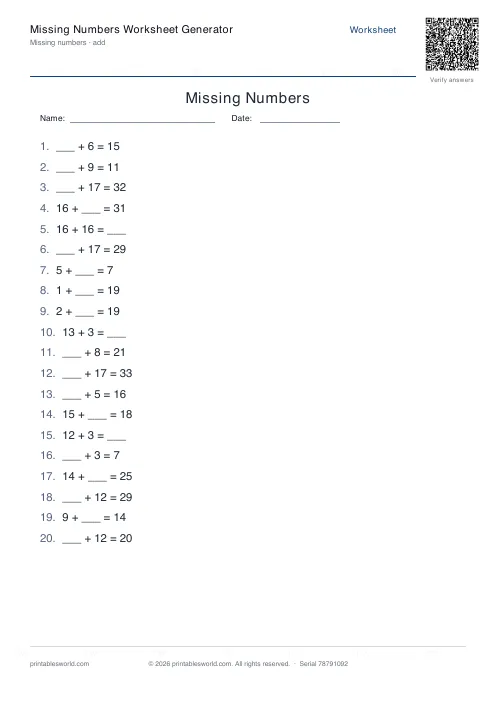
Missing Numbers Worksheet Generator
Free printable fill-in-the-missing-number worksheets for addition, subtraction, multiplication and division.
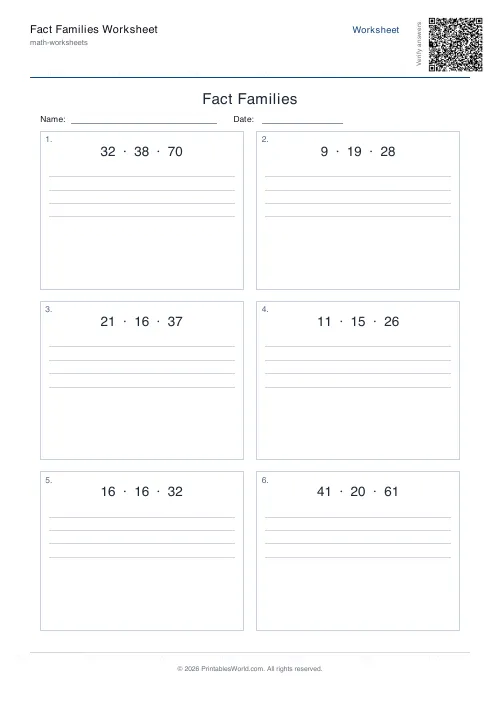
Fact Families Worksheet Generator
Generate printable fact family worksheets for addition, subtraction, multiplication and division practice.
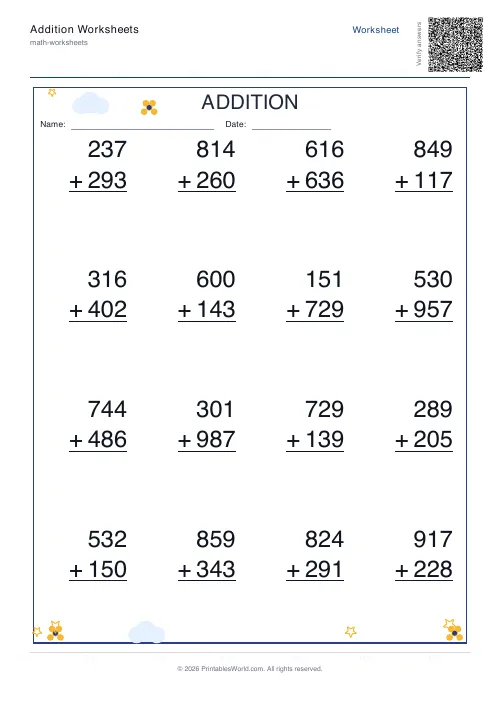
Addition Worksheets Generator
Free printable addition worksheets in tables or line-by-line layouts.
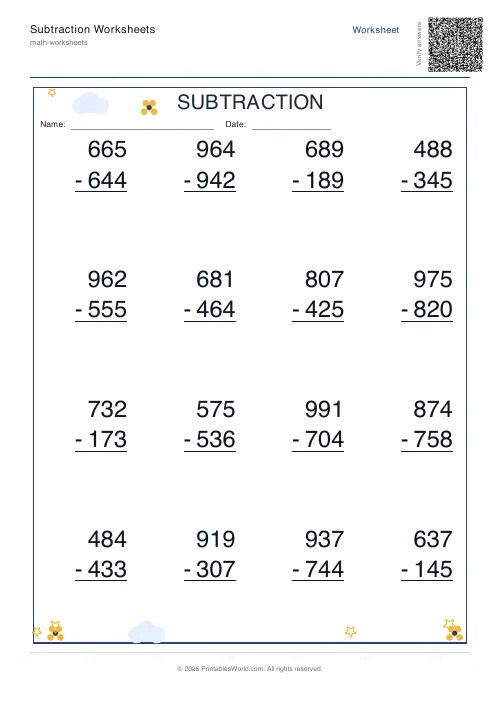
Subtraction Worksheets Generator
Free printable subtraction worksheets in tables or line-by-line layouts.
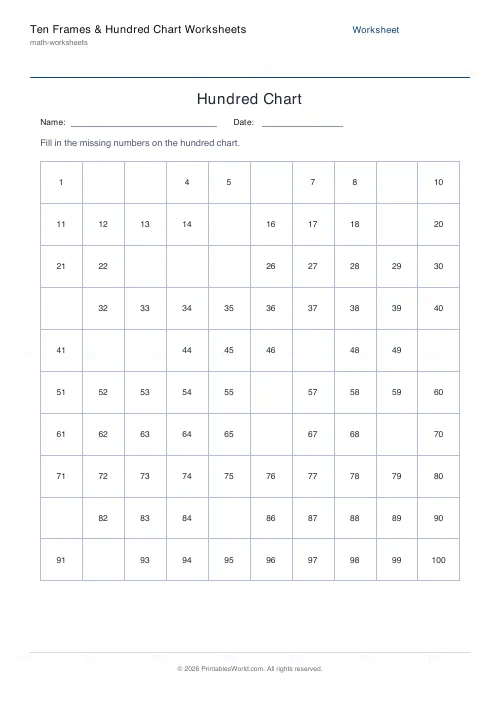
Ten Frames & Hundred Chart Worksheets
Build number sense with ten frames and hundred squares.
Further reading
Math Worksheets
Ten frames and number bonds: early maths foundations
A ten frame is two rows of five. That arrangement does something a row of counters cannot. It makes quantities visible without counting, which is where number sense starts.
5 min read
Math Worksheets
Addition strategies: number lines, regrouping and more
Column addition is the destination, not the route. Here are the strategies that come before it, why each matters, and how to tell which one a child is actually using.
5 min read
Math Worksheets
How many maths worksheets per day? A parent's guide
The honest answer is less than most parents assume. And the number of questions matters less than whether the session ends well.
5 min read
More like this
- Addition Worksheets Generator
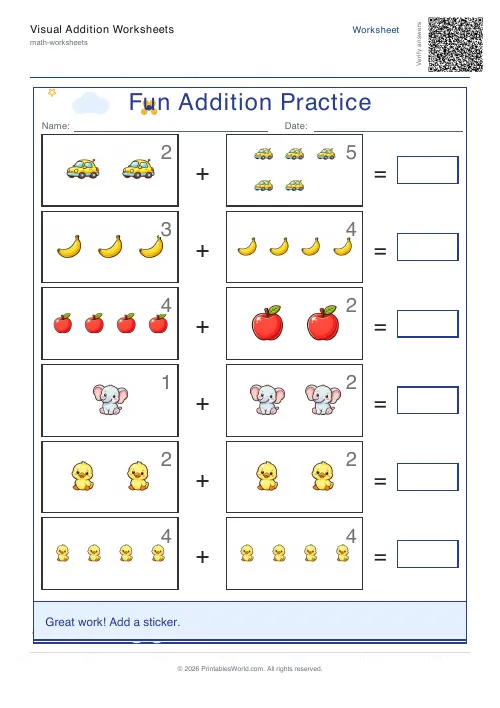 Visual Addition Worksheets Generator
- Subtraction Worksheets Generator
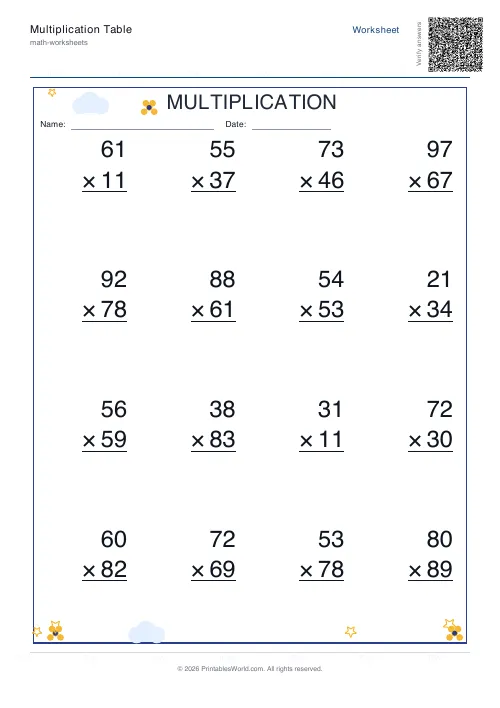 Multiplication Table Generator
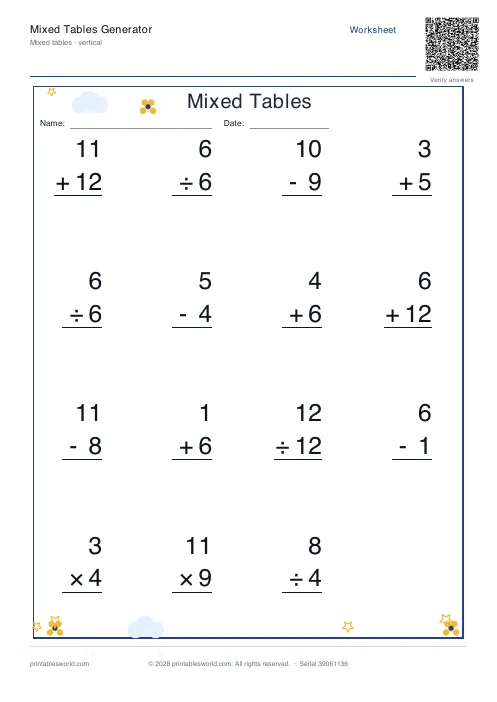 Mixed Tables Generator
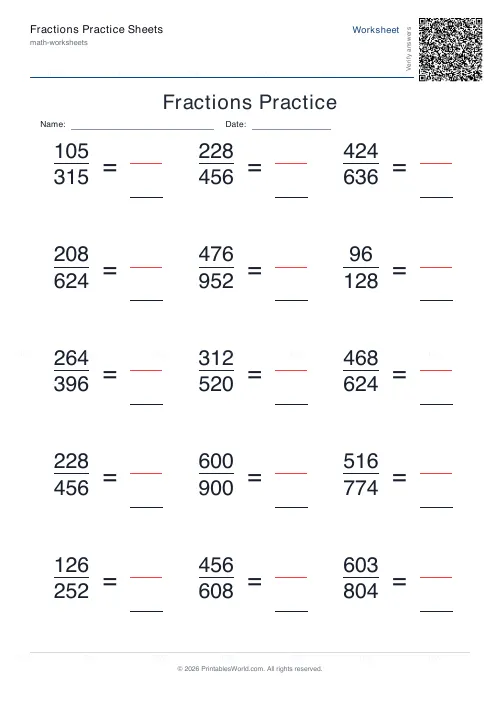 Fractions Practice Sheets Generator
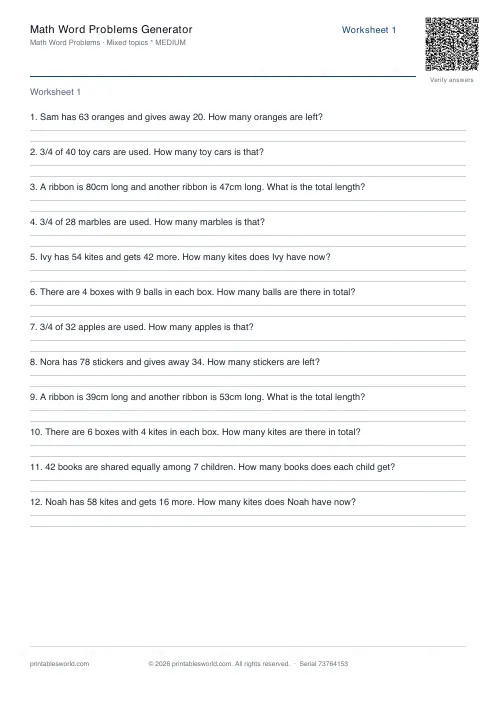 Math Word Problems Generator
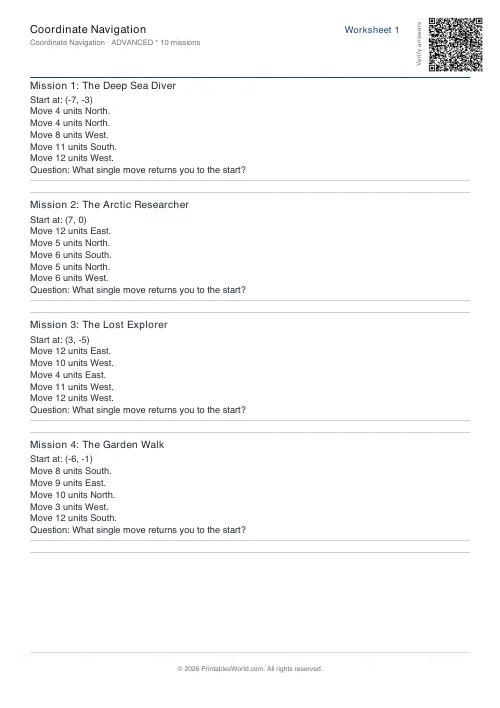 Coordinate Navigation Generator
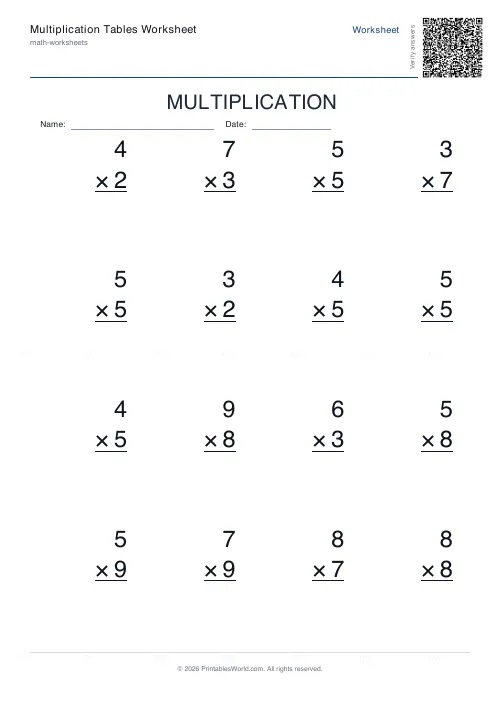 Multiplication Tables Worksheet
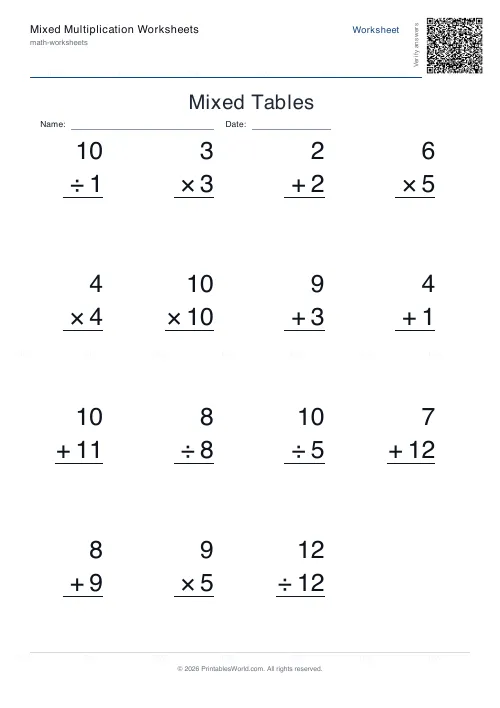 Mixed Multiplication Worksheets
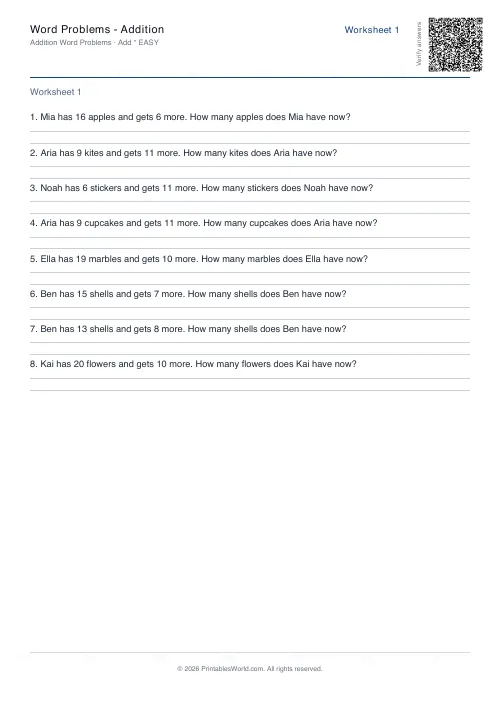 Word Problems: Addition
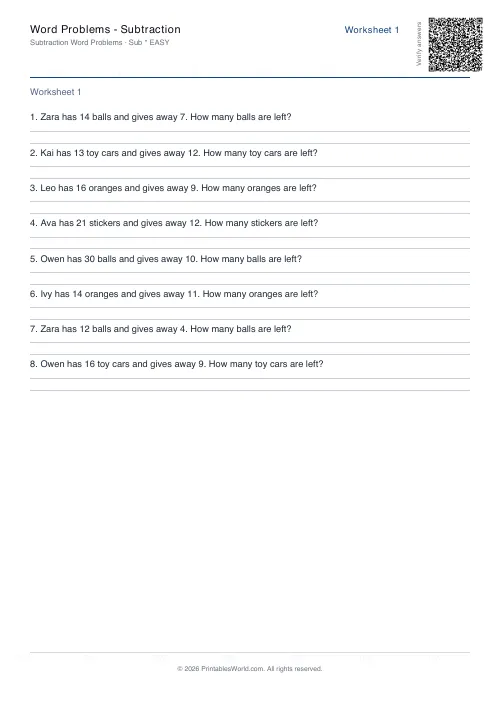 Word Problems: Subtraction
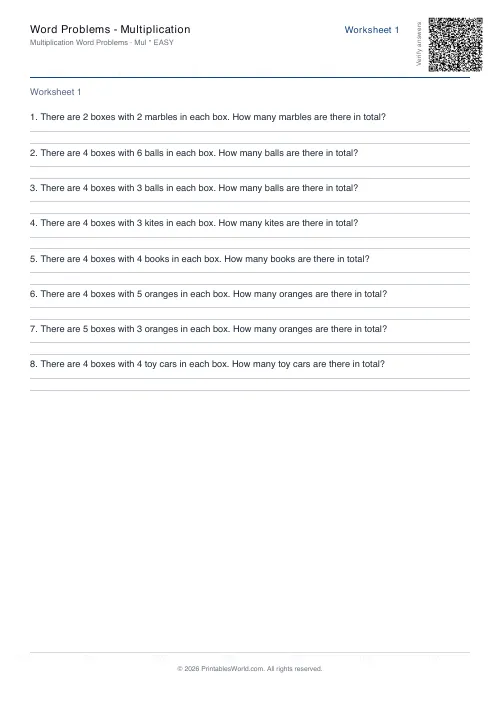 Word Problems: Multiplication
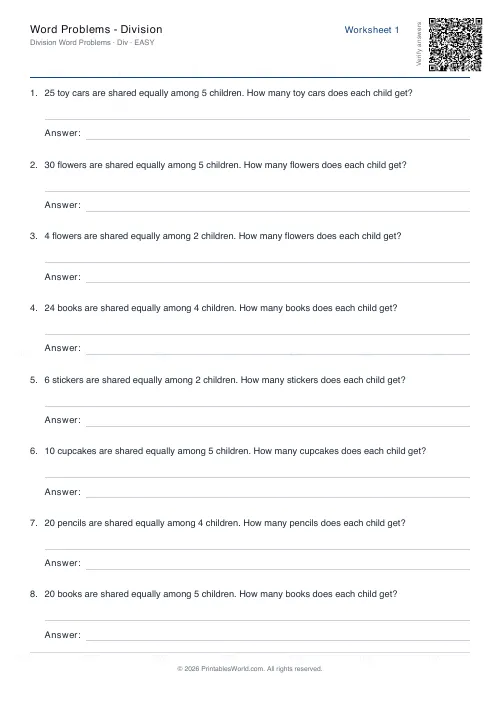 Word Problems: Division