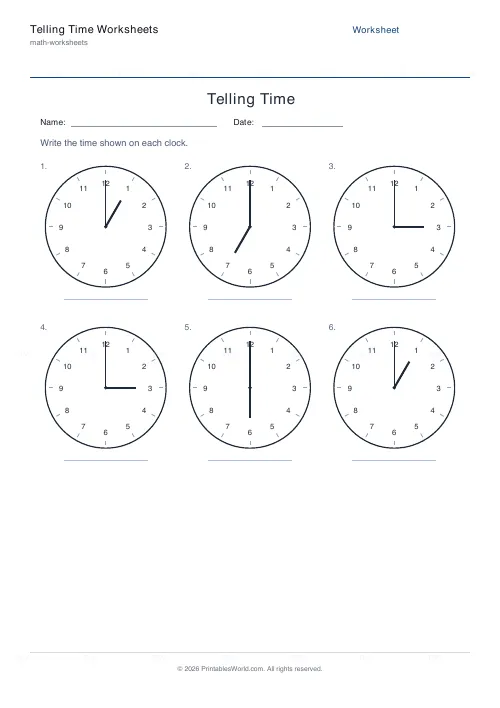
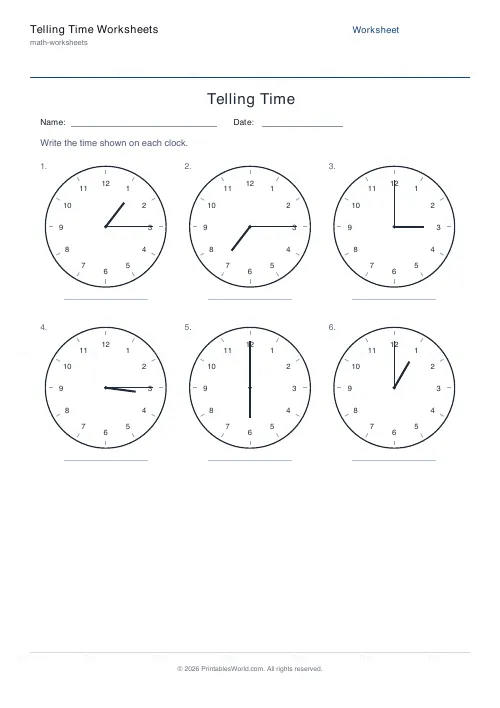
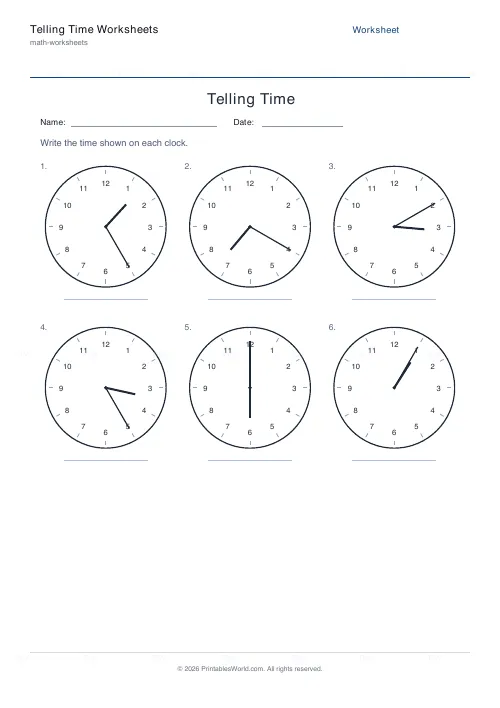
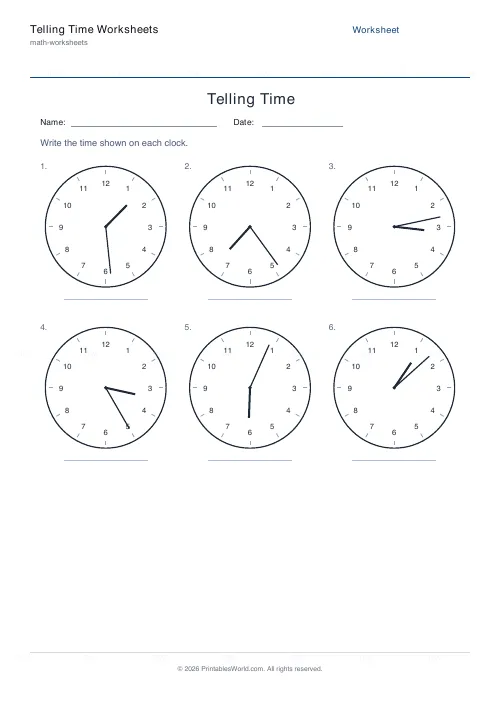
What this tool does
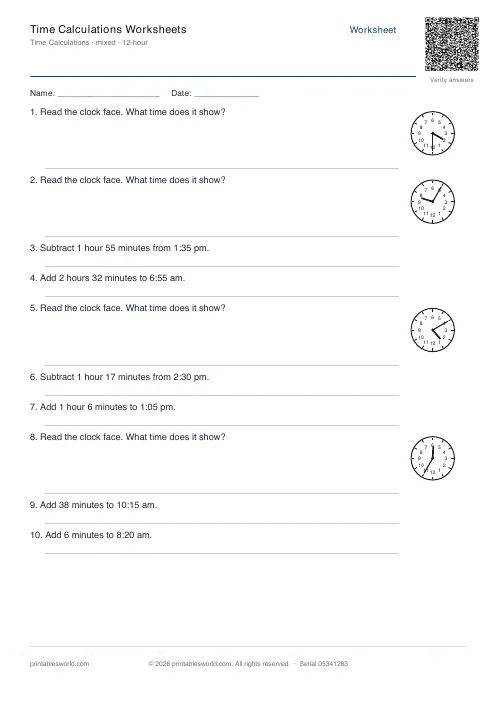
Generate printable telling-the-time worksheets. Each clock is drawn at a random time and the student writes it on the line below. Choose the precision (hour, half, quarter, five minutes, or any minute), with an answer key.
People also used
Feedback
Spotted something off with this tool?
Read analogue clocks with confidence
Reading an analogue clock is a skill that takes plenty of repetition. This generator draws a grid of clock faces, each set to a random time, and the student writes the time underneath. You choose how precise the times are, on the hour, half past, quarter past and to, every five minutes, or any minute, so the same tool grows with the learner. An answer key is generated automatically.
Building up the skill
Start with o'clock times so pupils learn the hour hand, then add half past, then quarter past and quarter to, then five-minute intervals, and finally any minute. Reading the hour hand first (which number it has passed) and then the minute hand is the reliable method, and the clocks here use a longer minute hand and shorter hour hand to make that clear.
What is under your control
- Precision: hour, half, quarter, five minutes, or any minute.
- Number of clocks: a short set or a full page.
- Answer key, Name & Date: for marking and classroom use.
In practice
- Choose the time precision to match the learner's stage.
- Set how many clocks you want.
- Toggle the answer key and Name/Date fields.
- Preview the live PDF, press Generate New for fresh times, then download or print.
Teaching ideas
Pair the worksheet with a geared teaching clock so pupils can match the hands. Once reading is secure, reverse the task by reading the answer key aloud and having pupils sketch the hands. Five-minute and any-minute settings make good revision before moving on to 24-hour and digital time.
The order to teach the clock in
Analogue time is several skills stacked, and teaching them in order avoids most of the difficulty.
- O'clock — the hour hand pointing straight at a number, minute hand at twelve.
- Half past — and crucially, that the hour hand has moved halfway between two numbers.
- Quarter past and quarter to — introducing the idea that the same position has two names.
- Five-minute intervals — this needs the five times table, so check that first.
- Minute intervals — counting on from the nearest five.
Step 2 is where the real teaching happens. Children who learn "half past" only as a minute-hand position get stuck at quarter to, because the hour hand is now nearly at the next number and they read the wrong hour.
Why the hour hand causes most errors
The minute hand is straightforward: it points at a mark and you read it. The hour hand is the difficult one, and it is where nearly every wrong answer comes from.
It moves continuously. At twenty to four it is much closer to four than to three, so a child reading the nearest number says "twenty to three" — an hour out. This is the single most common analogue-time error.
The rule that fixes it: the hour is the number the hour hand has already passed, never the one it is approaching. Practising with the minute hand removed, asking only "which hour is it after?", isolates the skill and is worth several sessions on its own.
The vocabulary problem
Telling the time carries an unusual amount of language, and much of it is not obviously logical.
Past and to reverse direction halfway round the clock, and children have to know that 3:40 is "twenty to four" — involving a number, 4, that has not happened yet.
Quarter means fifteen minutes, which requires knowing that a quarter of sixty is fifteen. Children who have not met fractions of sixty are memorising a word rather than understanding a quantity.
Digital and analogue names differ. A digital display shows 3:15; the spoken form is "quarter past three". Both are correct and children need to move between them, which is a translation task rather than a reading one.
Practice that is not a worksheet
Time is unusual in that the practice is free and continuous, and a real clock beats a printed one because the hands actually move.
Things that work: a cheap analogue clock in the child's room, asking for the time rather than telling it, giving instructions in time language ("we leave at quarter past"), and elapsed-time questions such as how long until dinner.
Elapsed time is worth its own attention. Working out that 2:45 to 3:20 is thirty-five minutes is harder than reading either clock, involves crossing the hour, and is the version of the skill most used in adult life.
FAQs
Quick answers
What time precision can I choose?
On the hour, half past, quarter past/to, every five minutes, or any minute. Start coarse and increase the precision as pupils gain confidence.
Are the clocks drawn accurately?
Yes. Each clock shows hour and minute hands at the correct angles, with a longer minute hand and shorter hour hand so the time is unambiguous.
Is there an answer key?
Yes. Toggle the answer key and the PDF adds a page showing the digital time under each clock.
Can I get a different set of times?
Yes. Press Generate New (or change any setting) and a fresh set of random times is drawn.
Related tools
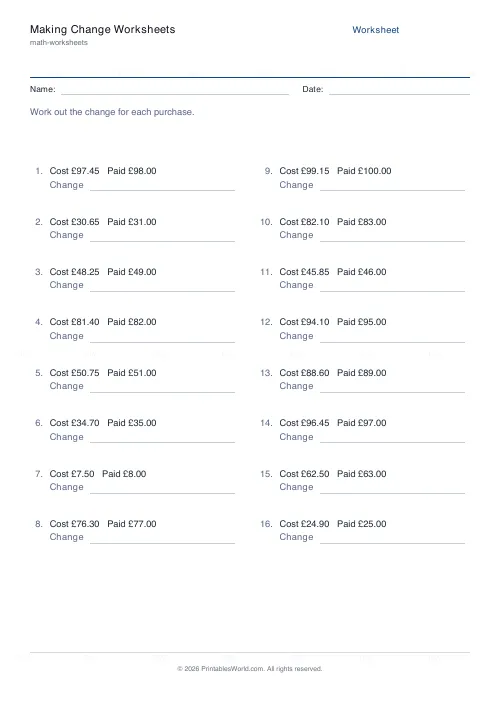
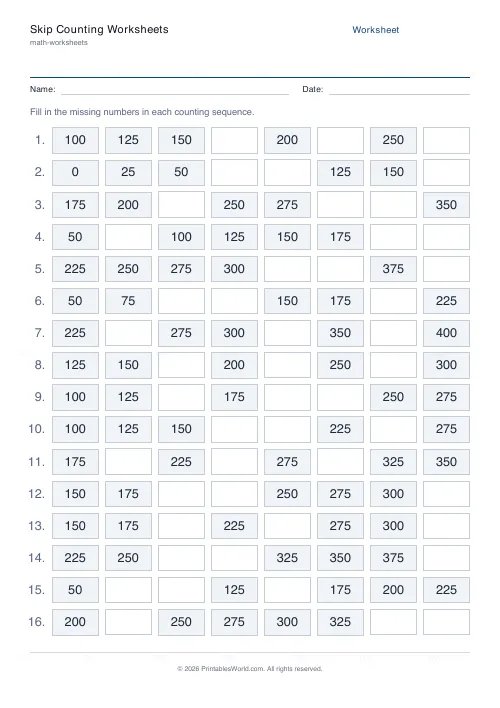
Further reading
Math & Numeracy
How to help a child who's stuck on times tables
A simple two week plan to help child with times tables, using short daily practice and free printable multiplication grids you can customise and print.
7 min read
Math Worksheets
How to read and interpret bar charts with kids
Reading a bar chart is easy; interpreting one is not. Four questions turn a chart from something children decode into something they can reason about.
4 min read
More like this
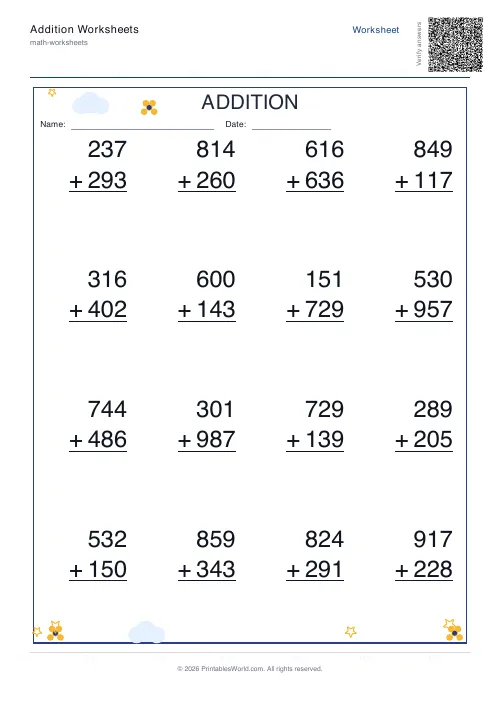 Addition Worksheets Generator
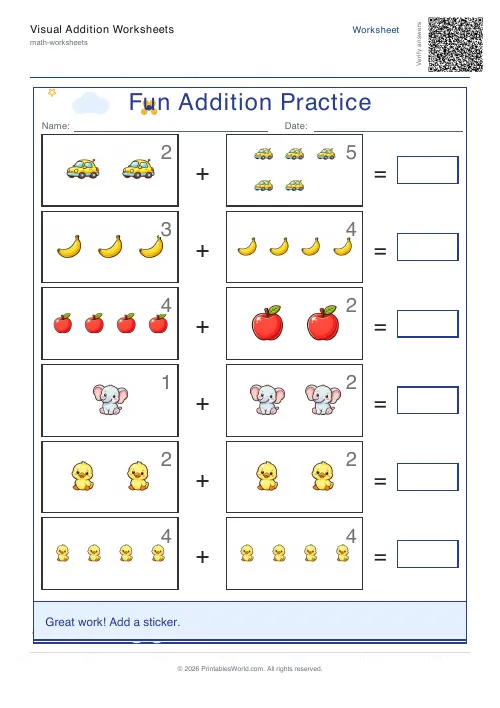 Visual Addition Worksheets Generator
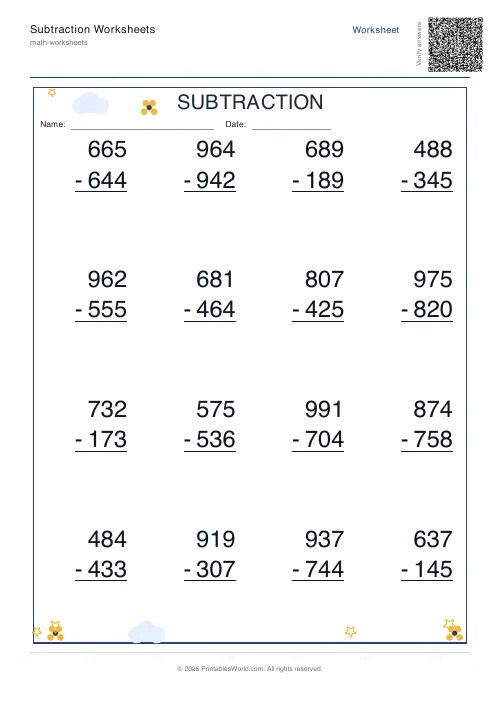 Subtraction Worksheets Generator
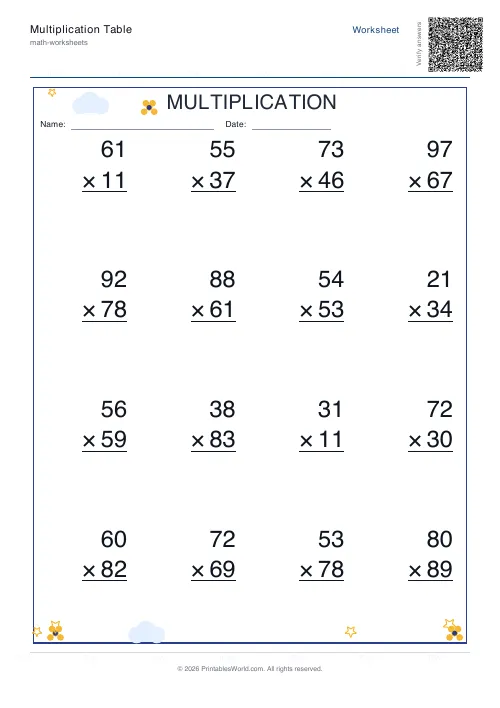 Multiplication Table Generator
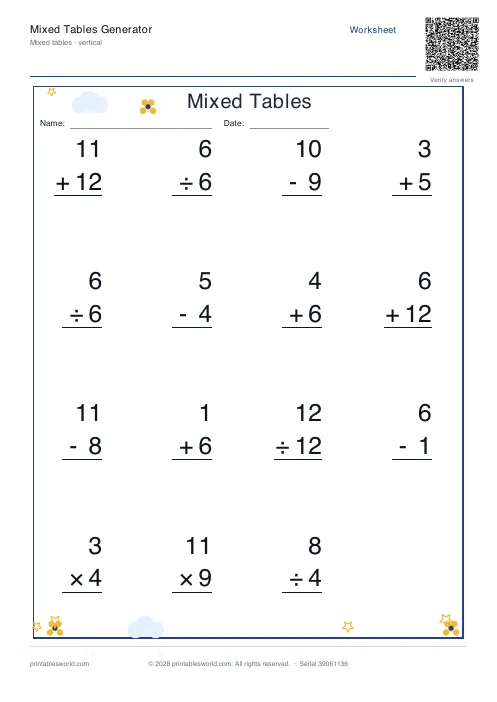 Mixed Tables Generator
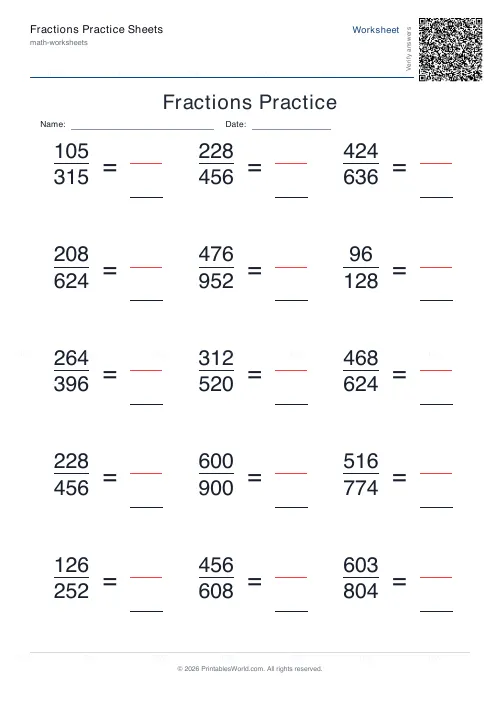 Fractions Practice Sheets Generator
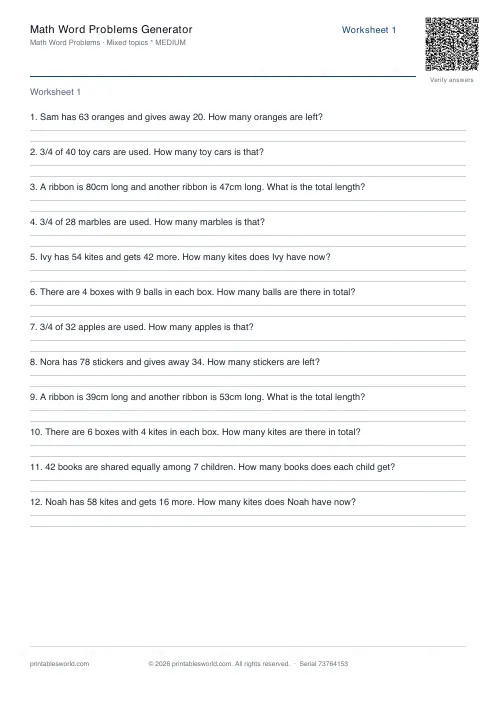 Math Word Problems Generator
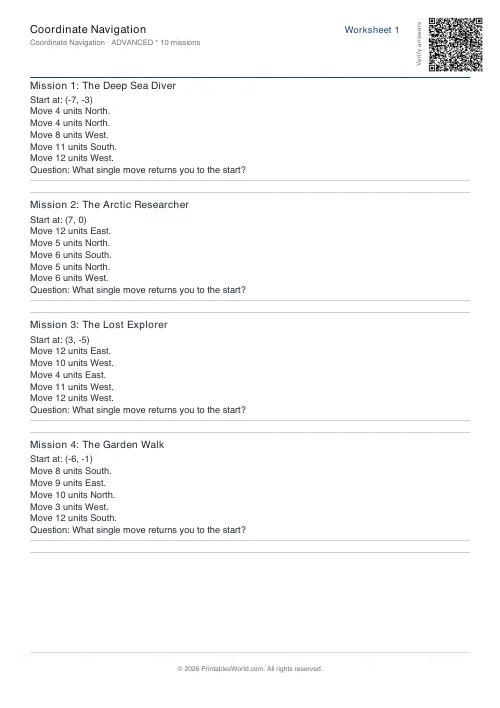 Coordinate Navigation Generator
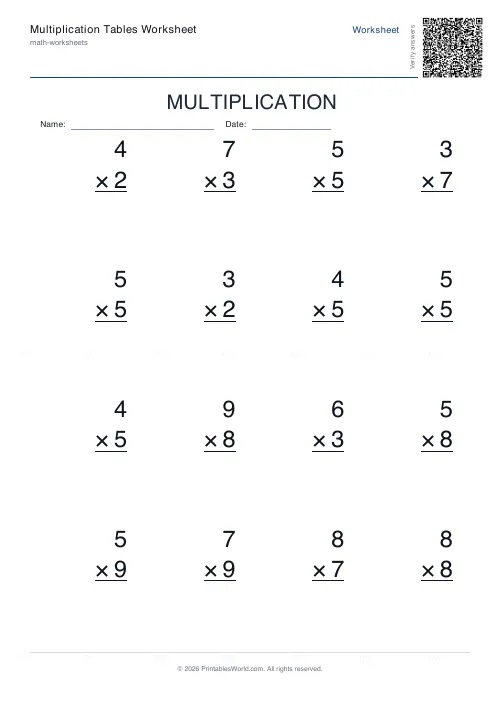 Multiplication Tables Worksheet
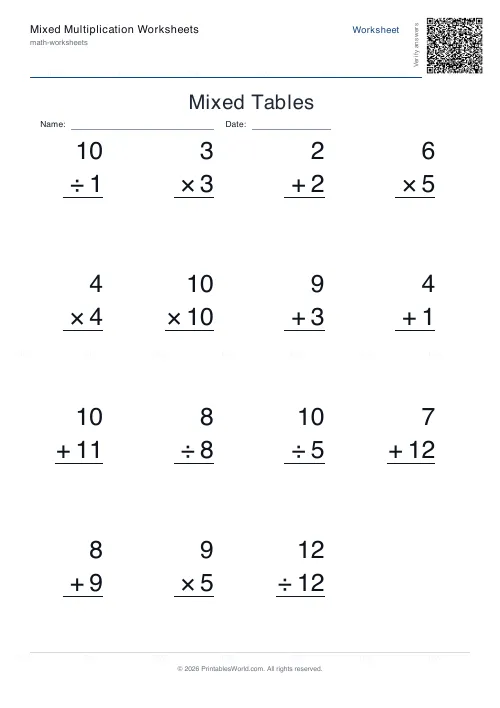 Mixed Multiplication Worksheets
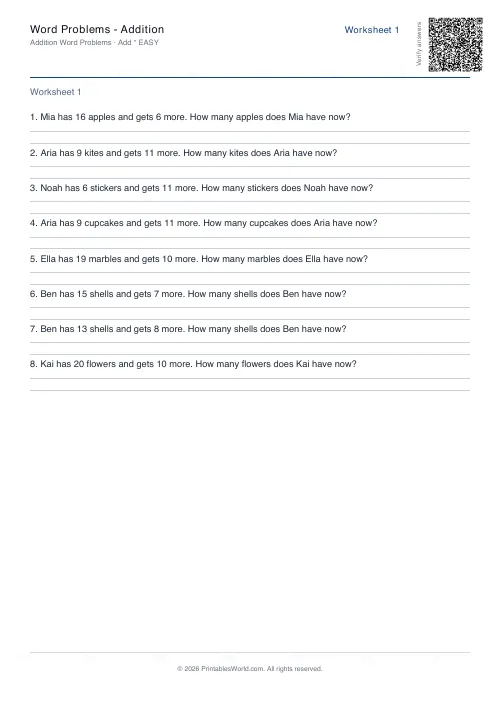 Word Problems: Addition
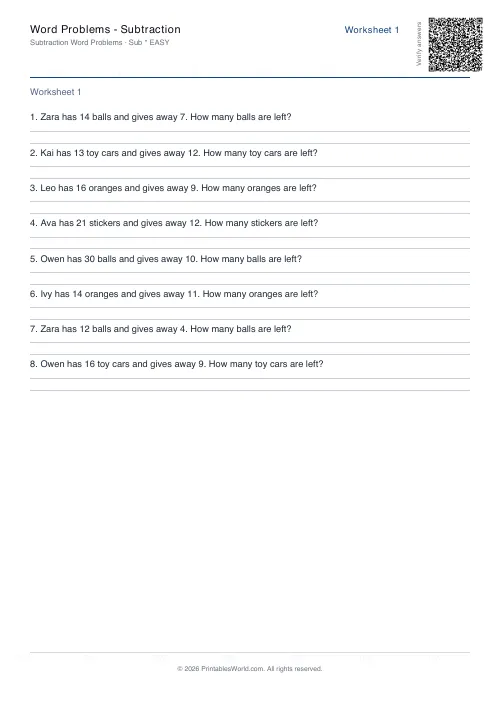 Word Problems: Subtraction
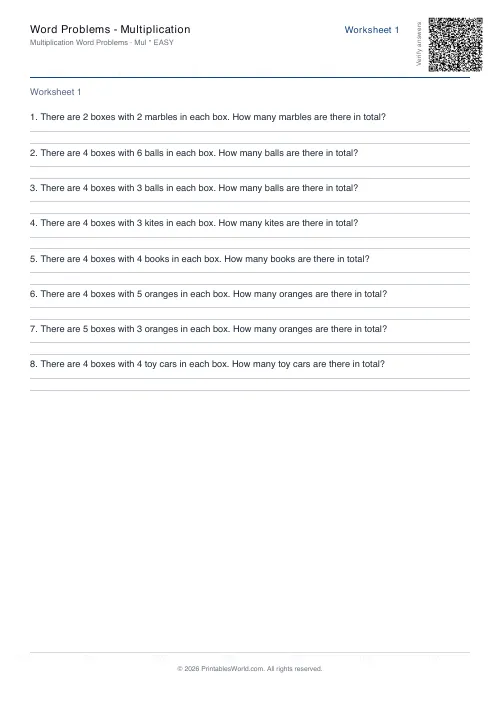 Word Problems: Multiplication
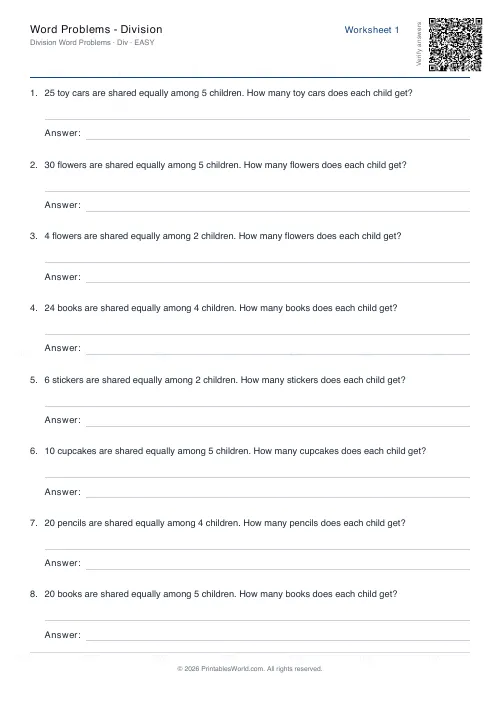 Word Problems: Division