What this tool does
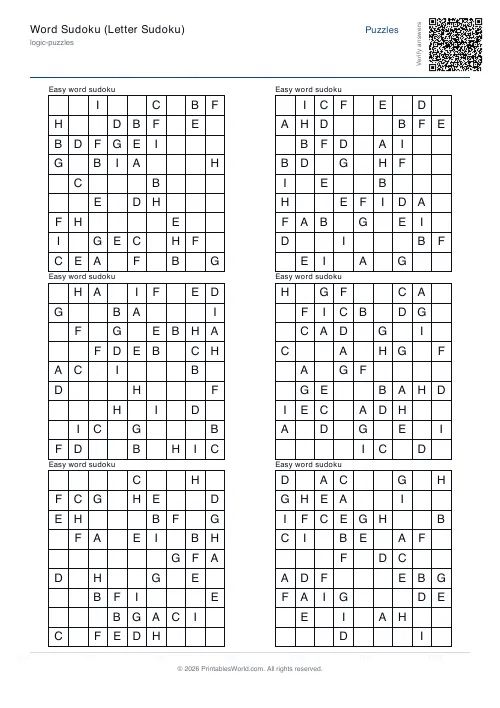
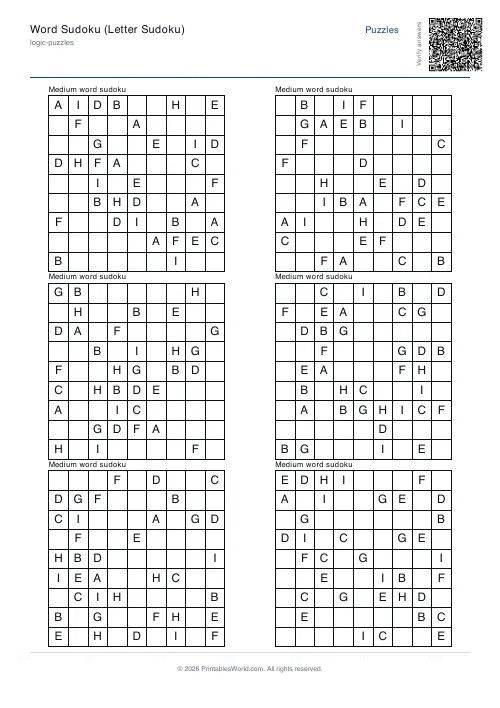
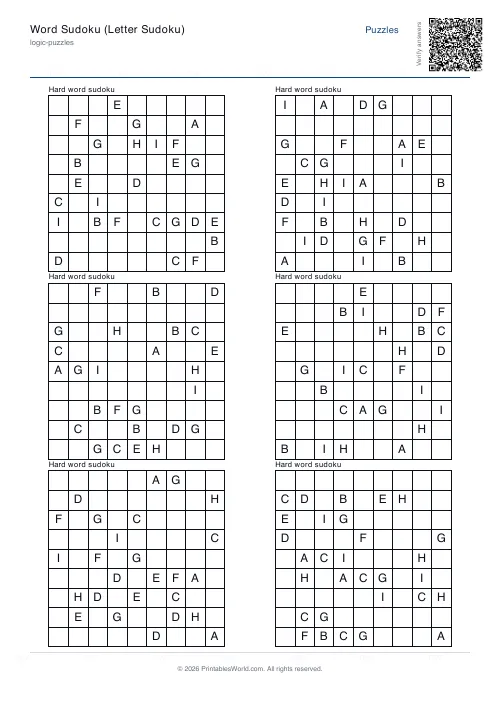
Sudoku with letters instead of digits. Three nine-letter sets — A to I, a vowel-rich mix, or the letters of EDUCATION — at five difficulties, six puzzles a page.
People also used
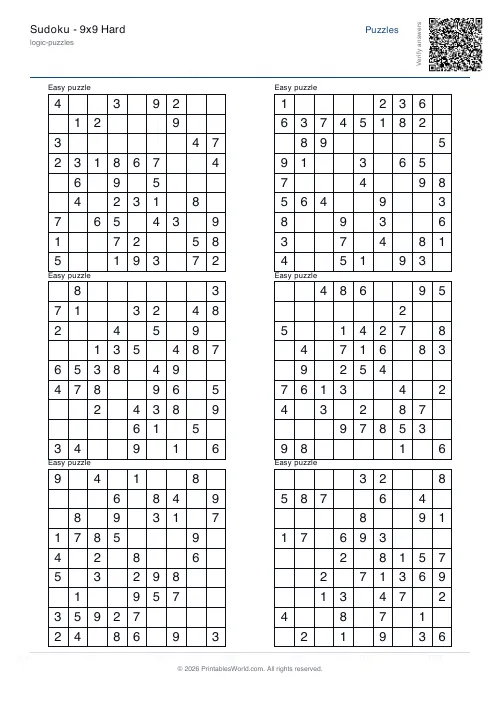
Sudoku Generator
Generate printable Sudoku puzzles with six per page, multiple difficulty levels, and optional solutions.
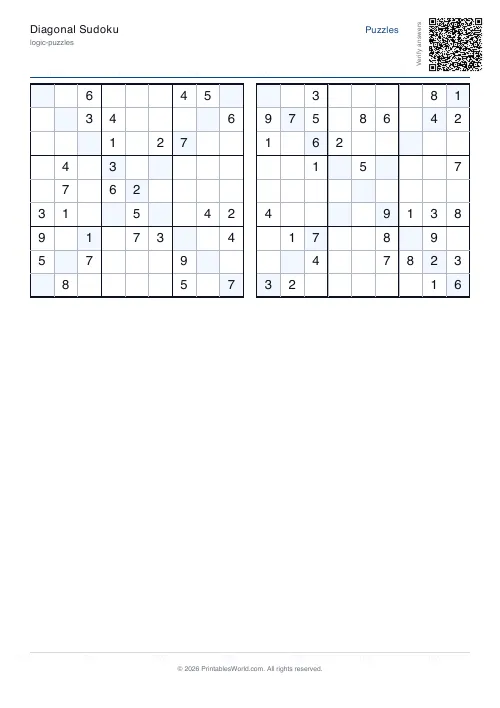
Diagonal Sudoku
Standard Sudoku with the added constraint that diagonals must contain 1-9.
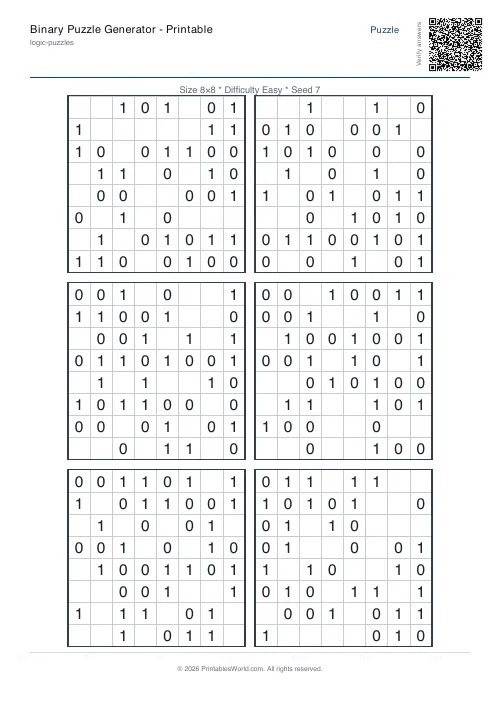
Binary Puzzle Generator: Printable
Create printable binary logic puzzles (Takuzu/Binairo) with customisable grid sizes and difficulty levels.
Feedback
Spotted something off with this tool?
Same puzzle, different symbols
A standard 9×9 sudoku where each row, column and 3×3 box holds nine letters exactly once. The underlying generator works in digits and maps them to letters at print time, so the puzzles are ordinary sudoku throughout.
Six puzzles a page by default. Five difficulty settings: easy, medium, hard, expert, and a mixed spread.
Three letter sets
A–I is the canonical choice, and it is the easiest to hold in your head because the nine symbols are in a familiar order.
Vowel mix uses A, E, I, O, U, R, S, T, N — letters chosen so partly-filled rows read as fragments of real words, which is either pleasant or distracting depending on the solver.
EDUCATION is the nine distinct letters of that word. It is the version most teachers reach for, since a completed row can spell it and the puzzle has an obvious hook.
Why letters change the experience
The logic is identical. What changes is what your brain does with the symbols.
Digits carry a built-in order, and solvers use it without noticing — scanning for the missing number in a row is partly counting. Letters remove that scaffold, so scanning becomes pure pattern-matching against nine arbitrary shapes. Some people find it slightly harder. Others find it easier, because the temptation to add is gone.
It is genuinely useful for anyone who has decided they are "no good at numbers", since word sudoku demonstrates plainly that sudoku was never arithmetic in the first place.
Safe mode
On by default, and it verifies that each puzzle has exactly one solution before printing.
Leaving it on is slower and worth it. A sudoku with two solutions is not a sudoku — it cannot be solved by logic alone, only guessed at, and a solver who reaches a genuine fork will assume they made a mistake somewhere and start over.
Difficulty
Easy leaves plenty of givens and yields to simple scanning. Expert requires the harder techniques and is not a sheet to hand a class.
Mixed puts a spread on one page, which is what you want for a group of unequal ability — everyone gets something they can finish and something they cannot.
Where it gets used
Cover lessons and form time. Early finishers. Literacy classrooms where a numeric puzzle would feel off-topic. Care homes and reminiscence groups, where the letters are more approachable than digits.
Related: the standard sudoku generator for digits, which shares this engine.
FAQs
Quick answers
How is Word Sudoku different from normal Sudoku?
The rules are identical. Every row, column, and 3x3 box must contain each of the nine symbols exactly once. The only change is that the symbols are letters instead of the digits 1–9.
Which letters are used?
You choose: A–I, a vowel-rich mix (A E I O U R S T N), or the nine distinct letters of EDUCATION. The chosen set is printed as a key above each grid.
Are answers included?
Yes. Toggle the solutions option to add a separate page of completed grids, or scan the QR code on the sheet to verify answers online.
Is Word Sudoku harder than number Sudoku?
No. Because it is pure logic, swapping numbers for letters does not change the difficulty. Only the look of the puzzle. Choose Easy through Expert to set the challenge.
Related tools
Further reading
Logic Puzzles
How to solve Sudoku: a beginner's step-by-step guide
Four techniques, learned in order, solve almost every easy and medium Sudoku: scanning, the last free cell, pencil marks and naked pairs. Here is each one with a worked example.
6 min read
Logic Puzzles
Kakuro, killer sudoku and other number puzzles explained
If sudoku has stopped being a challenge, these are the natural next steps. And unlike sudoku, most of them genuinely involve arithmetic.
5 min read
Puzzles & Brain Games
Sudoku for kids: which difficulty to start at, by age
A practical guide to picking the right sudoku difficulty for a child by age, with a copyable first session and free printable grids in seconds.
7 min read