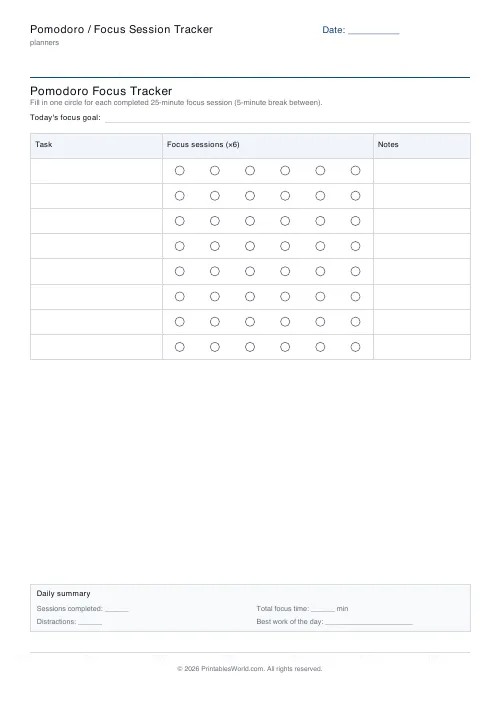
What this tool does
A focus sheet with one row per task and a row of circles to fill in as you finish each session. Set the session and break length, how many tasks, and how many circles per task.
People also used
Time Blocking Planner
Printable time blocking planner: hourly or half-hourly day blocks, priorities box, notes box.
Weekly Study Planner
Weekly 7-day × hourly study timetable with a subject colour-code legend.
30-Day Habit Tracker
A printable 30-day habit grid to tick off every morning. One row per habit.
Feedback
Spotted something off with this tool?
Rows and circles
Eight task rows by default, six circles against each one, plus a notes column. A header bar carries the date and one focus goal for the day, and there is a summary block at the foot that you can turn off.
The session and break lengths print on the sheet and are yours to set. Twenty-five and five are the classic numbers; nothing forces you to use them.
How the method runs
Pick a task. Set a timer. Work on that one thing until it goes off, then fill in a circle and take the short break. Four sessions in, take a longer one.
The circle is the whole mechanism. A session either happened or it did not — you cannot half-fill it, and you cannot claim one for twenty-five minutes with a phone in it — so by lunchtime you have an honest count of how much focused work you have actually done, which is usually less than it felt like and considerably more informative.
Estimating before you start
Write the task, then decide how many circles it should take, then mark that many with a light pencil dot.
Doing this makes you an appalling estimator for about a fortnight and a decent one after that. Nearly everyone is optimistic at first, by roughly a factor of two, and the only cure is a written record of the gap between the guess and the count.
Twenty-five minutes, or not
Twenty-five is short enough that starting feels easy, which is the point — it was chosen to beat procrastination rather than to match any research on attention.
Deep work with a long warm-up often wants fifty minutes with a ten-minute break. Fifteen suits a task you are actively avoiding, or a child. Both are on the sheet because the right interval is the one you will actually finish, and that is personal.
The break is not optional
Stand up. Leave the desk. Look at something more than a few metres away.
Scrolling a phone for five minutes is not a break in any sense that helps — same posture, same screen distance, same demands on attention, and you return more depleted than you left. The whole rhythm depends on the recovery half working, and skipping it turns the method into an ordinary long afternoon with circles drawn on it.
The notes column
Use it for what interrupted you. A tally of interruptions across a week is the most useful thing this sheet produces, because most of them turn out to be the same three, and two of them are usually preventable.
Print one a day. It takes a minute to fill in at the start and tells you something true at the end.
FAQs
Quick answers
What is a Pomodoro?
A Pomodoro is one focused work interval, classically 25 minutes long, followed by a short break. You fill in one circle on the tracker for each Pomodoro you complete.
Can I change the 25/5 minute lengths?
Yes. Set any focus length from 1 to 120 minutes and any break from 0 to 60 minutes. Many people use 50/10 for deep work or 15/3 for quick study reps.
How many tasks and sessions can I track?
Up to 16 tasks, with between 1 and 12 focus-session circles per task. More than that and the rows get hard to read on one page.
What paper size should I use?
A4 or US Letter both work. Print at 100% (Actual size) so the focus circles stay round and the grid stays aligned.
Related tools
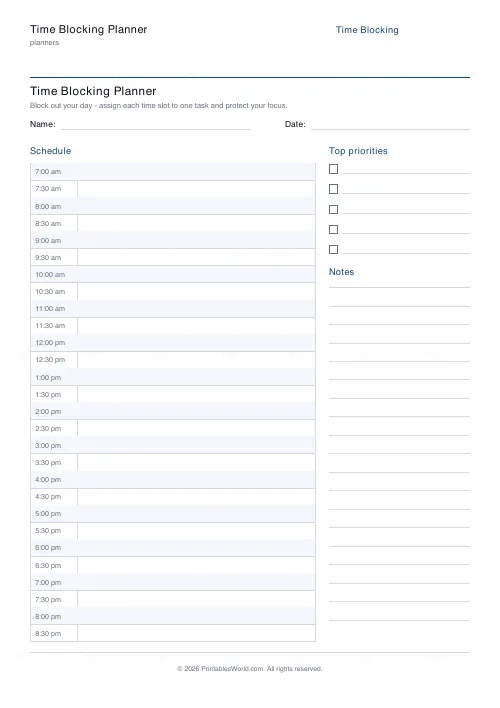
Time Blocking Planner
Printable time blocking planner: hourly or half-hourly day blocks, priorities box, notes box.
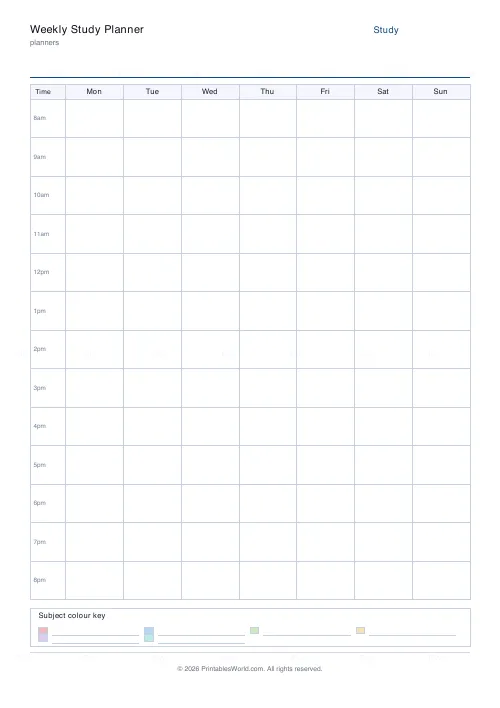
Weekly Study Planner
Weekly 7-day × hourly study timetable with a subject colour-code legend.
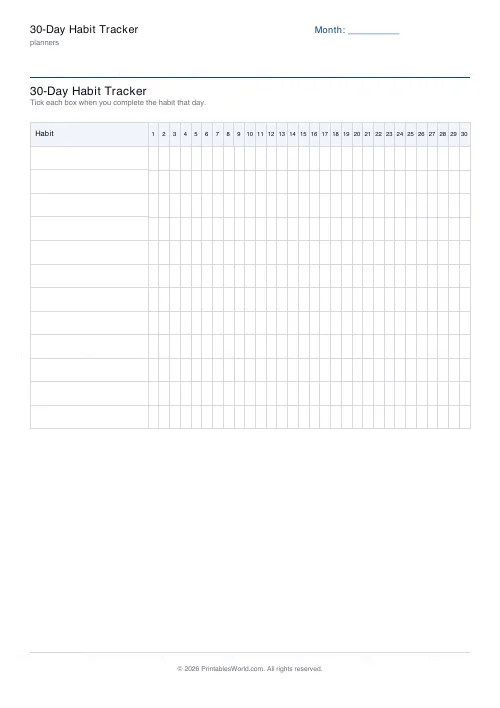
30-Day Habit Tracker
A printable 30-day habit grid to tick off every morning. One row per habit.
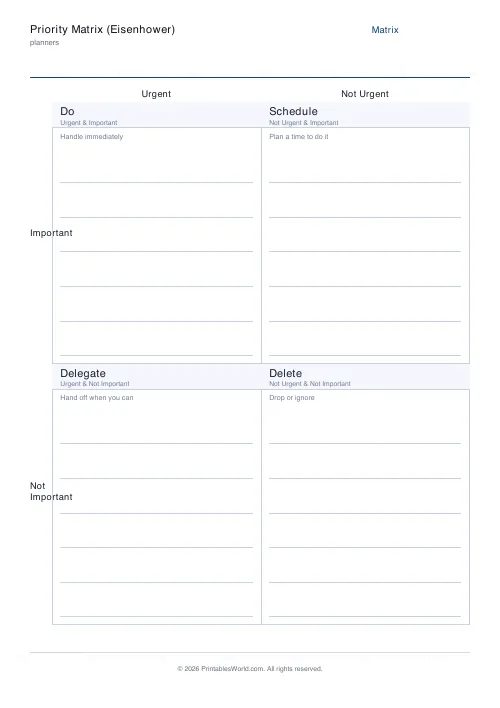
Priority Matrix (Eisenhower)
Eisenhower urgent/important matrix for ranking the day's tasks.
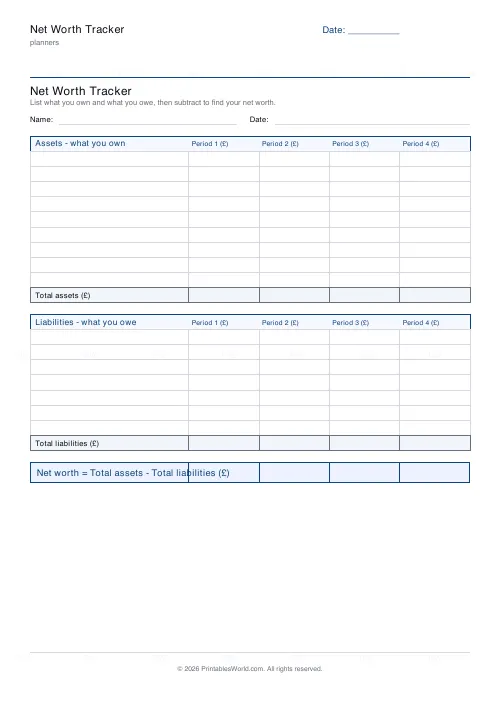
Net Worth Tracker
Printable net worth tracker: list assets and liabilities, then find your net worth.
Further reading
Planners
How to pay off debt faster with a payoff tracker
One method costs less; the other is easier to stick to. Here is how to choose between them honestly, and why a visual tracker changes the odds either way.
5 min read
Planners
Meal planning 101: save time and money every week
A weekly meal plan saves money mainly by changing how you shop. Here is a thirty-minute method, the shortcuts that keep it going, and the mistake that ends most plans in week three.
5 min read
Planners
Time blocking for beginners: a complete guide
Time blocking is deciding when each task happens, not just what. Here is how to size blocks realistically, what to do when the day breaks, and why most beginners over-schedule.
5 min read