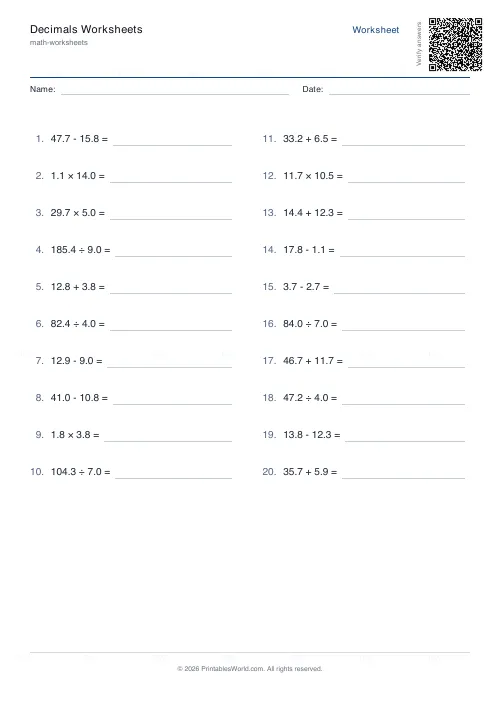
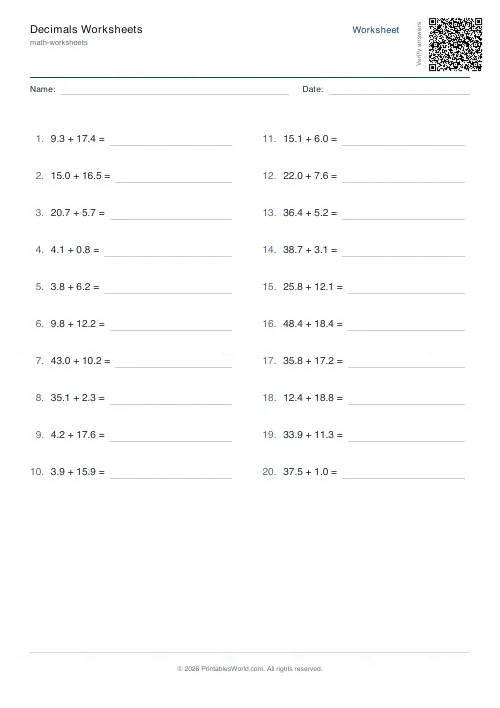
What this tool does
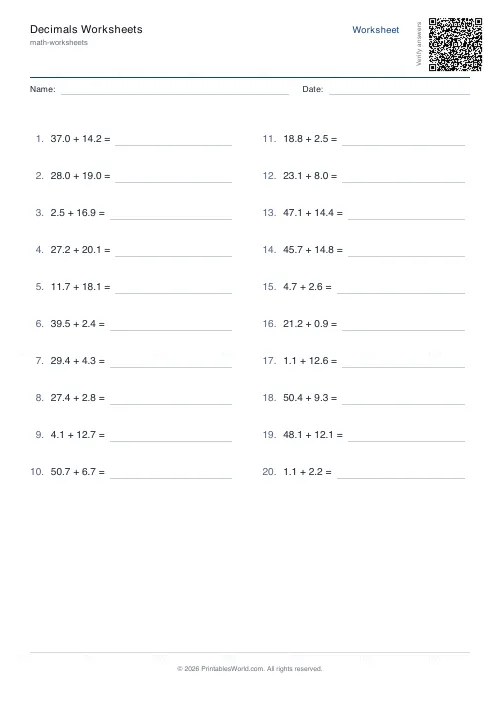
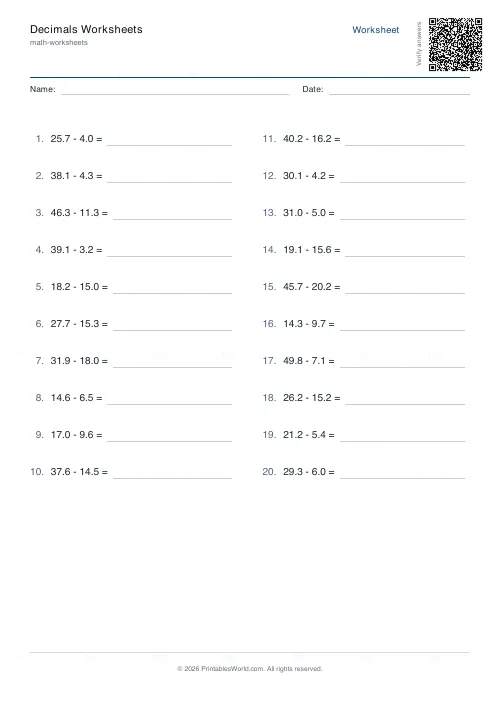
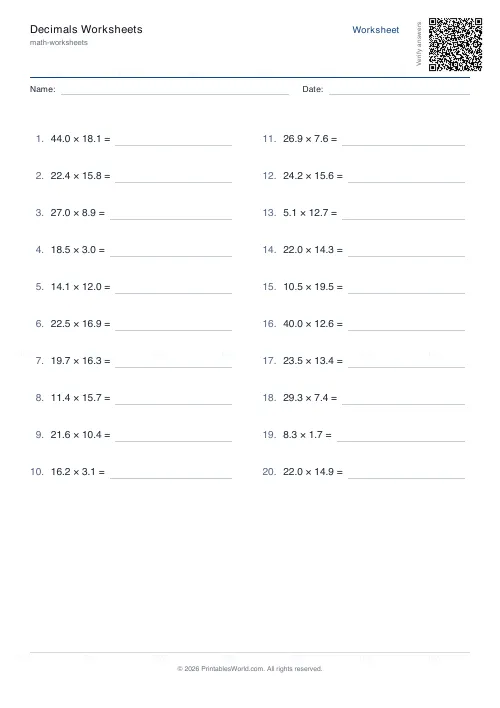
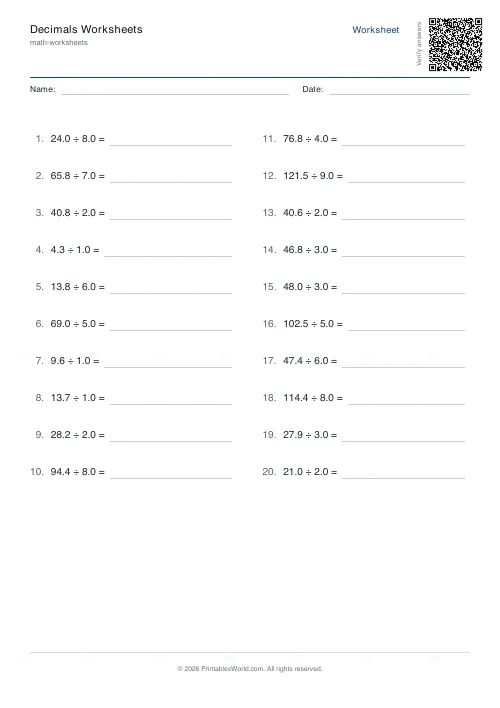
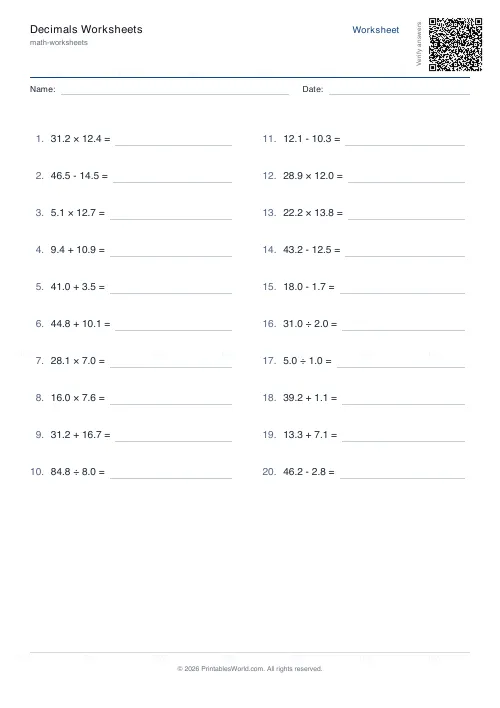
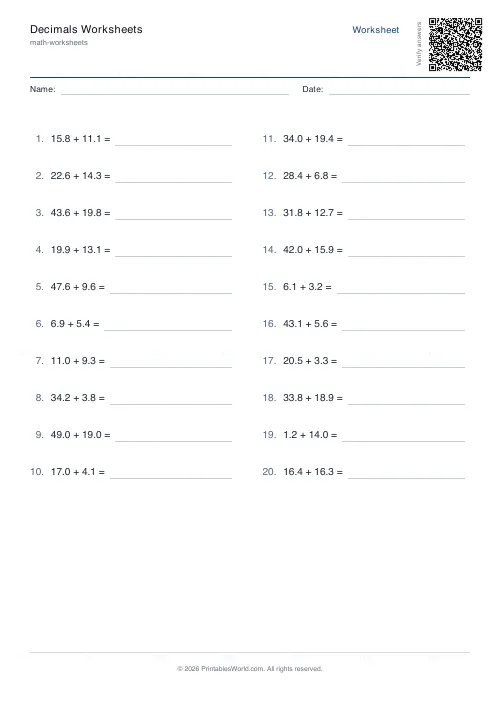
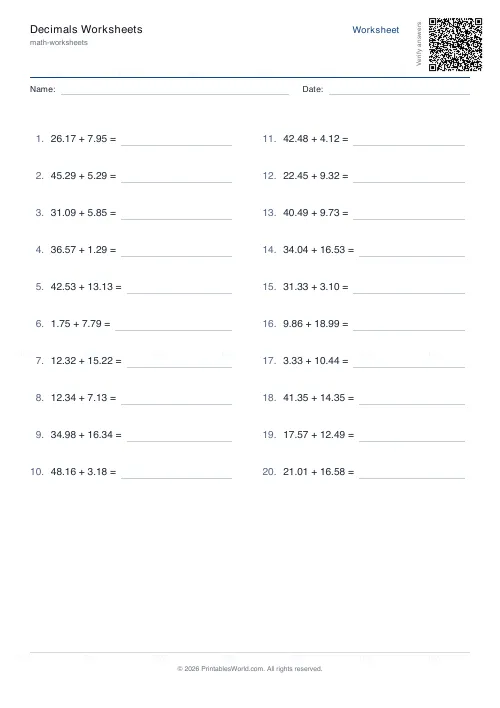
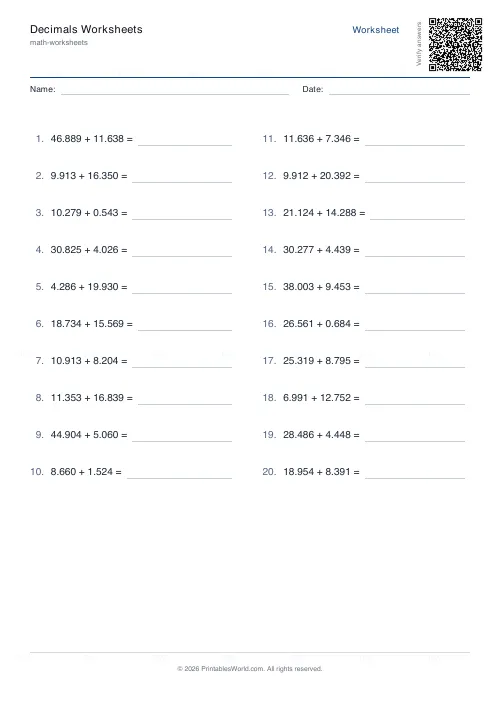
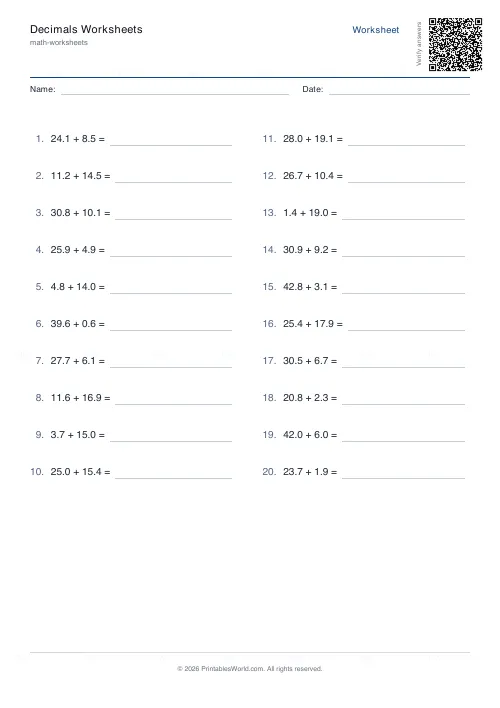
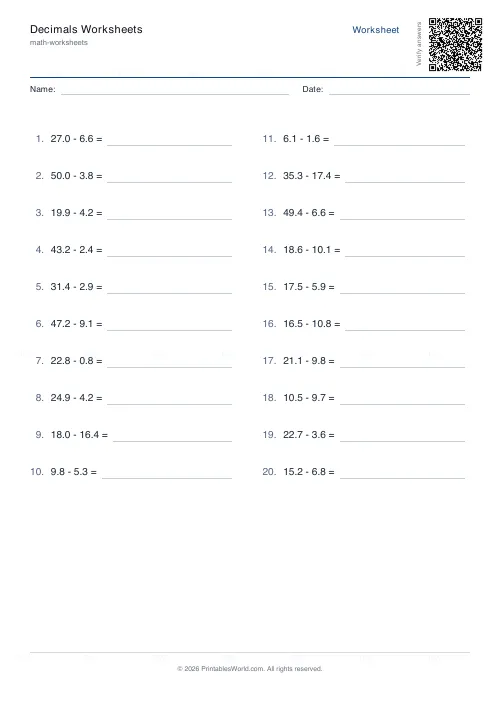
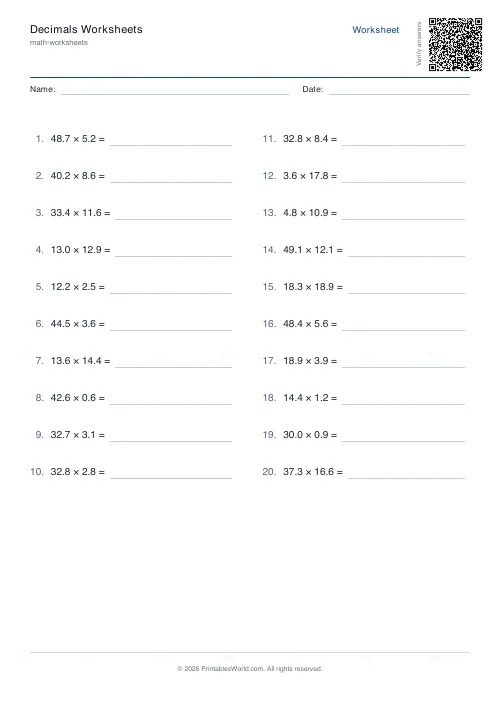
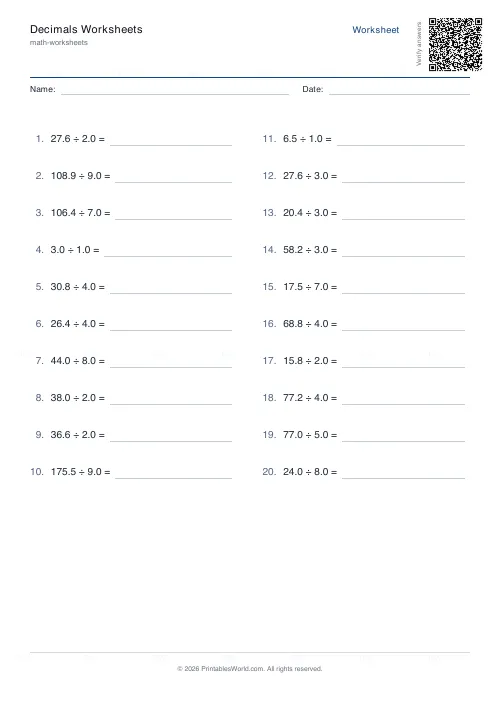
Decimal arithmetic worksheets. Choose addition, subtraction, multiplication, division, or a mixed sheet, set every number to one, two or three decimal places, and print four to sixty problems. Seeded, so a given seed reproduces the same sheet exactly, with an optional answer key.
People also used
Percentages Worksheets Generator
Free printable percentage worksheets: percent of amounts, percentage change, and percent-to-fraction conversion.
Rounding Numbers Worksheet Generator
Generate free printable rounding worksheets for whole numbers and decimals with answer keys.
Fractions Practice Sheets Generator
Generate printable fraction simplification worksheets with custom ranges, layouts, and answer keys.
Feedback
Spotted something off with this tool?
Four operations, on decimals
Pick one operation for a focused sheet, or mixed to draw randomly across all four on the same page.
The place count applies to every number in every problem, at one, two or three. That uniformity is deliberate. A sheet mixing 3.4 with 3.417 teaches column alignment by accident and teaches it badly, and alignment deserves a lesson of its own.
Where decimals actually go wrong
Not in the arithmetic. A pupil who can add 34 and 17 can add 3.4 and 1.7, and the failures are almost never about the digits.
They are about the point. Addition and subtraction need the points lined up, which means 3.4 + 1.75 has to be written with the 4 above the 7 and a gap after it. Multiplication needs the opposite instinct: you ignore the points entirely, multiply as whole numbers, then count the decimal places in both factors and put that many into the answer. Doing to multiplication what works for addition is the single commonest decimal error there is.
Which is the argument for running one operation at a time until each is secure, and saving mixed for the point where you want to find out whether a pupil knows which rule applies.
Decimal places as a difficulty dial
One place is money-shaped and intuitive; most children have met 3.5 before they meet decimals as a topic.
Two places is where multiplication starts surprising people: 2.4 × 1.6 already gives an answer with two places of its own. Three places can produce six, which is arithmetically fine and worth warning a class about before somebody assumes they have gone wrong.
The seed, and why it earns its place here
Type anything into the seed and that exact worksheet comes back whenever you want it.
For an assessment that matters. A pupil who was absent sits the identical paper rather than a comparable one, and two classes can be given genuinely different sheets at the same difficulty by changing one word. Both of those are hard to do with a fixed PDF and trivial here.
Subtraction always puts the larger number first, so answers stay positive, and division is constructed to come out cleanly rather than producing a recurring decimal on a practice sheet.
A Year 5 sequence
Addition at one place until it is quick. Subtraction at one place. Then both at two places, which is where lining up starts to require care.
Multiplication next, separately, because the rule is different and teaching it alongside addition muddles both. Division after that. Mixed at the end, as the check rather than the practice.
Four problems for a warm-up, sixty for a full lesson, and the answer key on its own page so the questions can go out without it.
FAQs
Quick answers
Can I choose how many decimal places appear in the problems?
Yes. The generator lets you set 1, 2, or 3 decimal places for all numbers in the worksheet. Every problem on that sheet will use your chosen precision.
What does the mixed operation setting do?
Mixed mode randomly selects addition, subtraction, multiplication, or division for each problem on the worksheet, so students practise all four operations in one session.
How do I print the same worksheet again later?
Enter a seed value (any word or number) before generating. Use the same seed later to produce an identical set of problems. Leave it blank for a random worksheet every time.
Does the answer key show working or just final answers?
The answer key lists the final numerical answer for each problem. It does not include step-by-step working, so you can use it for quick marking or let students check their own results.
Will subtraction problems ever have negative answers?
No. The generator swaps operands when necessary so the larger number is always first, keeping all subtraction answers positive.
Why do division problems always divide cleanly?
The engine constructs division problems by choosing a small divisor (1 to 9) and building the dividend as a multiple of it. This ensures quotients are terminating decimals rather than repeating fractions.
Can I print on US Letter and A4 paper with the same PDF?
Yes. The two-column layout fits both paper sizes without clipping. The PDF uses standard margins that work on either format.
Related tools
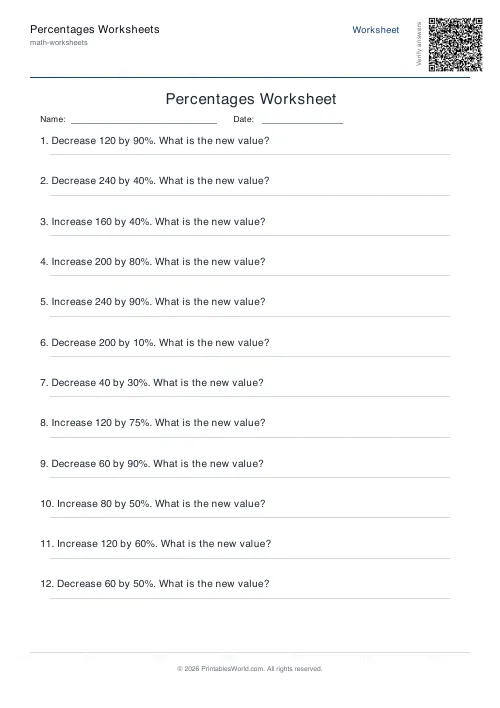
Percentages Worksheets Generator
Free printable percentage worksheets: percent of amounts, percentage change, and percent-to-fraction conversion.
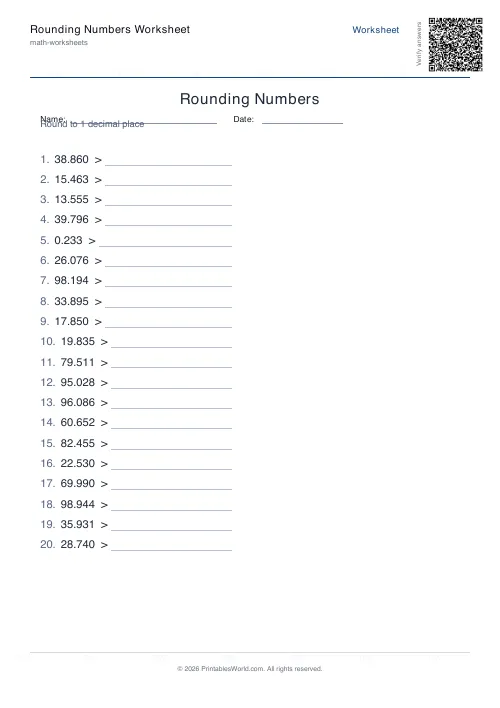
Rounding Numbers Worksheet Generator
Generate free printable rounding worksheets for whole numbers and decimals with answer keys.
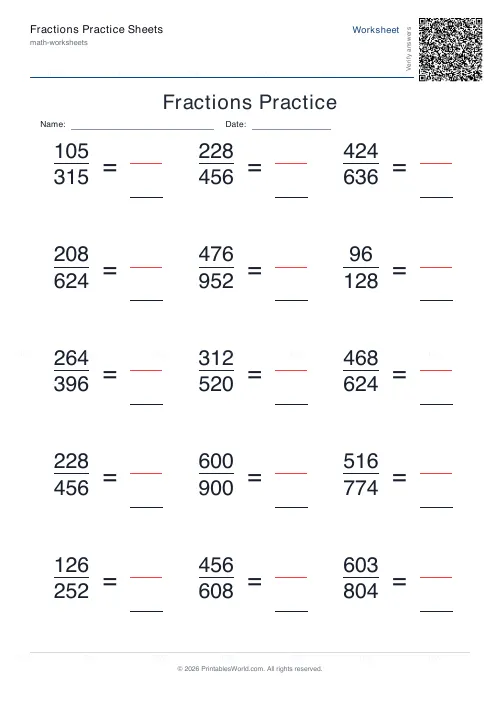
Fractions Practice Sheets Generator
Generate printable fraction simplification worksheets with custom ranges, layouts, and answer keys.
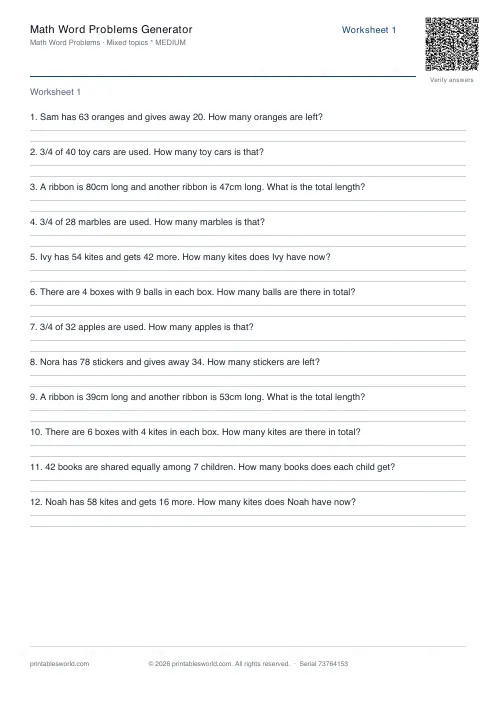
Math Word Problems Generator
Generate printable math word problem worksheets with customisable topics, difficulty, and answer keys.
Further reading
More like this
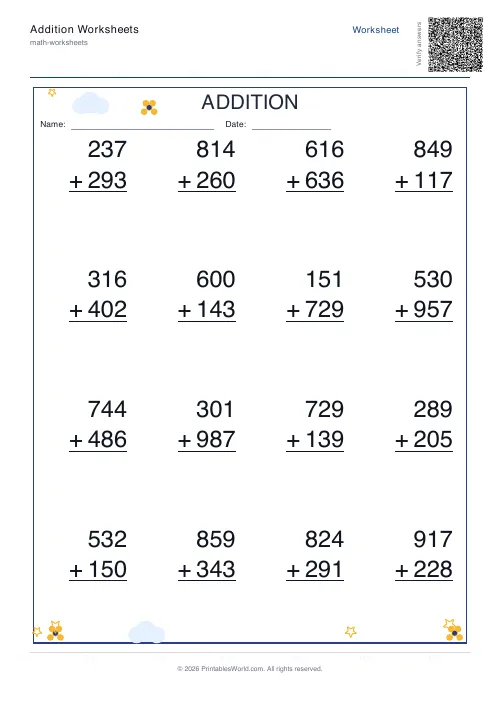 Addition Worksheets Generator
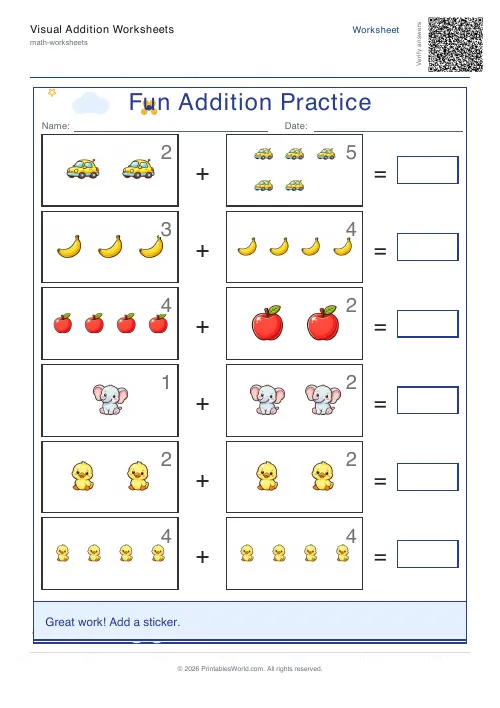 Visual Addition Worksheets Generator
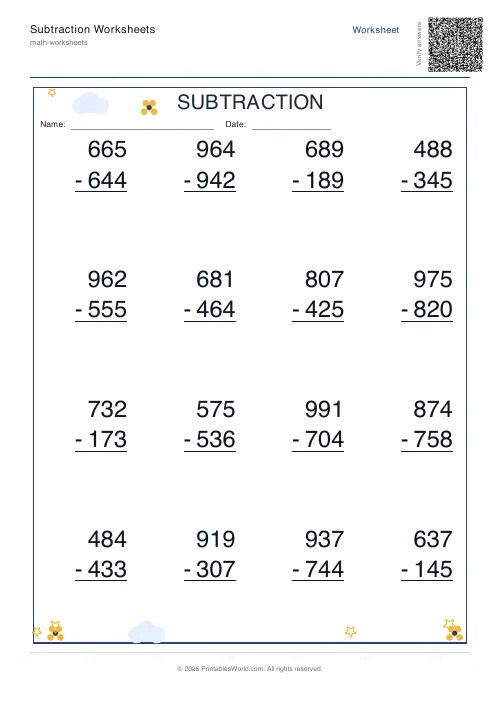 Subtraction Worksheets Generator
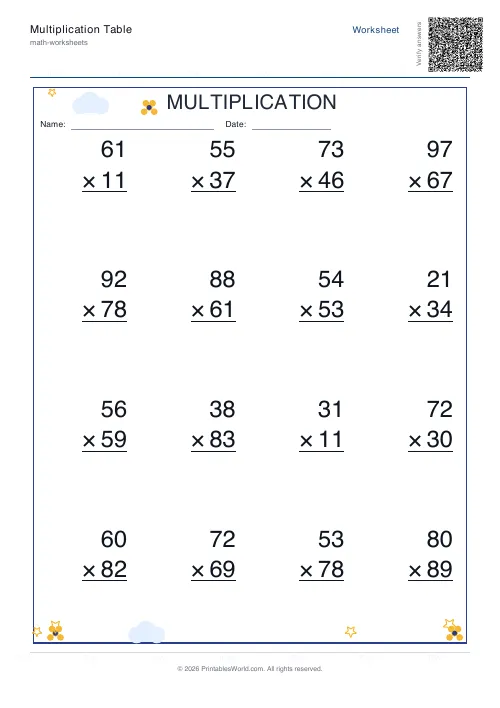 Multiplication Table Generator
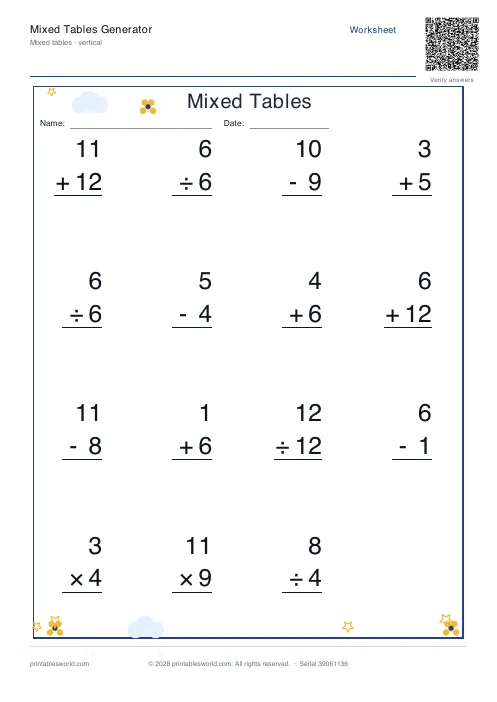 Mixed Tables Generator
- Fractions Practice Sheets Generator
- Math Word Problems Generator
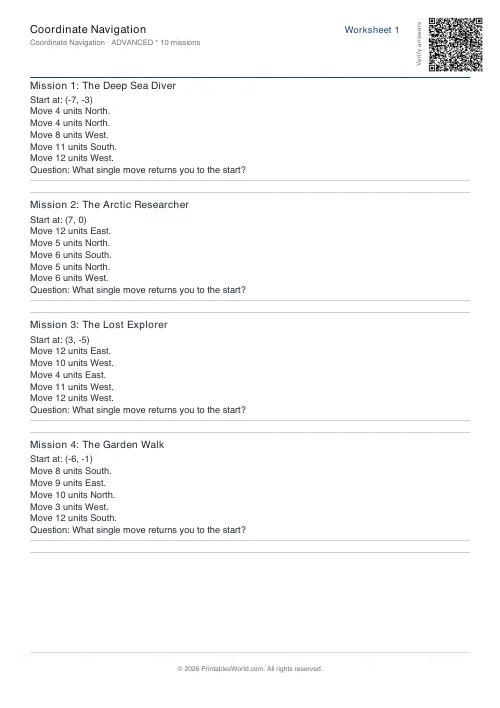 Coordinate Navigation Generator
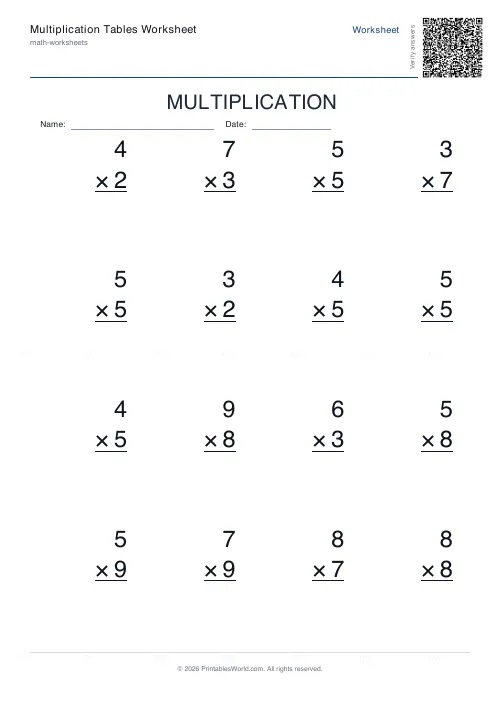 Multiplication Tables Worksheet
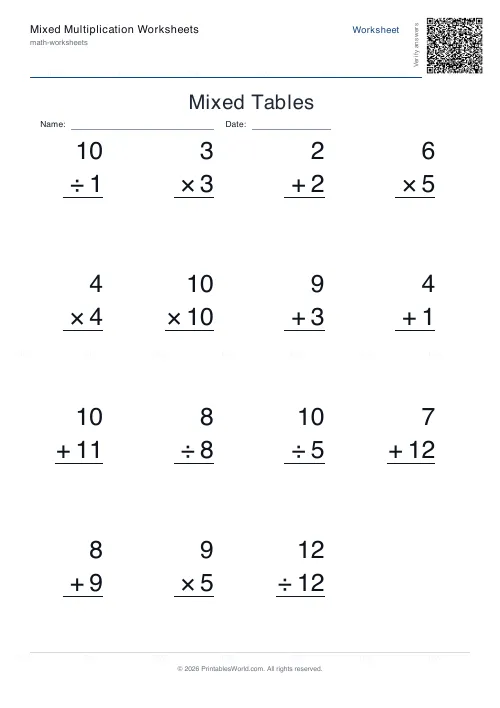 Mixed Multiplication Worksheets
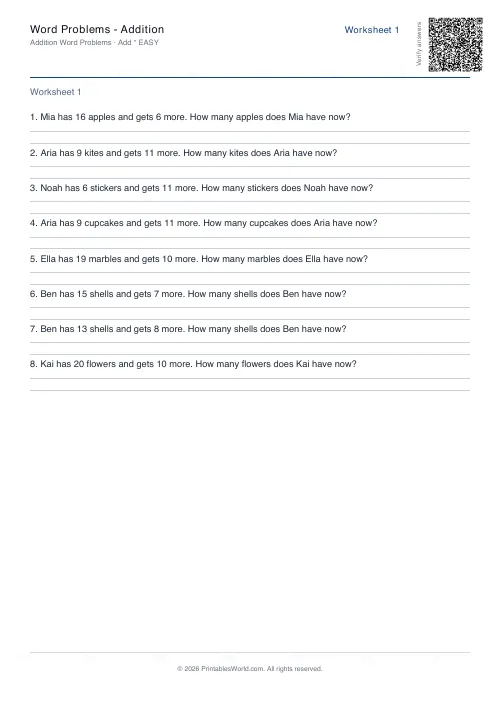 Word Problems: Addition
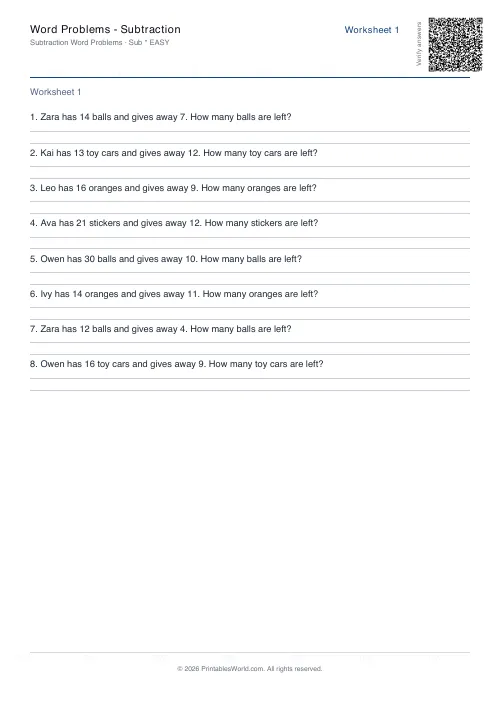 Word Problems: Subtraction
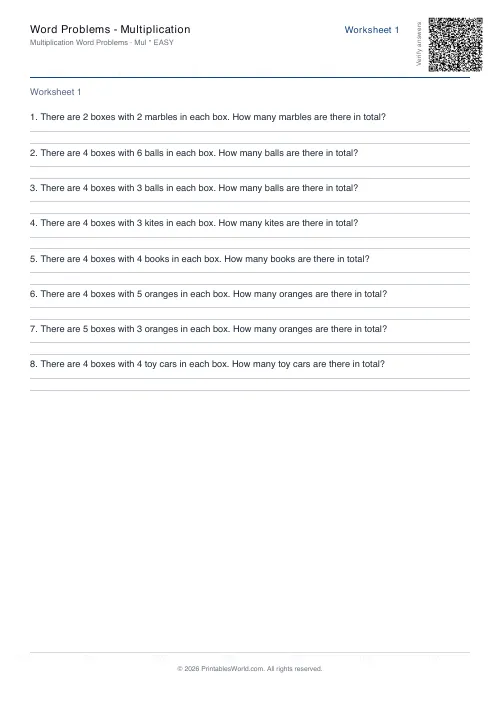 Word Problems: Multiplication
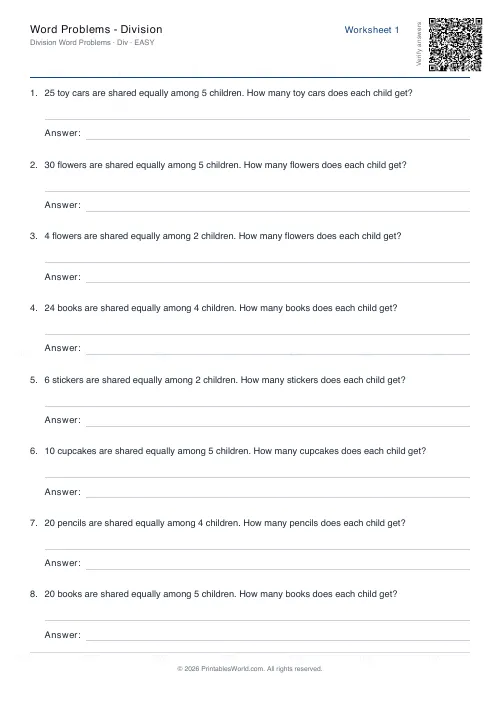 Word Problems: Division