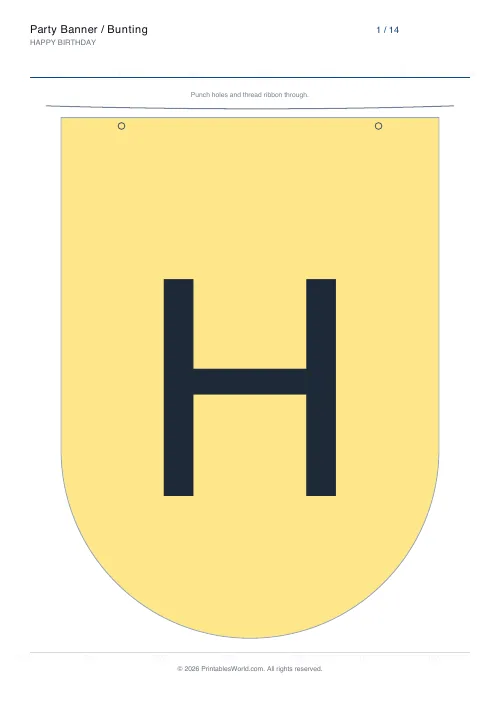
What this tool does
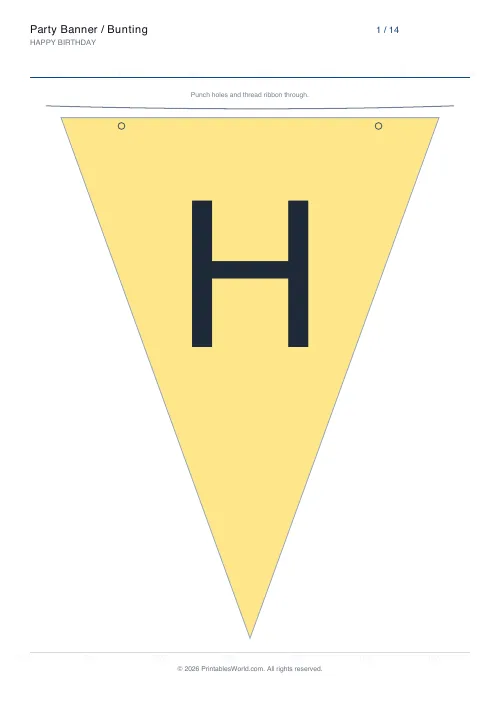
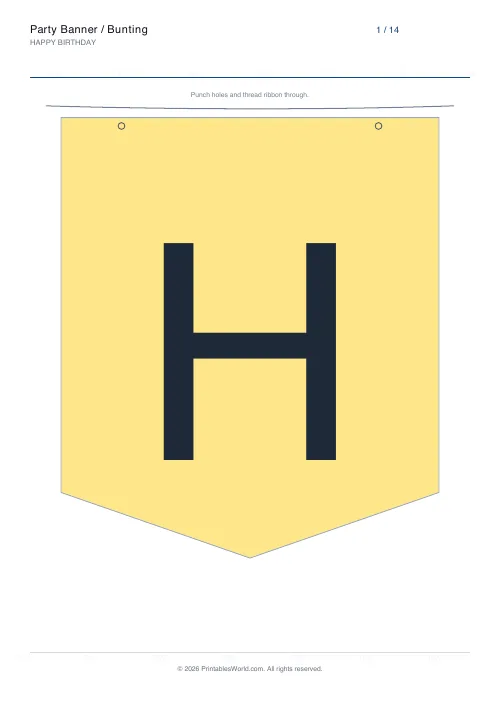
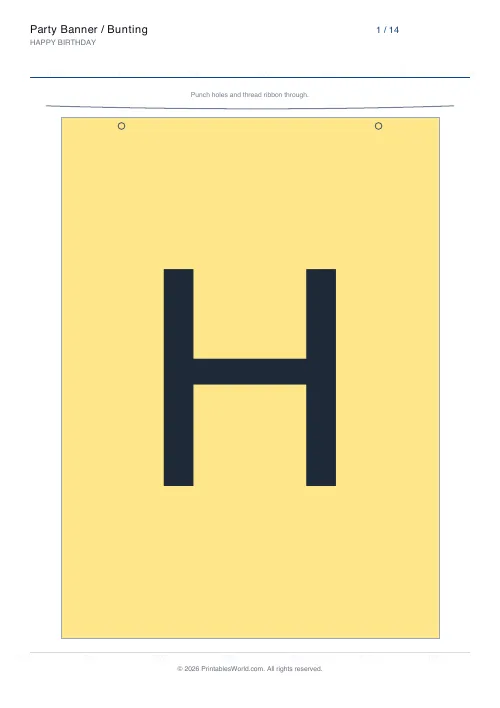
Turn any phrase into a printable party banner. Type your message and the generator lays out one big letter per page on a pennant flag. Pick the flag shape, fill colour and letter colour, then print, cut along the outline, punch the marked holes and thread ribbon through. Spaces become blank spacer flags so the spacing reads correctly when it is hung.
People also used
Desk Name Tags
Foldable tent-style name plates that read from both sides.
Bingo Card Generator
Generate unique printable bingo cards with custom words, FREE centre toggle, call sheet, and seeded shuffles.
Coloring Page Maker
Create printable coloring pages with mandala, geometric, and animal templates in any line thickness.
Feedback
Spotted something off with this tool?
Make a custom party banner in minutes
Whether it is a birthday, a baby shower, a classroom display or a 'Welcome Back' wall, a personalised banner sets the mood instantly. This party banner generator turns any phrase you type into ready-to-print bunting: each letter is printed large on its own pennant flag, so you can spell out anything from HAPPY BIRTHDAY to a child's name or a team motto. There is nothing to design. Type the words, choose a look, and print.
Every flag prints one bold capital letter sized to fill the pennant, with an optional string guide and punch-hole markers across the top so the flags hang straight once threaded onto ribbon or baker's twine.
Sizing the phrase to the room
One letter per flag means the length of your phrase decides the length of your banner, and that is easy to underestimate. HAPPY BIRTHDAY is thirteen letters plus a spacer flag, so fourteen flags; at roughly one flag per sheet of A4 that is a run of about three metres once strung with a little slack.
Measure the gap you are hanging it across before you type. If the wall is two metres, either shorten the phrase — a name on its own, or just the age — or print two rows and hang them one above the other, which looks deliberate rather than cramped.
Short beats long. HAPPY 5TH reads across a room; HAPPY 5TH BIRTHDAY ISABELLA does not, and it uses twenty-six sheets of paper to fail to.
Choosing shapes and colours that print well
The triangular pennant is the traditional bunting shape and the most forgiving to cut, because a slightly wavy straight edge is invisible once it is hanging. Rectangular flags look crisper but show every cutting error along two long edges.
On colour: a mid-tone flag with a dark letter is the combination that survives a home printer. Very dark flag colours use an unreasonable amount of ink across twenty sheets and often come out banded, and a pale letter on a dark flag loses its edges. If you are printing more than about fifteen flags, consider a white flag with a coloured letter and add the colour with ribbon or card behind it instead — it looks better and costs a fraction of the ink.
Turn the cut line on. Cutting freehand around a printed shape is slower and worse than cutting to a line.
Stringing it up so it stays up
Leave the string guide on and fold along it rather than punching holes: a folded top edge over a ribbon or a length of string is far stronger than two punched holes, which tear out of copier paper the first time someone catches the banner with their head.
Tape the fold at the back of each flag once the string is through. That fixes the spacing, which otherwise slides into a heap at one end.
For a banner that has to last more than one afternoon, print onto 160gsm card, or laminate. A paper banner is a one-party object — which is usually fine, and worth knowing before you spend an evening on it.
Beyond birthdays
The generator takes any phrase, so the same sheet covers most of the occasions a banner gets made for: CONGRATULATIONS, GOOD LUCK, WELCOME HOME, JUST MARRIED, HAPPY RETIREMENT, BON VOYAGE.
Two practical notes. Numbers work as flags like any other character, so an age or a year prints fine. And a name on its own is the most reusable banner there is — a child's name will do every birthday for a decade, where HAPPY 6TH will not see next year.
For an event with a photo backdrop, print the name banner twice: one across the top of the backdrop and one held by whoever is in the picture. It costs a second print run and it is the photograph people keep.
FAQs
Quick answers
How many letters can I put on one banner?
Type up to 80 characters and the generator prints one flag per page, so a single message can span many pages. Each letter is sized to fill its pennant so it reads clearly from across a room.
What do the holes and the string line on each flag do?
They are guides for hanging. Punch through the two marked holes near the top corners of each flag and thread ribbon, string or baker's twine through them to join the flags into a banner. Turn the string guide off if you would rather use tape or pegs.
Why are spaces printed as blank flags?
So multi-word messages stay readable when hung. With spacer flags on, each space becomes a blank pennant that keeps a visible gap between words. Switch the option off if you want the letters to sit flush with no gap.
Can I save ink or colour the flags myself?
Yes. Choose the outline-only flag fill to print just the cut outline and the letter, then colour each flag by hand. This is ideal as a classroom craft or when you want a specific shade you do not see in the palette.
Related tools
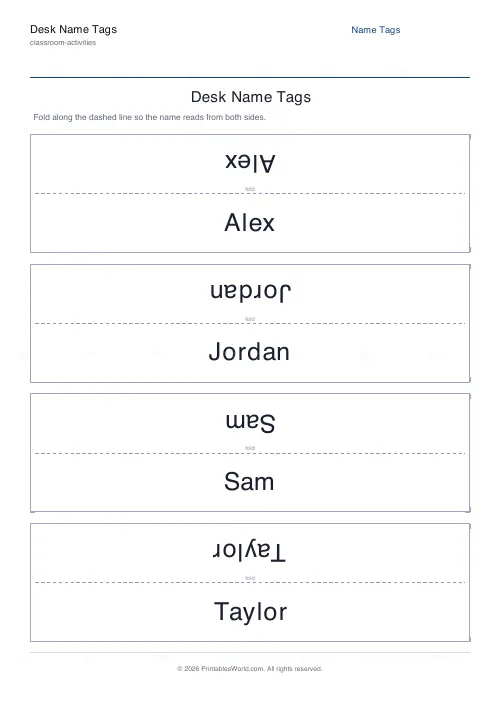
Desk Name Tags
Foldable tent-style name plates that read from both sides.
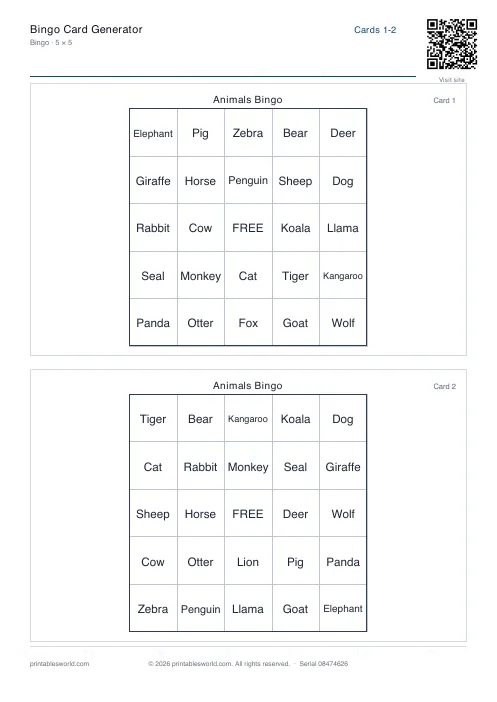
Bingo Card Generator
Generate unique printable bingo cards with custom words, FREE centre toggle, call sheet, and seeded shuffles.
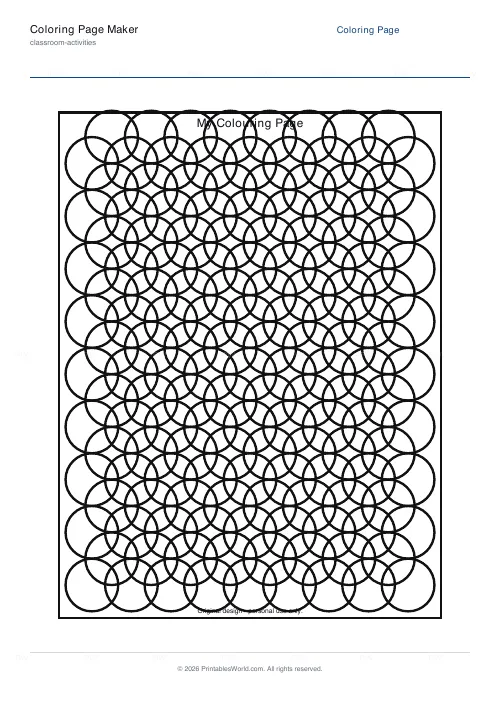
Coloring Page Maker
Create printable coloring pages with mandala, geometric, and animal templates in any line thickness.
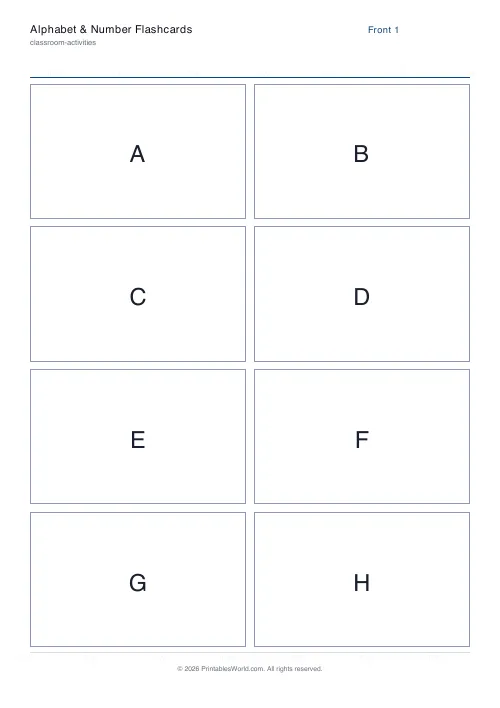
Alphabet & Number Flashcards
Printable ABC and 0-9 flashcards with a big letter or number on the front and an example word on the back.
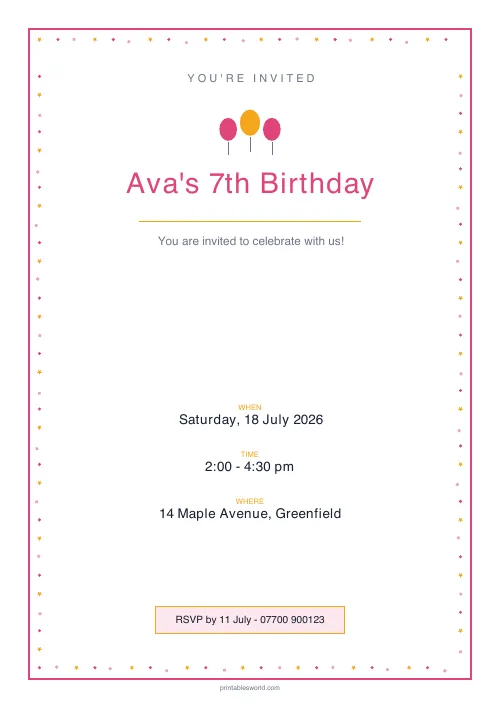
Party Invitation Generator
Clean, typographic printable party invitations. Pick a design, add the details, download a PDF.
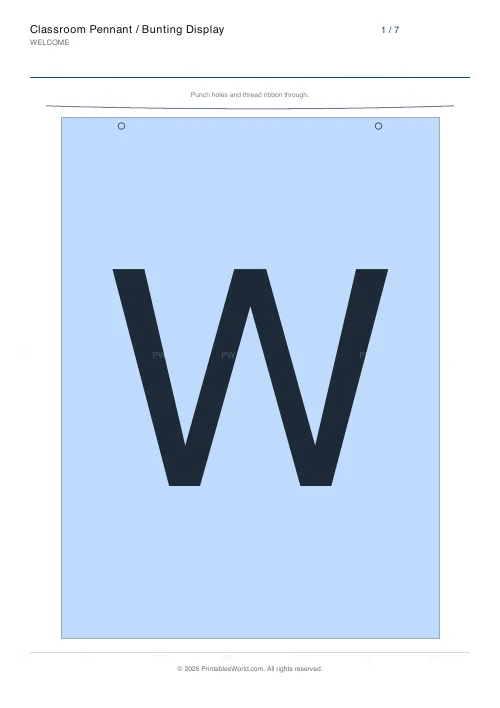
Classroom Pennant / Bunting Display
Classroom heading on printable pennants. School colours, laminate-friendly, built to stay on the wall all year.
Further reading
Classroom Activities
Bingo in the classroom: 10 subjects, one game
Bingo works in almost every subject because the mechanic never changes. Only the call does. Ten variations, and the one rule that turns it from a filler into retrieval practice.
4 min read
Classroom Activities
Back-to-school printables every teacher needs
Sorted by when you will actually need them: the two things to print before the children arrive, the week-one set, and the routines worth establishing while everyone is still compliant.
5 min read