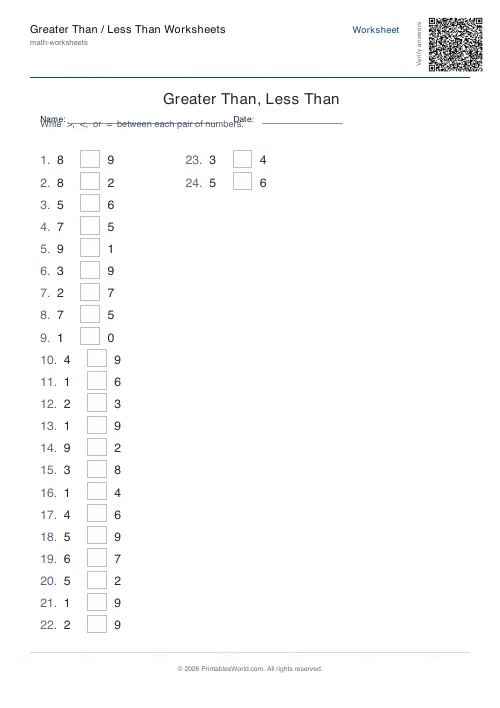
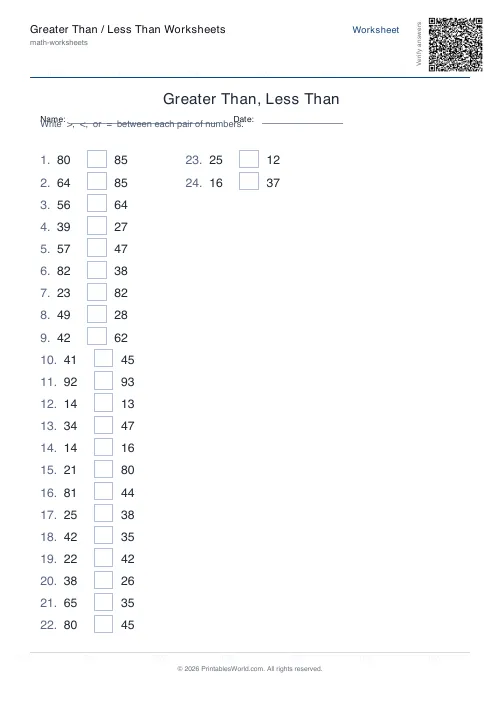
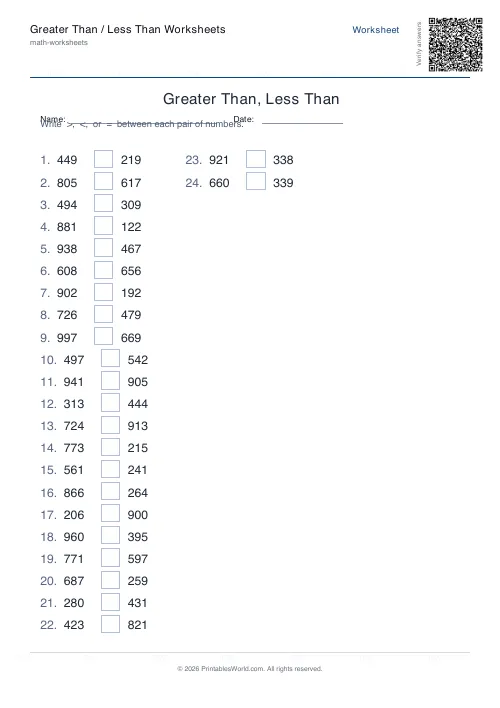
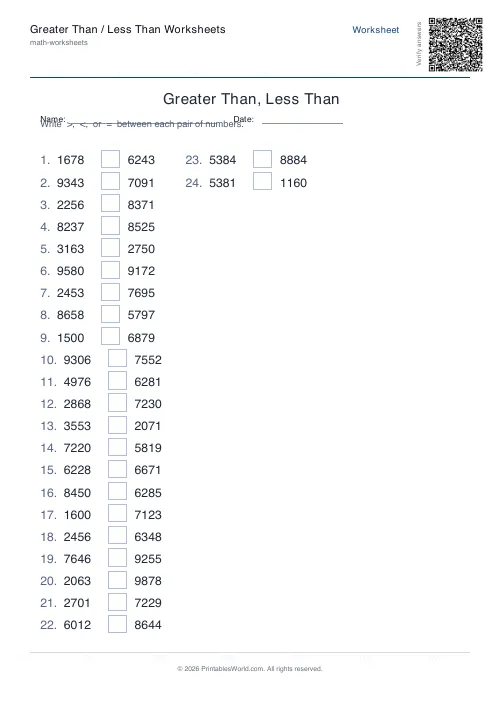
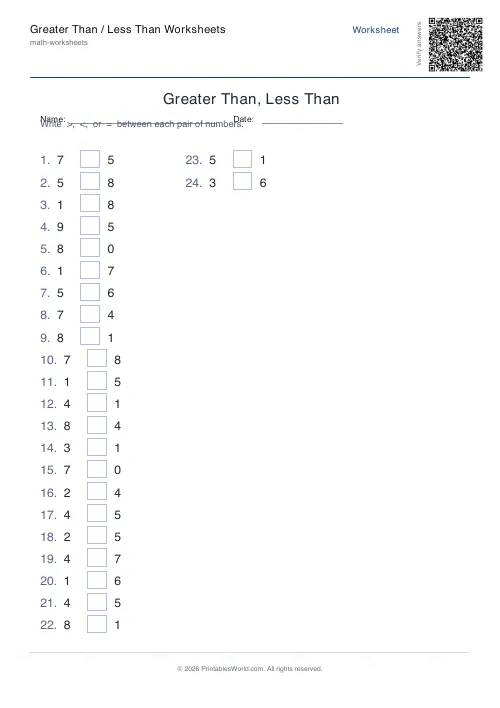
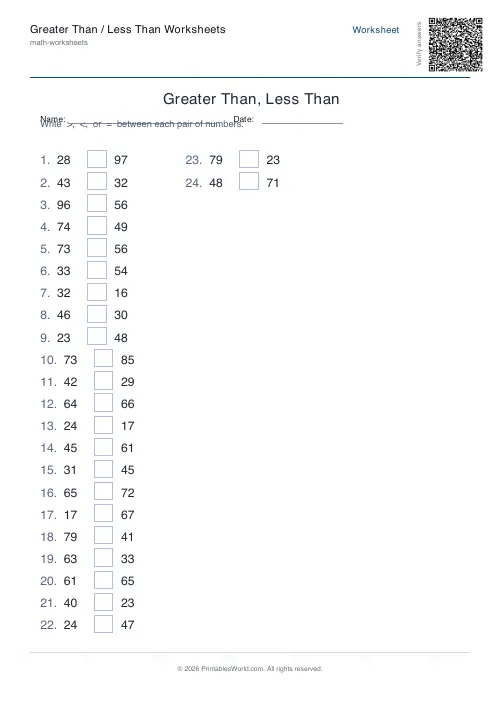
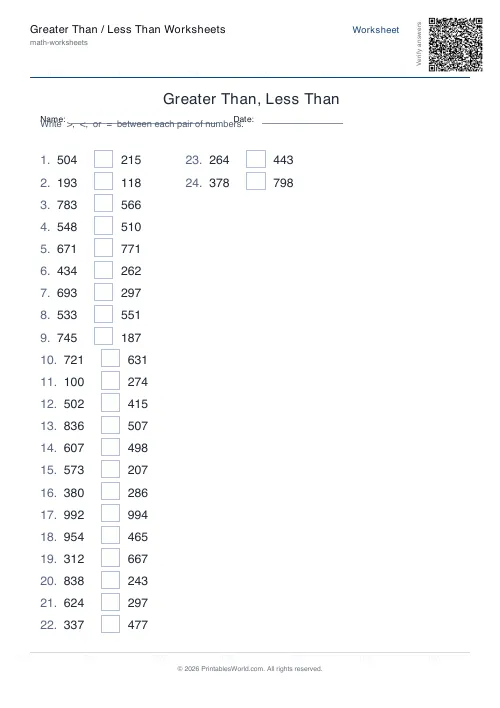
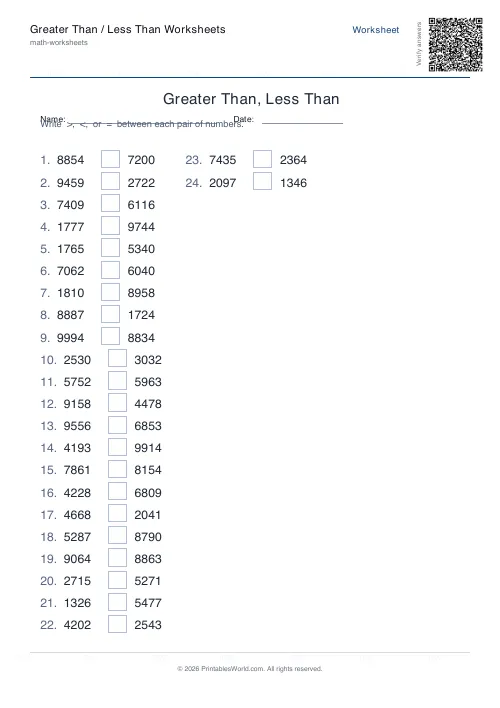
What this tool does
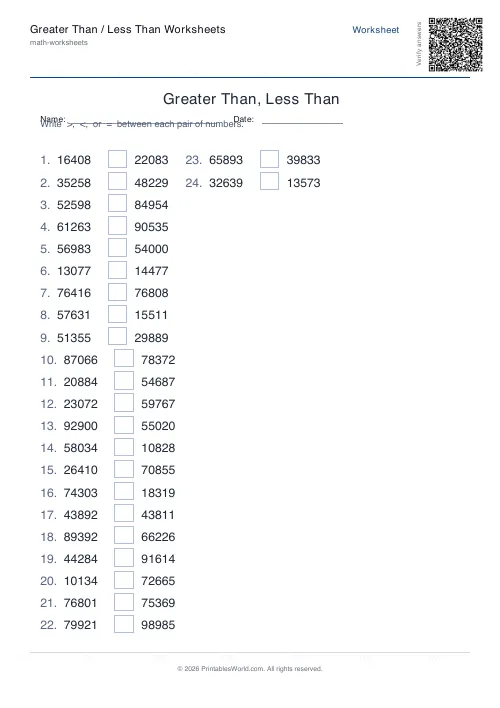
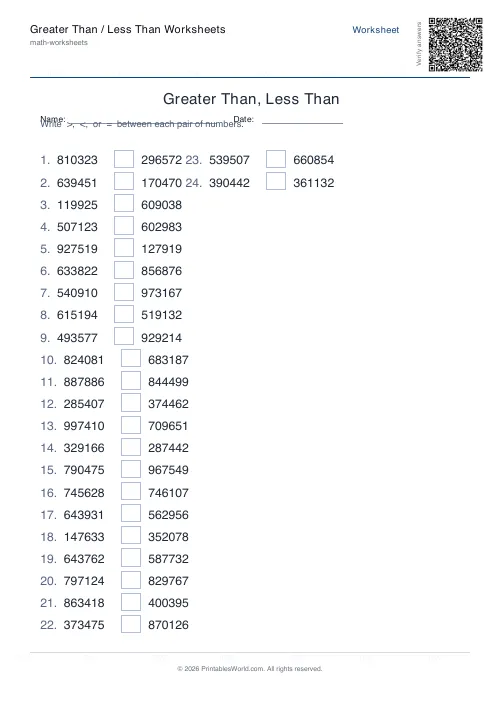
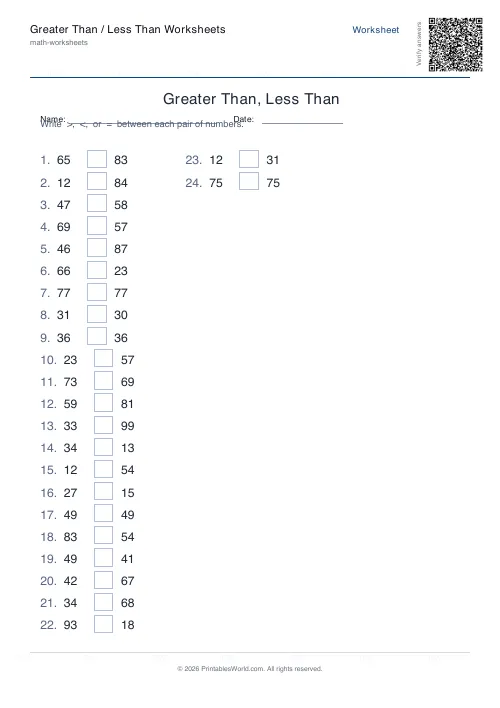
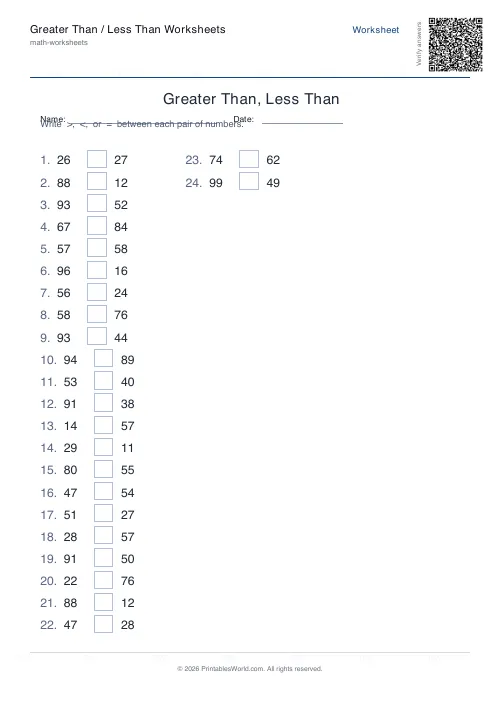
Comparison worksheets where the pupil writes >, < or = between two numbers. Four to eighty problems a sheet, numbers of one to six digits, and an optional equals mode that makes roughly 15% of the pairs identical. Seeded, so the same settings reproduce the same sheet, with an answer key on request.
People also used
Place Value Worksheet Generator
Free printable place value practice. Identify, expand and compose numbers.
Rounding Numbers Worksheet Generator
Generate free printable rounding worksheets for whole numbers and decimals with answer keys.
Number Bonds Worksheet Generator
Print customisable number bonds worksheets for sums to 10, 20 or 100 with optional answer keys.
Feedback
Spotted something off with this tool?
Two numbers, an empty box, one symbol
That is the whole task, and the narrowness is the point: nothing to calculate, nothing to read, just a judgement about which of two numbers is larger.
Digit count runs from one to six, at two by default. Single digits for a child meeting the symbols for the first time. Four digits or five once place value is the thing being tested rather than the comparison itself. Twenty-four problems a sheet unless you change it, up to eighty.
Equals is off, and turning it on changes the task
By default every pair differs, so the answer is always > or <. Switch equals on and roughly fifteen per cent of the pairs become identical.
That small change makes the sheet meaningfully harder, because a child can no longer answer on a glance at the first digit. They have to actually check, and the ones who had been guessing from the shape of the number are immediately visible. It is worth doing once the symbols themselves are secure.
Where the digit count starts to teach place value
Comparing 7 and 4 is a fact you either know or do not. Comparing 4,271 and 4,208 is a procedure: look at the thousands, they match; look at the hundreds, they match; look at the tens, and there is your answer.
That left-to-right scan is the actual skill, and it only appears once the numbers are long enough to need it. Which is why moving from two digits to four is a bigger jump than moving from one to two, and why it is worth doing deliberately rather than drifting up a digit at a time.
Same seed, same sheet
Type anything into the seed field and those exact problems come back whenever you want them.
Which solves the absent-pupil problem cleanly. Print the identical worksheet next week for whoever missed it, and the assessment is genuinely the same assessment rather than a comparable one. Change the seed and everything reshuffles, so parallel versions for two groups take about ten seconds.
A Year 3 place-value lesson
Twenty-four problems, three digits, equals on, answer key on. The sheet comes back with rows like 427 __ 518, then 803 __ 803, then 692 __ 281.
Pupils compare the hundreds first and only move rightward when they have to, writing <, then =, then >. Ten minutes later the key goes on the board and they mark their own, and the ones who wrote something for the middle row without noticing both numbers were the same are the ones to talk to.
What it does not do
- Comparisons only. No addition or subtraction mixed in.
- Whole numbers, so no decimals, no fractions, nothing negative.
- The digit count applies to every problem on the sheet, so a page cannot mix single-digit and four-digit pairs.
- No word problems and no real-world contexts. Numbers and symbols.
The columns look after themselves: the layout fits as many as it can while keeping every row readable at 11 point or above, so a sheet of six-digit numbers comes out in fewer columns than a sheet of single digits.
FAQs
Quick answers
How many problems fit on one page?
The layout arranges problems in three columns and fits roughly 18–24 comparisons per page, depending on digit count and whether name-and-date fields are shown. If you request more problems than fit on one page, the generator adds extra pages automatically.
Can I make both numbers the same so students practice the equals symbol?
Yes. Toggle the 'Include equals cases' option on, and approximately 15% of problems will have identical numbers (a = b). This teaches students that the equals sign is a valid answer when comparing numbers, not just in equations.
What does the seed field do?
The seed controls which random numbers appear. Type the same seed (any word or number) and you'll always get the same set of problems. This is useful for printing identical worksheets for absent students, creating versioned tests, or reproducing a worksheet you've already used.
Does the answer key show working or just the symbols?
The answer key prints the same layout as the question sheet but with the correct symbol (>, <, or =) filled in each box. It does not show step-by-step working, because comparison problems require direct place-value inspection rather than multi-step calculations.
Can I print this on US Letter paper or only A4?
Both formats work perfectly. The PDF layout fits A4 and US Letter without clipping, so you can print on whichever paper size your printer uses.
What's the largest number I can generate?
Four-digit numbers go up to 9,999, which covers the comparison work in most primary and elementary curricula. Past that the exercise tests reading a long numeral rather than the greater-than / less-than idea itself, so the digit count stops at four.
Can I change the font size or number of columns?
No. The layout is fixed at three columns with a standard font size that balances readability and page capacity. This keeps the tool simple and ensures consistent output across all problem counts and digit ranges.
Related tools
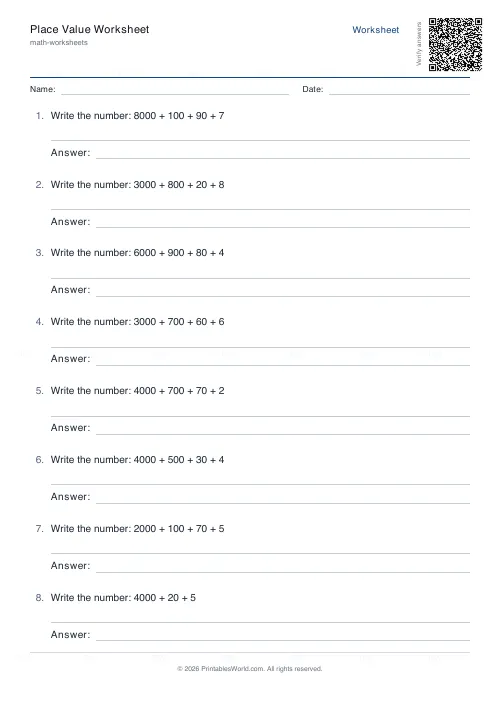
Place Value Worksheet Generator
Free printable place value practice. Identify, expand and compose numbers.
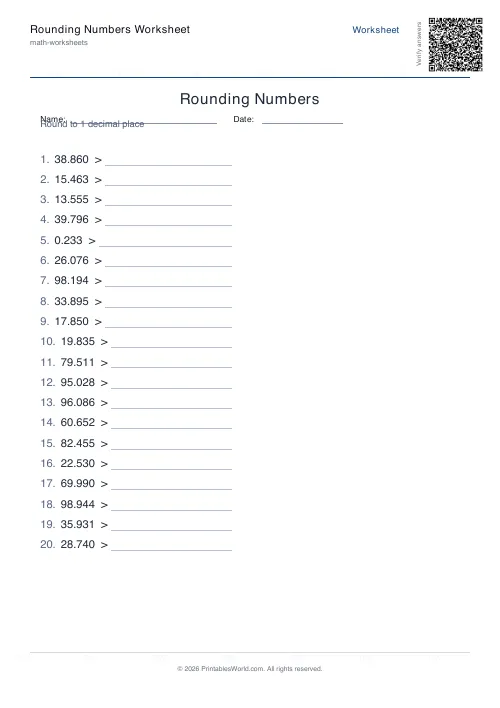
Rounding Numbers Worksheet Generator
Generate free printable rounding worksheets for whole numbers and decimals with answer keys.
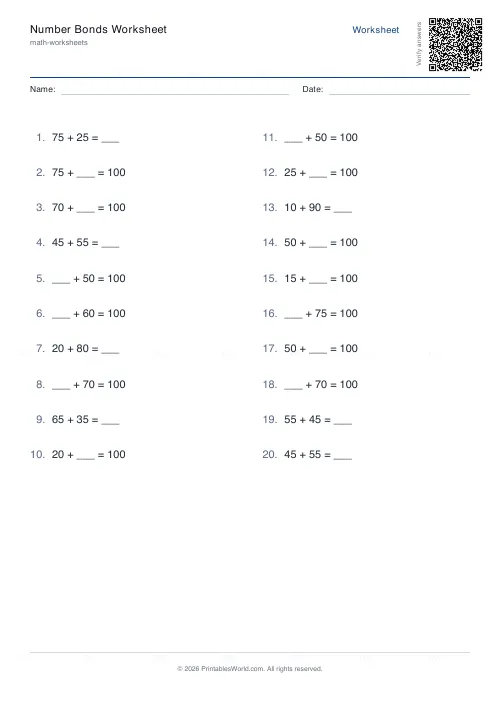
Number Bonds Worksheet Generator
Print customisable number bonds worksheets for sums to 10, 20 or 100 with optional answer keys.
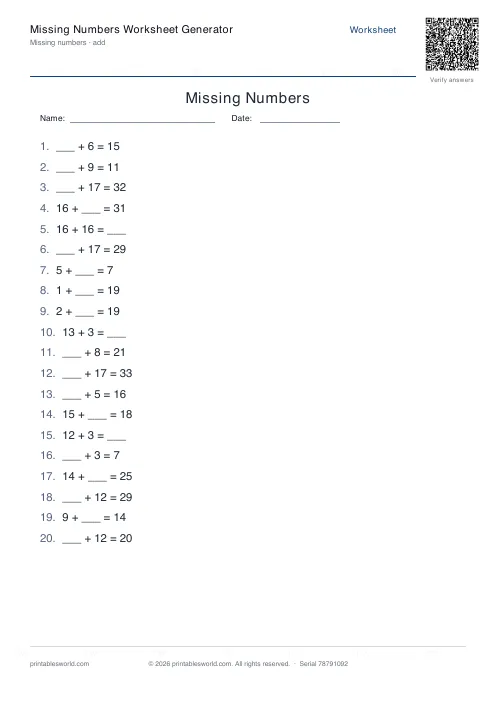
Missing Numbers Worksheet Generator
Free printable fill-in-the-missing-number worksheets for addition, subtraction, multiplication and division.
Further reading
More like this
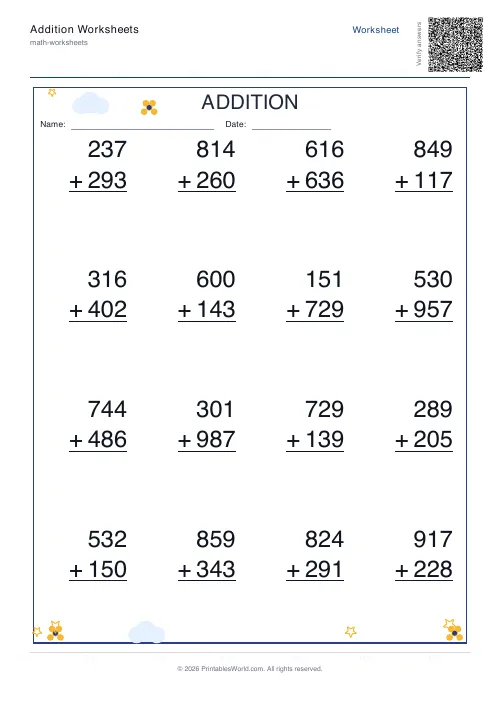 Addition Worksheets Generator
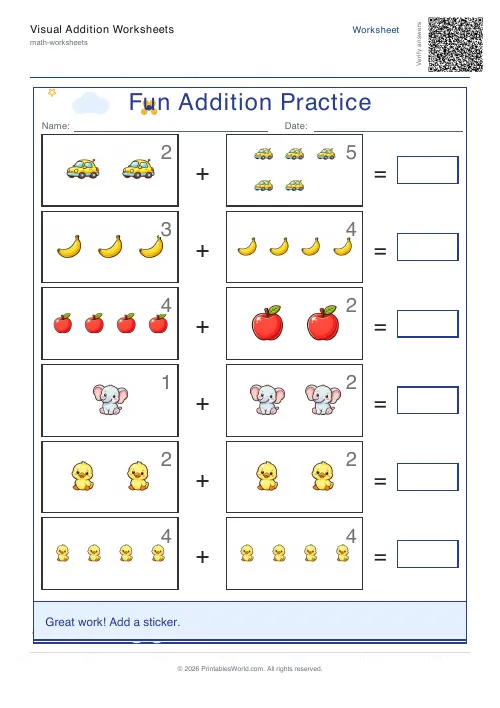 Visual Addition Worksheets Generator
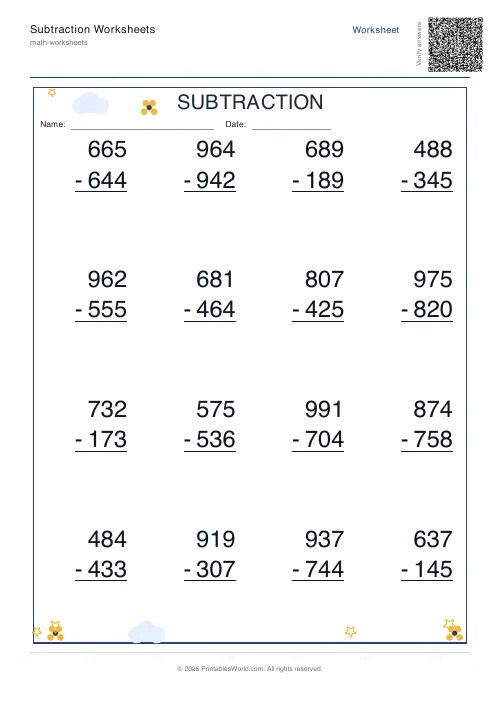 Subtraction Worksheets Generator
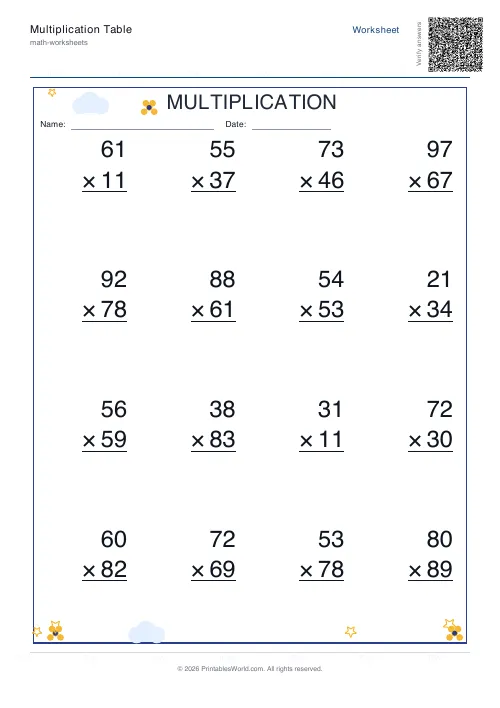 Multiplication Table Generator
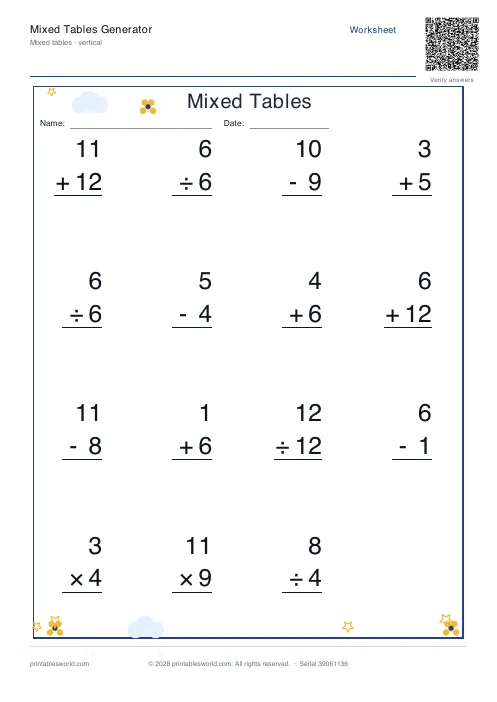 Mixed Tables Generator
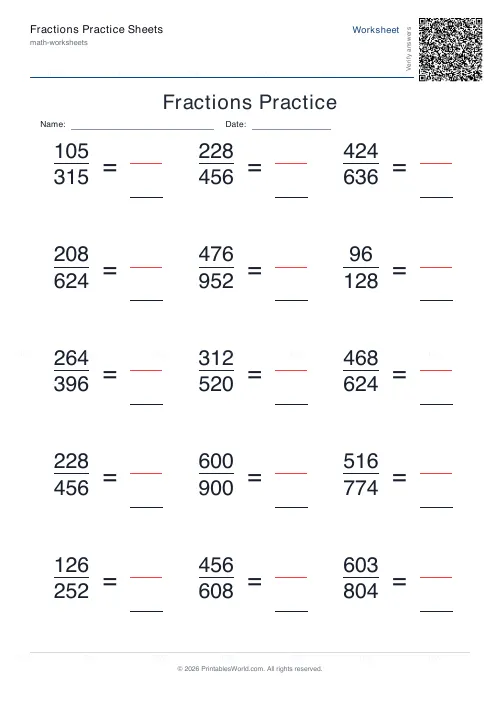 Fractions Practice Sheets Generator
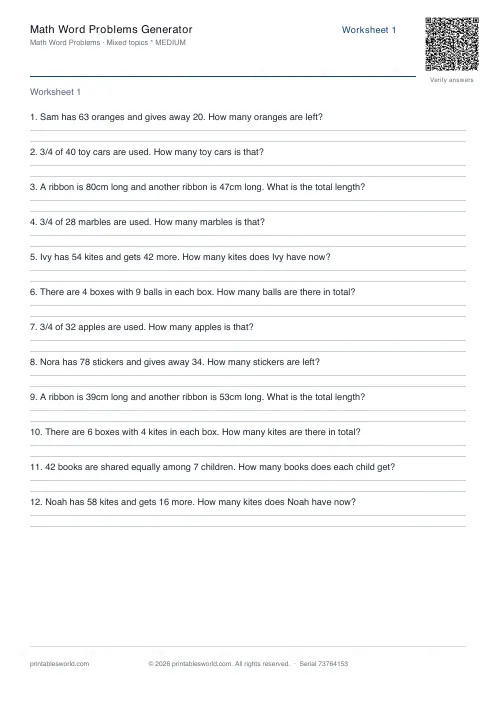 Math Word Problems Generator
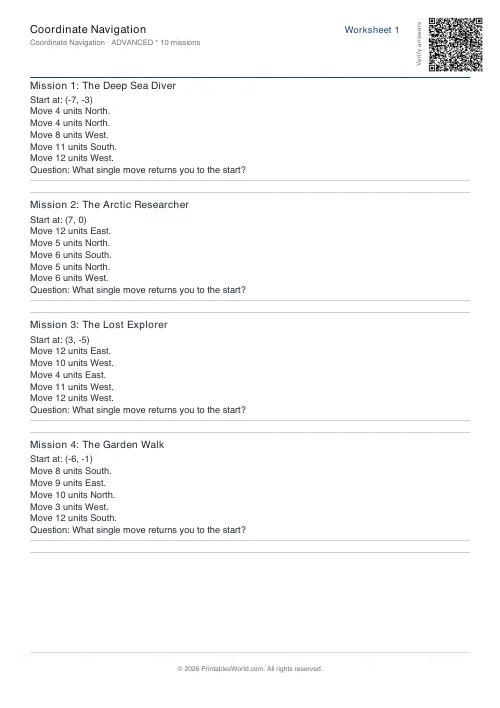 Coordinate Navigation Generator
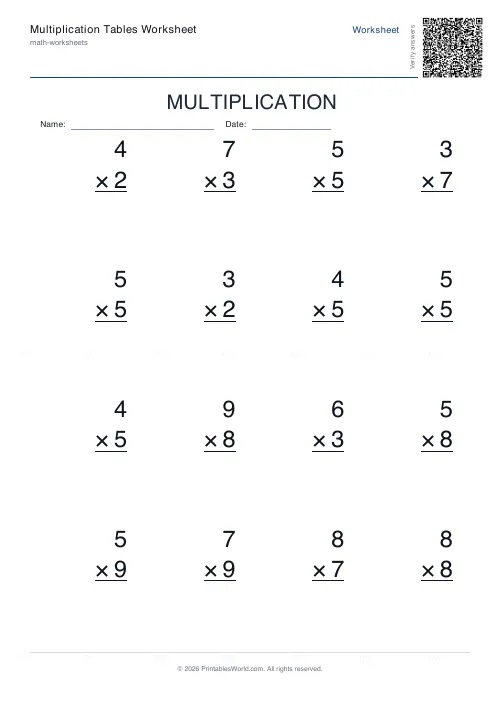 Multiplication Tables Worksheet
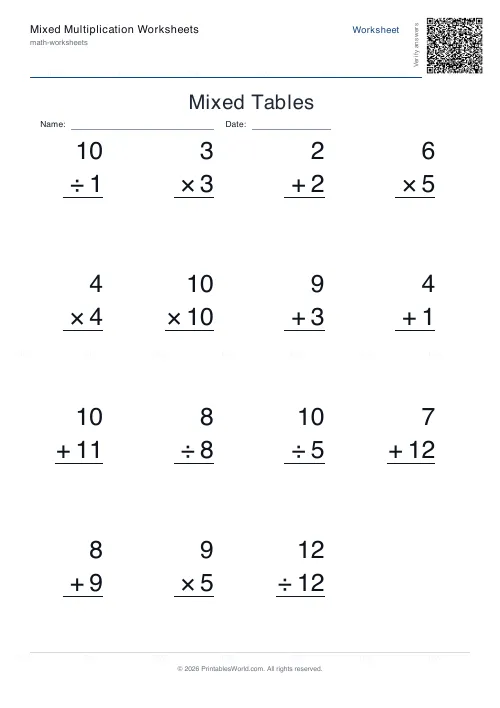 Mixed Multiplication Worksheets
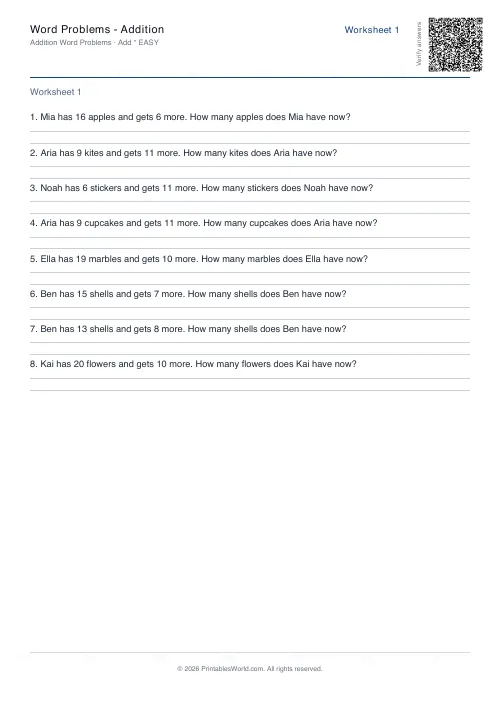 Word Problems: Addition
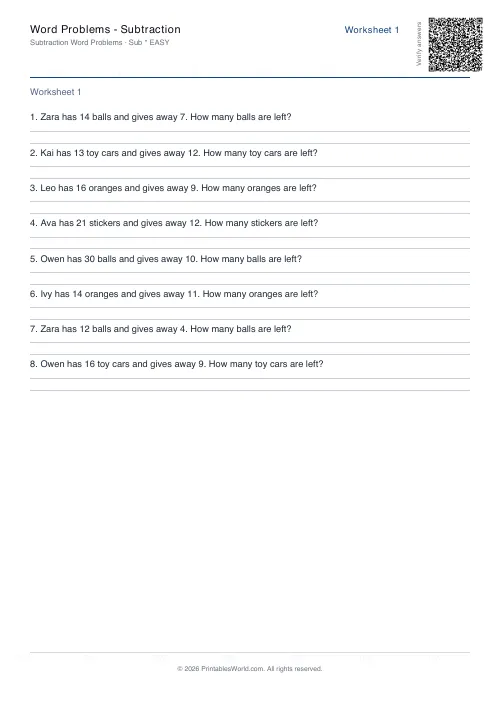 Word Problems: Subtraction
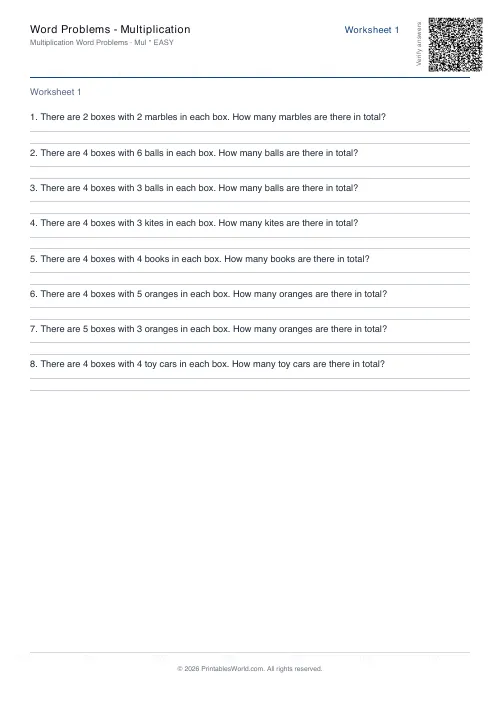 Word Problems: Multiplication
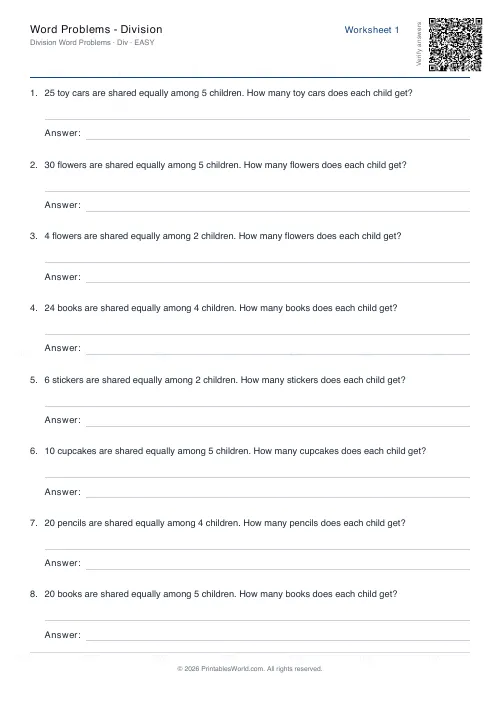 Word Problems: Division