Planners
How to track habits that actually change your life
By Jobi · Creator & Maintainer, PrintablesWorld · Updated 2026-07-29 · 5 min read
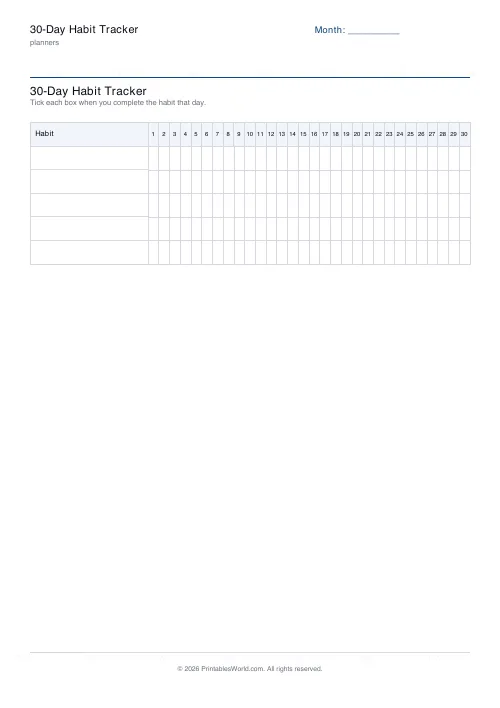
Habit tracking is the least glamorous productivity technique and one of the few that survives contact with an ordinary week. Ticking a box does not change behaviour by itself; what changes behaviour is being unable to pretend, at the end of a month, that you did the thing more often than you did. A free printable 30-day habit tracker is the whole system.
Why tracking works at all
Three things happen when you tick a box.
It becomes measurable. Memory is generous about frequency. "I've been running most days" tends to mean nine days out of thirty, and the grid says so without argument.
It creates a small immediate reward. Most worthwhile habits pay off months later, exercise, saving, practice. The tick is a payoff you get tonight, which helps bridge the gap.
It surfaces patterns. A month of data usually shows something specific: every gap falls on a Wednesday, or nothing survives a weekend away. That is actionable in a way that "I keep failing" is not.
How many habits to track
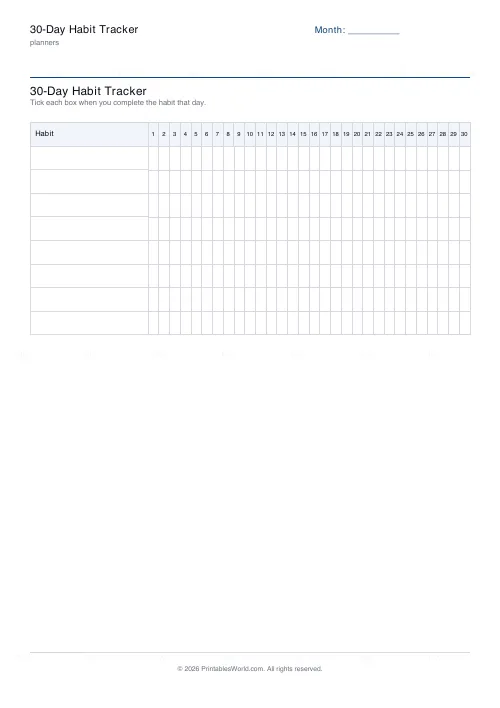
Three, maybe four. Almost everyone starts with eight.
Eight habits is roughly forty minutes of new behaviour a day arriving simultaneously, which is a lifestyle change rather than a habit. It survives about a week. Worse, a sheet with eight rows and half of them blank reads as failure, and the sheet stops being opened.
Three habits, ticked most days for a month, is a genuine change. Add a fourth once one of the three has stopped requiring thought.
Choosing habits that can be ticked
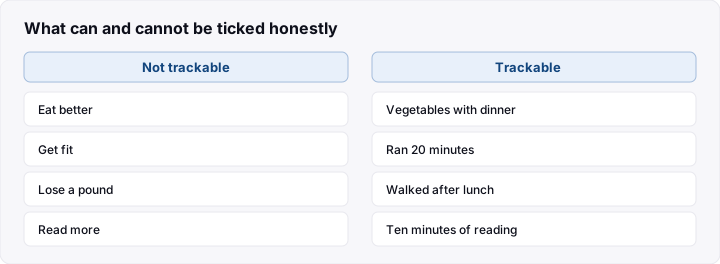
A trackable habit is binary, daily-ish and under your control.
- Binary: you either did it or you did not. "Eat better" cannot be ticked honestly; "vegetables with dinner" can.
- Daily-ish: something you do most days. A weekly habit gives four data points a month, which is too sparse to show a pattern.
- Under your control: track the behaviour, not the outcome. "Ran 20 minutes" is yours; "lost a pound" depends on things you do not govern.
Set the bar low enough that a bad day still clears it. "Ten minutes of reading" gets ticked on the evening you are exhausted; "read a chapter" does not, and an unticked box on a hard day is where the run usually ends.
The streak: the point and the danger
An unbroken row of ticks is genuinely motivating. Nobody wants to be the one who breaks it. That is the mechanism, and it works.
It has two failure modes worth naming in advance.
Protecting the streak instead of the habit. Doing a token version at 11:55pm to keep the row intact means the streak has become the goal. If that starts happening regularly, the bar is set wrong.
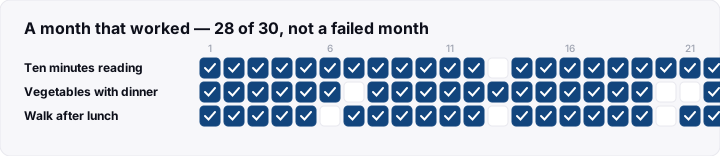
Abandoning everything after one miss. The most common way habit tracking ends. A 28-out-of-30 month is an excellent month; treating it as a failed month because of two gaps is the all-or-nothing thinking the tracker was meant to counter.
Write never miss twice at the top of the sheet. One gap is noise. Two consecutive gaps is the beginning of the end, and that is the only rule the tracker really needs.
Reading the sheet at the end of the month
The tracker earns its keep on the last day, not the first. Five minutes with a completed grid, asking:
- Which habit has the most gaps? Usually it is pitched too high, badly timed, or not actually wanted.
- Do the gaps cluster? Weekends, or a particular weekday, or the week you travelled. Clusters point at a cue problem rather than a willpower problem.
- Which one is now automatic? Promote it off the sheet and free a row.
- Which one do you resent? Dropping a habit you do not actually want is a legitimate outcome, not a failure.
Keep the finished sheets. Six months of them is the clearest evidence you will get about what you actually do, as opposed to what you intend.
What to do when it stops working
You stop filling it in. Usually the sheet is not where you are at tick-time. Move it. Bedside table, fridge, inside the wardrobe door.
Everything is ticked, every day. Good, and now the tracker is doing nothing. The habits are established; retire them and pick harder ones.
The sheet makes you feel bad. Too many rows, or the bar is too high. Cut to two habits and halve the requirement.
You forget until bedtime. Attach ticking to something that already happens. The daily routine checklist works well here, since the tick becomes part of an evening routine rather than a separate thing to remember.
Frequently asked questions
How long should I track a habit?
At least a month, which is why 30-day grids are the common format. Habit formation research reports averages of a couple of months with a very wide range, so treat 30 days as a first checkpoint rather than a finish line.
Paper or an app?
Paper has one significant advantage: it is visible without being unlocked, and it cannot show you anything else. Apps are better for reminders and for data you want to keep long-term. Many people use paper precisely because their phone is the thing distracting them from the habit.
What if I miss a day?
Leave the box blank and carry on. Do not backfill and do not restart the month. The blank box is information; a falsified grid is worth nothing.
Can I track habits for children?
Yes, and it works well when the child owns the sheet and does the ticking. Keep it to one or two habits, make the bar clearly achievable, and let the completed grid be the reward rather than attaching a prize to every tick.
Before you print
Pick three habits, set each bar low enough for a bad day, put the sheet where the habit happens, and write never miss twice at the top. Print the 30-day habit tracker one month at a time and spend five minutes with the completed grid before printing the next.
Related tools
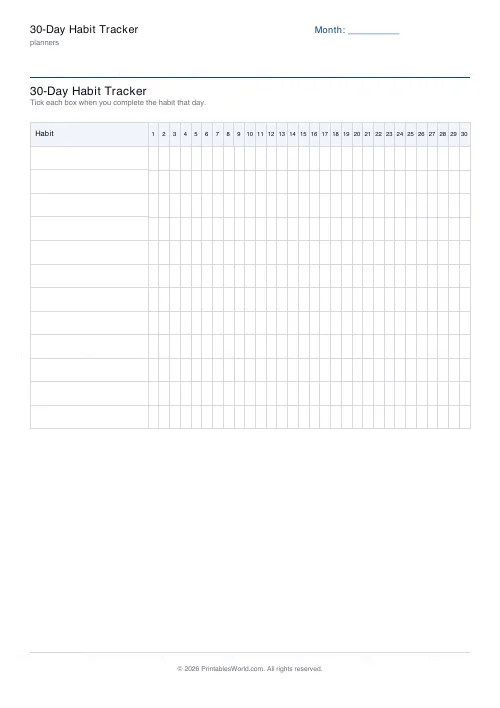
30-Day Habit Tracker
A printable 30-day habit grid to tick off every morning. One row per habit.
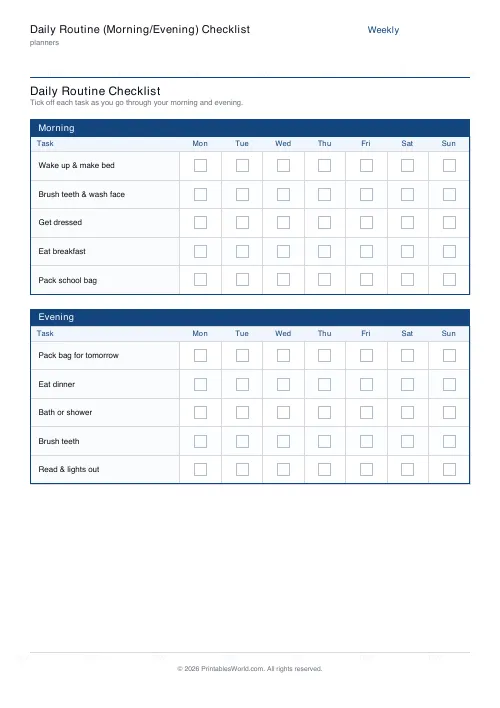
Daily Routine (Morning/Evening) Checklist
Printable morning and evening routine checklist with a tick box for every task, every day of the week.

Daily Planner
One-page daily planner with priorities, hourly schedule, and a notes strip.
Continue reading
Planners
How to build a daily routine that actually sticks
Most routines fail in week two, when motivation runs out and nothing has replaced it. The fix is structural: fewer items, fixed anchors, and a plan for the day you miss.
6 min read
Planners
Time blocking for beginners: a complete guide
Time blocking is deciding when each task happens, not just what. Here is how to size blocks realistically, what to do when the day breaks, and why most beginners over-schedule.
5 min read