What this tool does
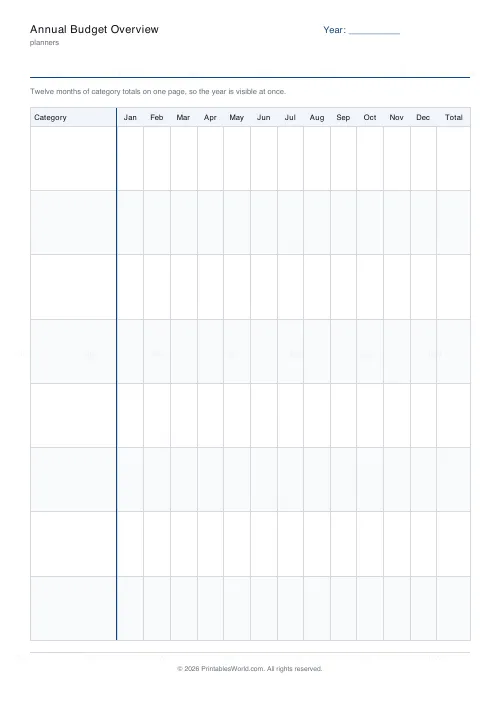
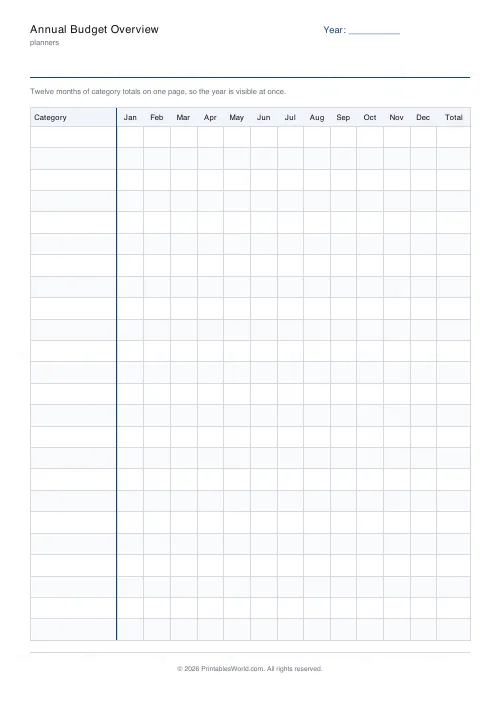
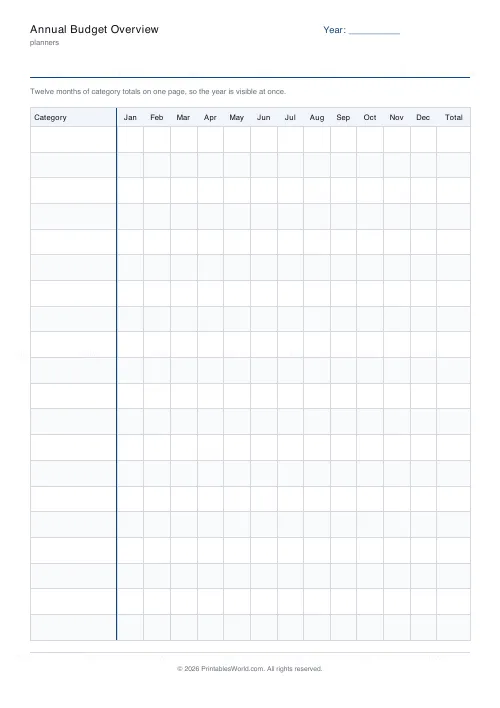
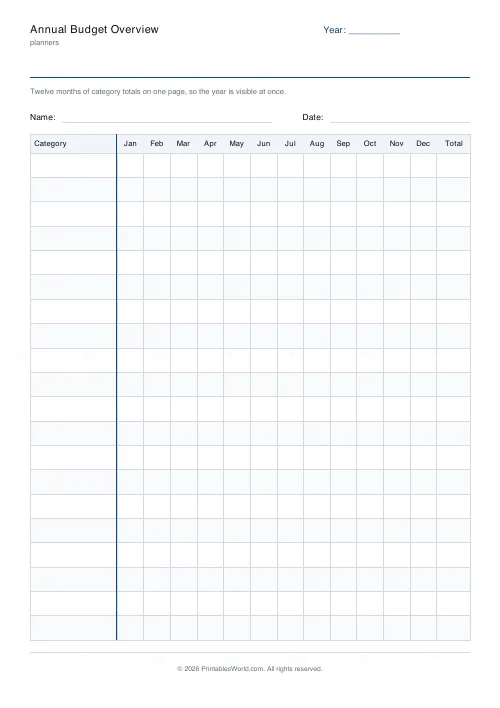
A year on one page. Categories down the left, January to December across, a total column on the right. Eight to twenty-four categories.
People also used
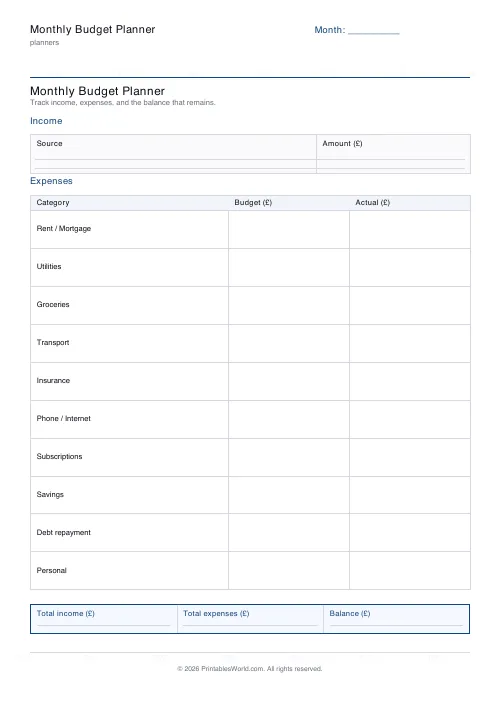
Monthly Budget Planner
One-page printable budget: income, categorised expenses, balance summary.
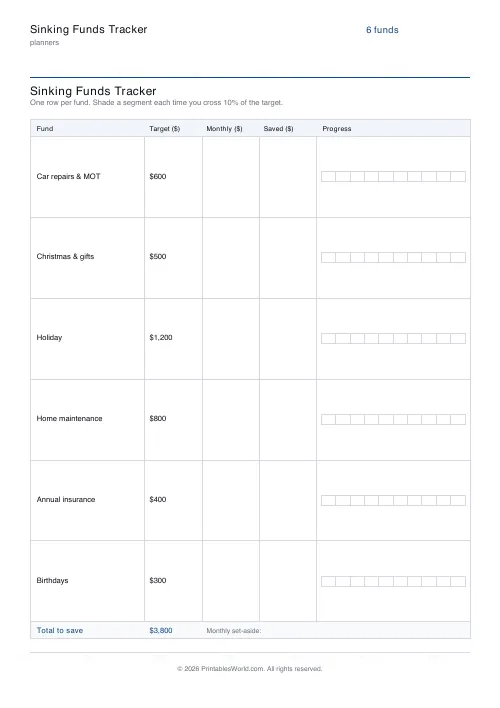
Sinking Funds Tracker
Printable multi-category sinking funds tracker. One row per fund with target, monthly set-aside, and a 10-segment progress bar.
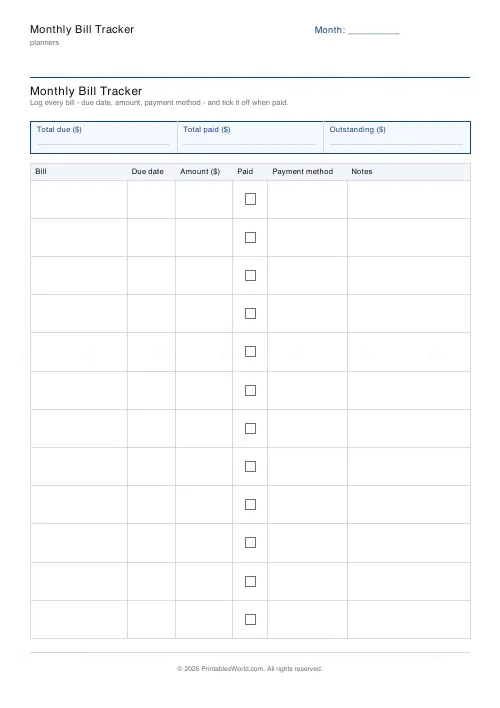
Monthly Bill Tracker
Printable bill tracker: due date, amount, paid check, payment method, notes.
Feedback
Spotted something off with this tool?
A year is a different question from a month
A monthly budget answers whether this month works. It cannot show you that the car costs nothing for eight months and then a great deal in two, which is the pattern that actually breaks budgets.
Reading across the row
Each row is one category across twelve months. The irregular ones announce themselves immediately — insurance, birthdays, the boiler service — and those are exactly the ones a monthly sheet hides.
Fill it in backwards first
The fastest way to use it is to complete last year from statements before planning this one. A guessed annual budget is a wish; a measured one is a plan.
What goes in each column
- Category — down the left. Keep the list short enough to read in one look; twelve to sixteen rows works better than thirty.
- Jan to Dec — one figure per month per category.
- Total — the year for that category, which is the number worth knowing.
- Read across a row to find the irregular costs, and down a column to find the expensive months. Those two readings are the reason this is a grid and not a list.
Printing it
Choose A4 or US Letter before you download and the table is laid out to fit that sheet — column widths are shares of the page, not fixed millimetres, so nothing is cut off at the right-hand edge. Alternate row shading can be turned off if you are photocopying in black and white, where a pale tint sometimes reproduces as a muddy grey. If you need more than one page, set the page count before downloading rather than printing the same PDF twice; the pages are then numbered, which matters the moment two of them get separated.
FAQs
Quick answers
Is the annual budget overview free to print?
Yes. Set it up, download the PDF and print as many copies as you need. No account, no watermark on your own copy beyond our faint brand mark.
Can I change the number of rows?
Yes. The slider sets rows per page within a range that keeps every row big enough to write in. You can also print up to four pages in one download.
Can I change the column headings?
Not on this sheet — the columns are fixed so the layout stays even and legible. The title and the header label are yours to edit.
A4 or US Letter?
Both. Pick the paper size before you download and the table is laid out to fit that sheet.
Related tools
Monthly Budget Planner
One-page printable budget: income, categorised expenses, balance summary.
Sinking Funds Tracker
Printable multi-category sinking funds tracker. One row per fund with target, monthly set-aside, and a 10-segment progress bar.
Monthly Bill Tracker
Printable bill tracker: due date, amount, paid check, payment method, notes.
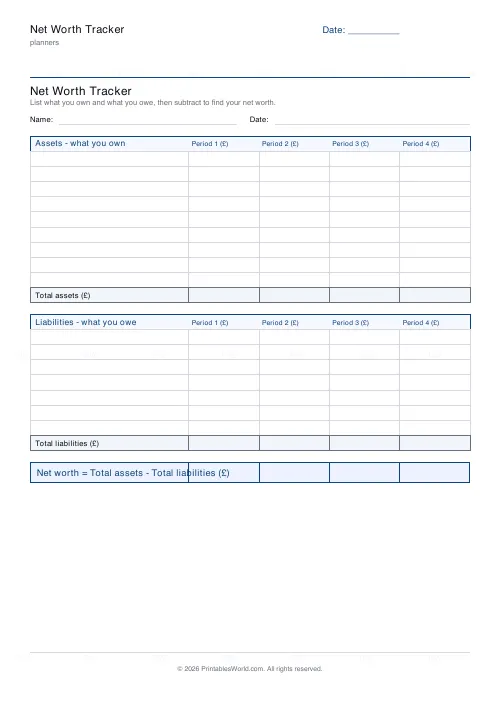
Net Worth Tracker
Printable net worth tracker: list assets and liabilities, then find your net worth.