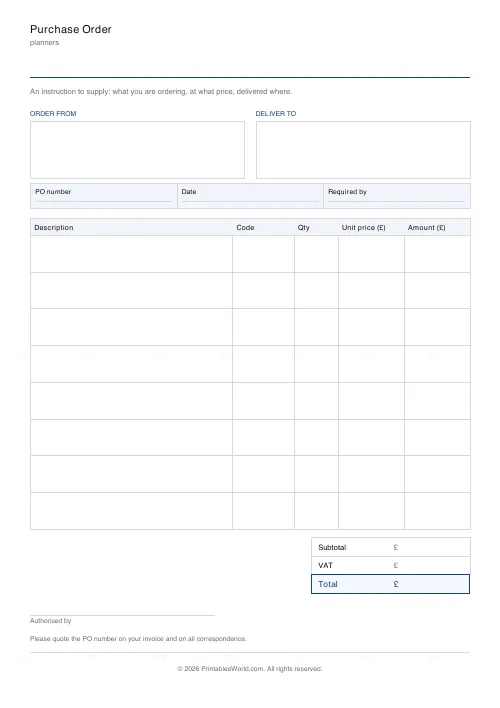
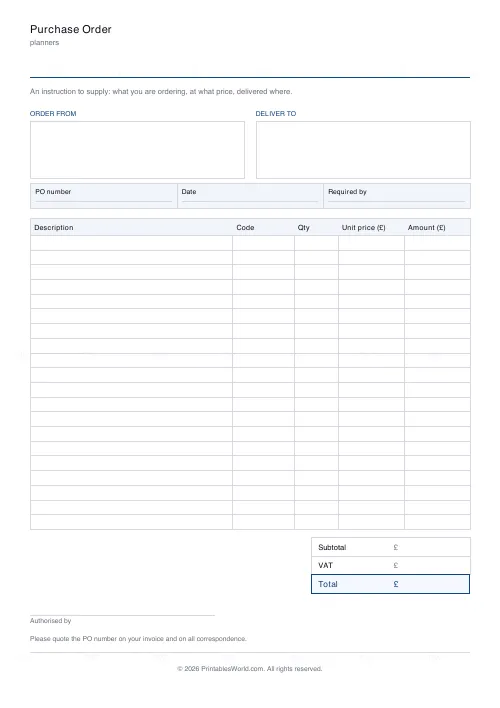
What this tool does
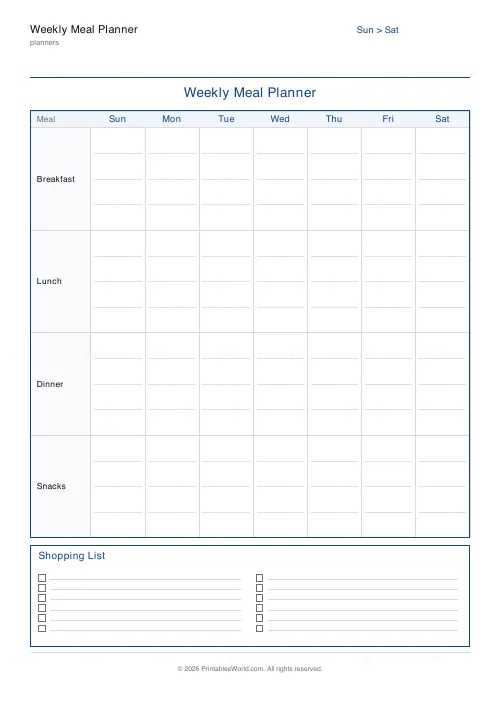
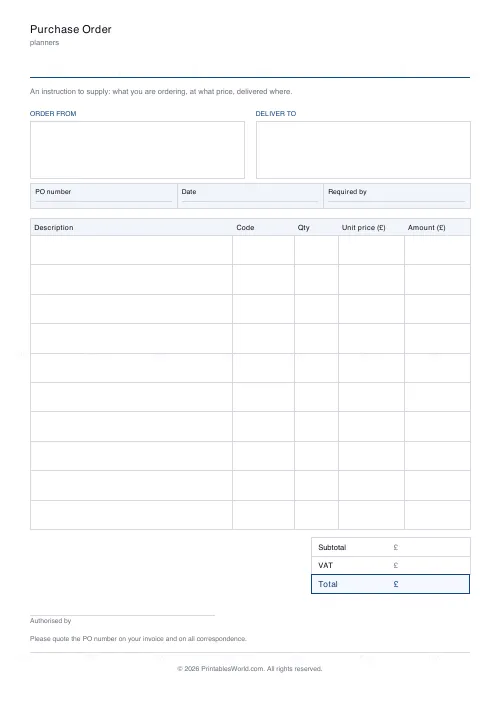
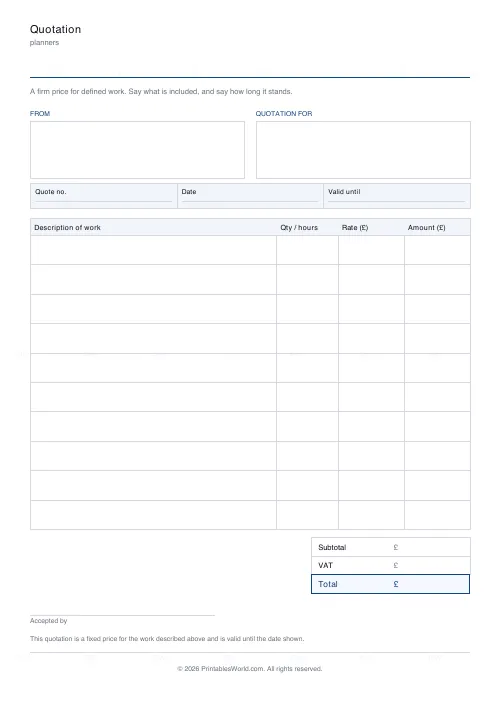
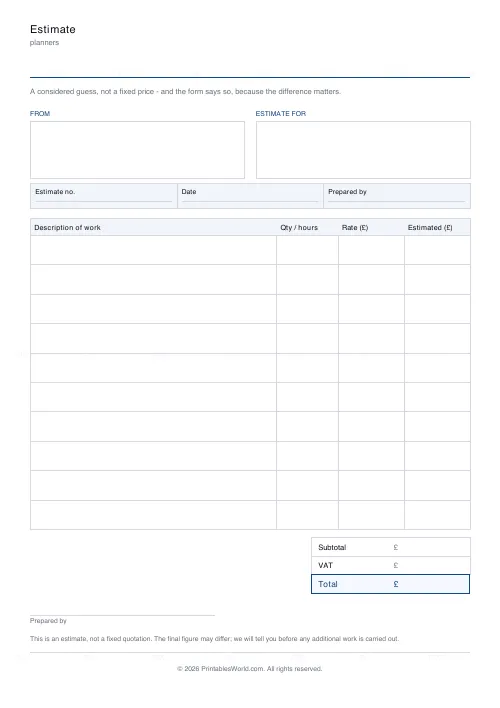
Three documents on one page: a purchase order, a fixed-price quotation, and an estimate that says on its face that it is not fixed.
People also used
Feedback
Spotted something off with this tool?
A quote and an estimate are not the same document
A quotation is a fixed price for defined work. An estimate is a considered guess that may change. In several jurisdictions that distinction has legal weight, and the commonest way people get into trouble is sending one while meaning the other.
So the two forms carry different wording at the foot, and it is printed rather than left to be explained. The quote says it is a fixed price valid until the date shown. The estimate says the final figure may differ and that you will be told before extra work is done.
The purchase order
An instruction to supply, with a PO number, a required-by date, and the line at the foot asking the supplier to quote that number on their invoice. That one sentence is what makes reconciling the invoice possible later.
Two address blocks
Every document here has a from and a to, because all three travel between two businesses and the commonest omission on a hand-made form is whose order it actually is.
FAQs
Quick answers
Is the purchase order, quote & estimate free?
Yes — set it up, download the PDF and print as many as you need. No account and no sign-up.
A4 or US Letter?
Both. Choose the paper size before downloading and the sheet is laid out to fit it.
Can I put my own business name on it?
Yes. The heading and the fields at the top are editable, and the PDF carries only a faint PrintablesWorld mark.
Can I print several copies at once?
Yes — where the sheet supports it, set the page count before you download rather than printing the same PDF repeatedly.
Related tools
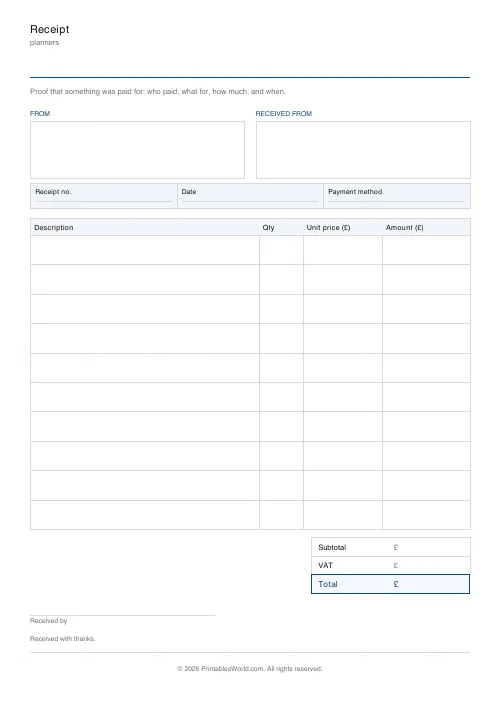
Receipt & Packing Slip
Printable receipt and packing slip: address blocks, line items, totals and a signature line.
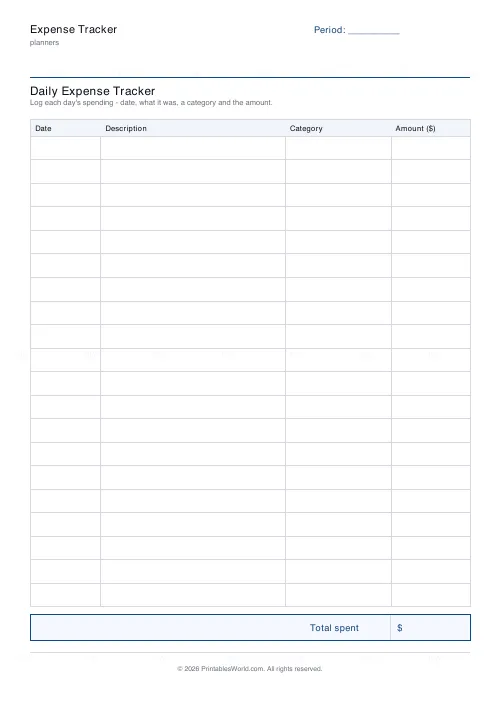
Expense Tracker
Printable daily expense tracker: date, description, category, amount and a total box.
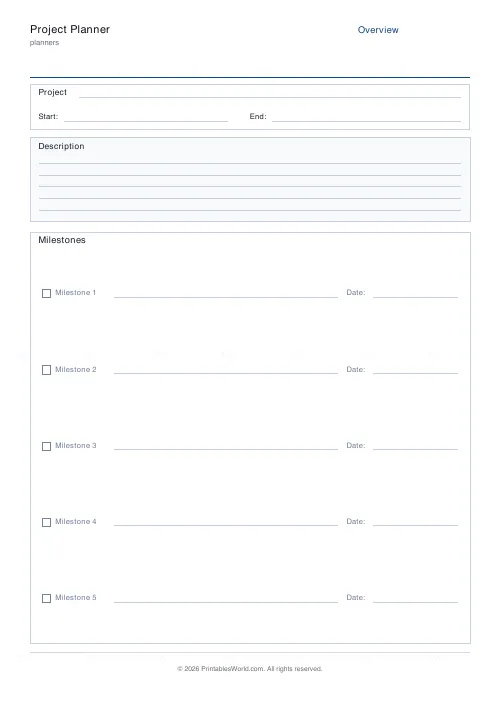
Project Planner
Three-page project planner. Overview, milestones, tasks, and risks.
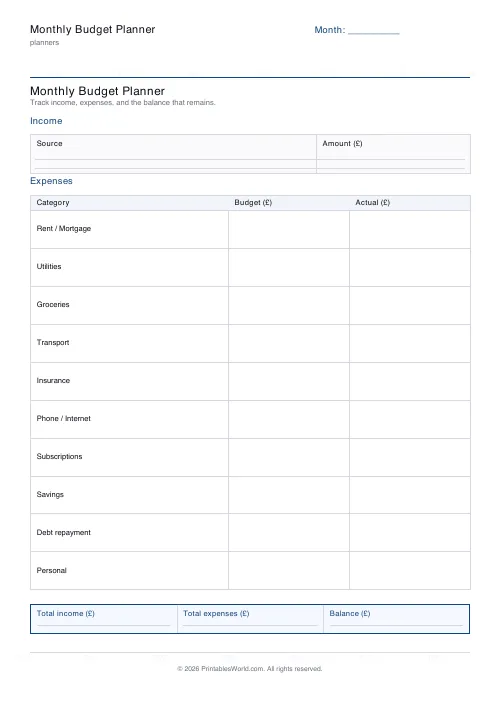
Monthly Budget Planner
One-page printable budget: income, categorised expenses, balance summary.
Further reading