What this tool does
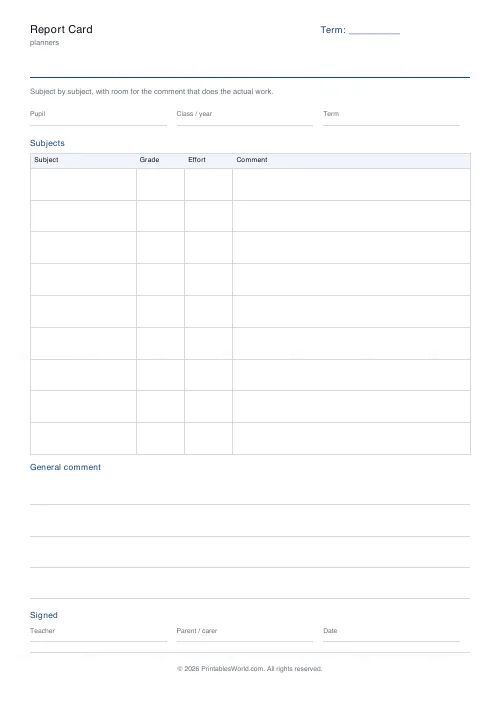
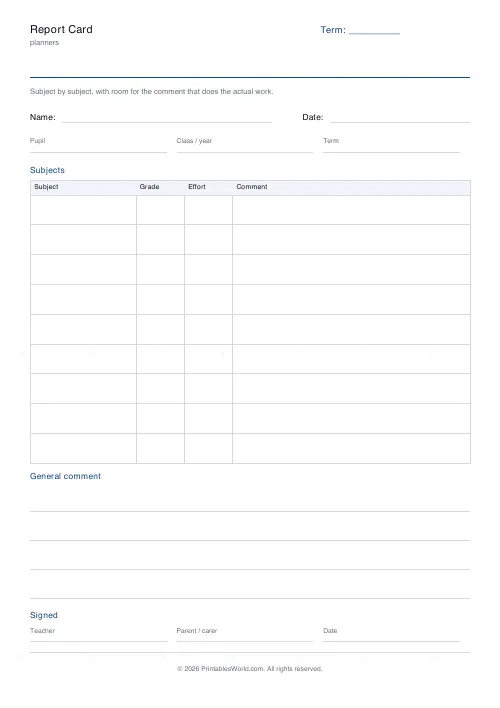
A report card for a homeschool, a tutor or a small school. Nine subject rows, grade and effort columns, and a comment column with real width.
People also used
Grade Book
Printable grade book: student rows, assignment columns, running-total column.
Homeschool Lesson Planner
Printable weekly homeschool planner. Flexible day count, your own subject names, and room for more than one child.
Parent-Teacher Conference Notes
Printable parent-teacher conference notes: going well, needs attention, agreed actions and a review date.
Feedback
Spotted something off with this tool?
The comment column has the width
A grade tells a parent where a child is. The comment tells them what to do about it, and it is the part that gets squeezed on most templates. Here it takes over half the table.
Grade and effort are separate
They come apart more often than not: a child working hard at a difficult subject and a child coasting through an easy one can carry the same letter. Two narrow columns record the difference without needing a sentence.
Who signs it
Teacher, parent or carer, and a date. For homeschool records the signature block is often the part that matters administratively, so it is on the sheet rather than assumed.
Using it for homeschool records
Several jurisdictions expect some periodic record of progress without specifying a format. Subject, grade, effort, comment and a dated signature is the shape that is normally accepted, and having it on one page per term is considerably easier to produce on request than a folder of work.
Writing the comment
The useful ones name something specific and something next. "Reading fluently; now working on inference" tells a parent more than a paragraph of praise, and it fits in the column.
Effort is not a consolation prize
Recording effort separately only works if it is recorded honestly in both directions — including the able child who is not trying. Used that way it is the most informative column on the sheet.
FAQs
Quick answers
Is the report card free?
Yes. Set the title, download the PDF and print as many copies as you like. No account and no sign-up.
Can I edit the section headings?
The heading at the top and the label in the corner are yours to change. The section headings are fixed, which is what keeps every copy of the sheet laid out the same way.
Will it fit on US Letter as well as A4?
Yes. Sections are measured against the paper you choose, so nothing runs off the bottom of the shorter sheet.
Can I print more than one copy at a time?
Yes — set the page count up to four and the PDF carries that many identical pages.
Related tools
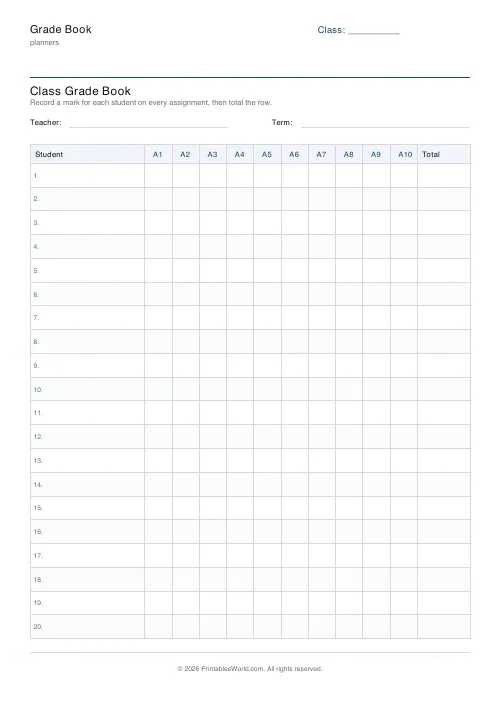
Grade Book
Printable grade book: student rows, assignment columns, running-total column.
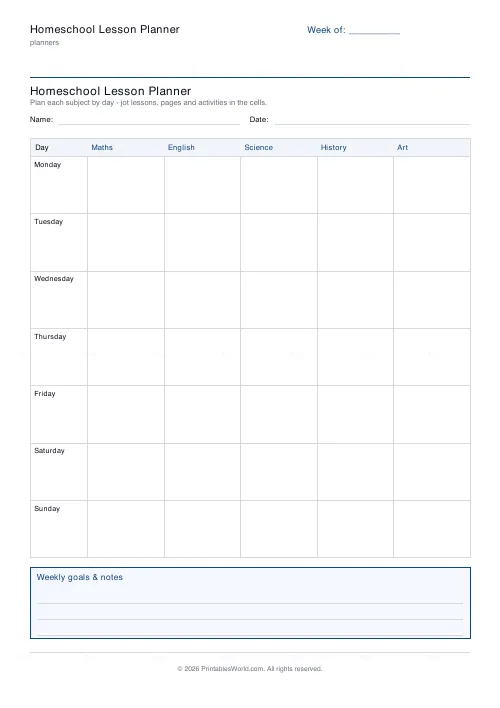
Homeschool Lesson Planner
Printable weekly homeschool planner. Flexible day count, your own subject names, and room for more than one child.
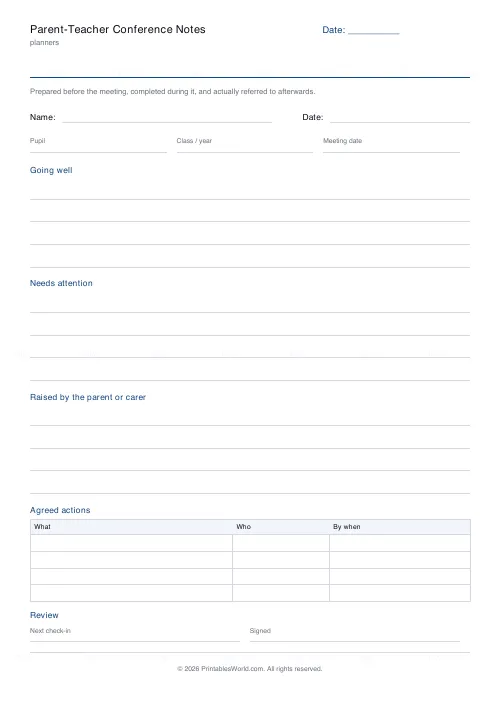
Parent-Teacher Conference Notes
Printable parent-teacher conference notes: going well, needs attention, agreed actions and a review date.
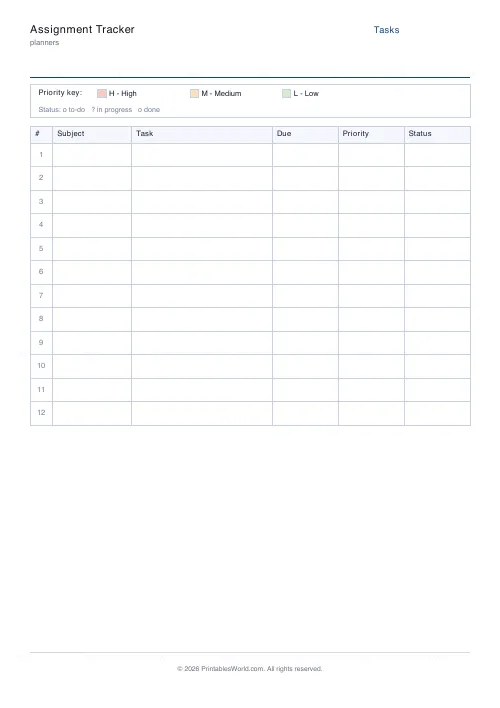
Assignment Tracker
Printable tracker with rows for subject, task, due date, priority, and status.
Further reading