What this tool does
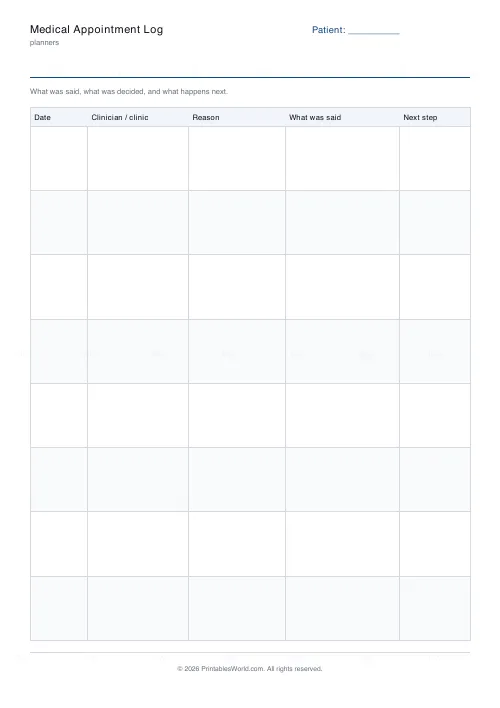
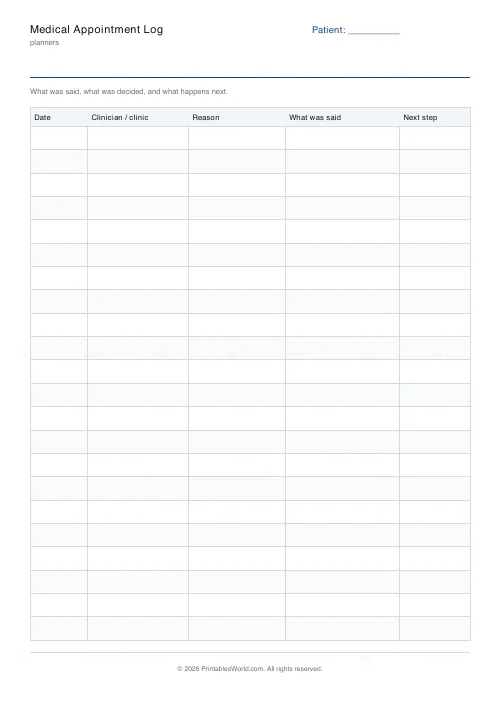
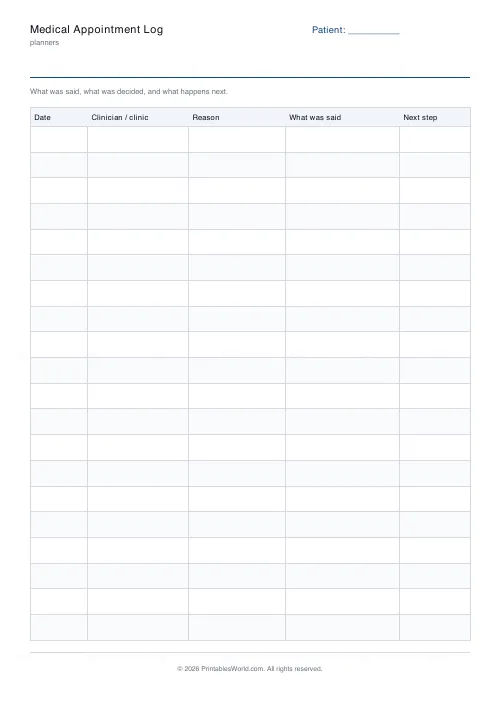
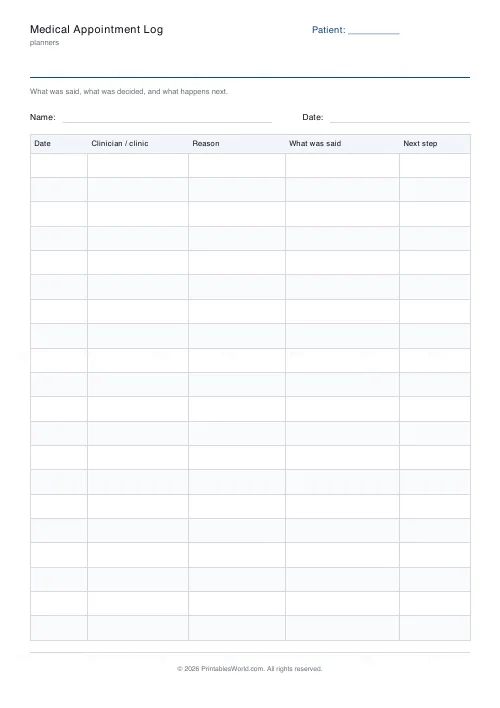
The record you keep of your own care. Date, clinician or clinic, reason, what was said, next step. Eight to twenty-two rows.
People also used
Medication List
Printable medication list to hand a clinician: medicine, dose, how often, what it is for and who prescribed it.
Symptom Diary
Printable symptom diary with severity 1–10 bubbles, triggers, and actions.
Medicine Tracker
Printable weekly medication tracker with AM / Noon / PM / Bed tick boxes.
Feedback
Spotted something off with this tool?
Nobody else keeps this record
Each clinic keeps its own notes. Across a year and several departments, the only person holding the whole thread is you, and holding it in your head does not work.
The next-step column
Most appointments end with something that is supposed to happen — a referral, a test, a call back. That column is what lets you notice, six weeks later, that it did not.
Take it in with you
Reading last time's row before you go in is the difference between starting the conversation and restarting it.
What goes in each column
- Date — of the appointment itself.
- Clinician / clinic — a name if you have one, a department if you do not.
- Reason — why you went, in a few words.
- What was said — written in the car park afterwards, while it is still accurate.
- Next step — and who is supposed to do it. Chase from this column.
Printing it
Choose A4 or US Letter before you download and the table is laid out to fit that sheet — column widths are shares of the page, not fixed millimetres, so nothing is cut off at the right-hand edge. Alternate row shading can be turned off if you are photocopying in black and white, where a pale tint sometimes reproduces as a muddy grey. If you need more than one page, set the page count before downloading rather than printing the same PDF twice; the pages are then numbered, which matters the moment two of them get separated.
FAQs
Quick answers
Is the medical appointment log free to print?
Yes. Set it up, download the PDF and print as many copies as you need. No account, no watermark on your own copy beyond our faint brand mark.
Can I change the number of rows?
Yes. The slider sets rows per page within a range that keeps every row big enough to write in. You can also print up to four pages in one download.
Can I change the column headings?
Not on this sheet — the columns are fixed so the layout stays even and legible. The title and the header label are yours to edit.
A4 or US Letter?
Both. Pick the paper size before you download and the table is laid out to fit that sheet.
Related tools
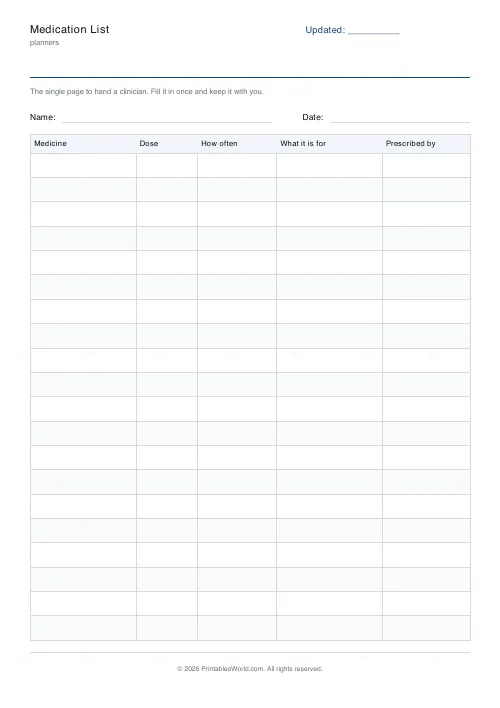
Medication List
Printable medication list to hand a clinician: medicine, dose, how often, what it is for and who prescribed it.
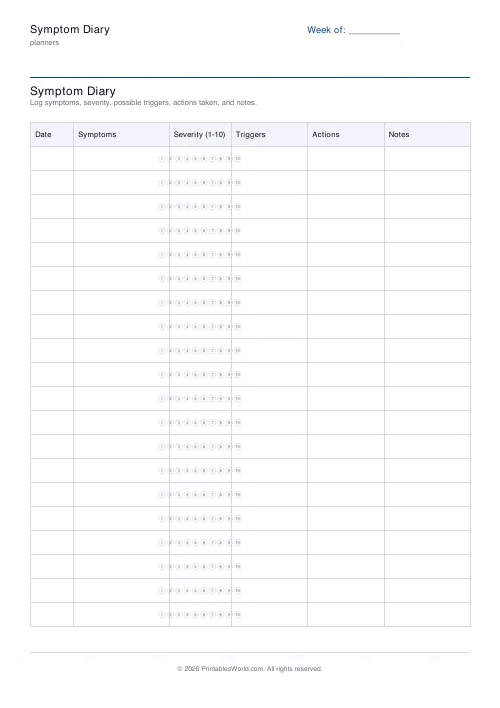
Symptom Diary
Printable symptom diary with severity 1–10 bubbles, triggers, and actions.
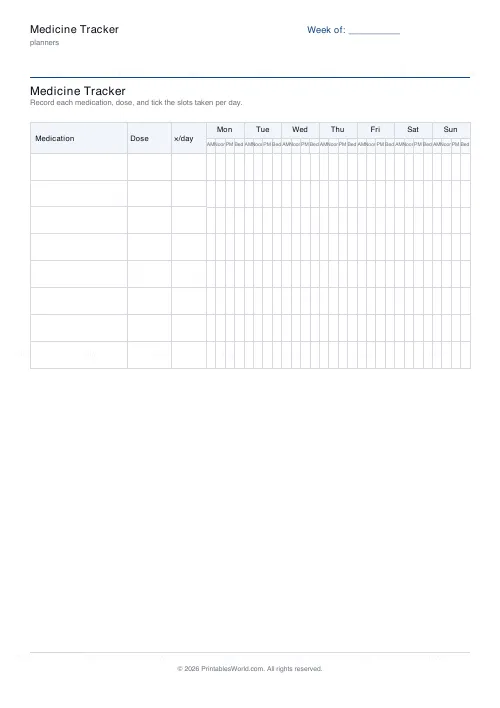
Medicine Tracker
Printable weekly medication tracker with AM / Noon / PM / Bed tick boxes.
Blood Pressure Log
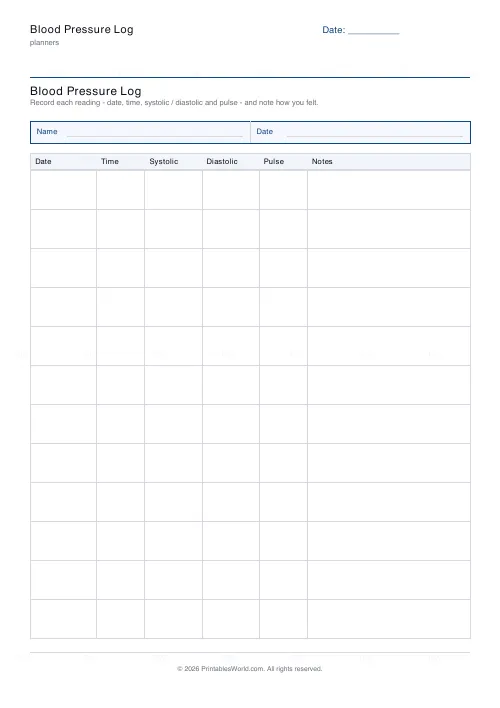
Printable blood pressure log: date, time, systolic, diastolic, pulse, notes.
Further reading
Planners
Study planning for exams: a student's complete guide
A revision timetable is only as good as what goes in the slots. Here is how to build one backwards from the exam date, and which study methods the evidence actually supports.
5 min read
Planners
Chore charts that motivate kids (without nagging)
Most chore charts fail for the same three reasons. Here is what to put on one by age, whether to attach money, and how to stop being the person who remembers everything.
5 min read
Planners
ADHD-friendly planning: systems that work
Standard planners assume you will remember to open them. That single assumption is why they fail for a lot of ADHD brains. And what an ADHD-friendly system has to replace.
6 min read