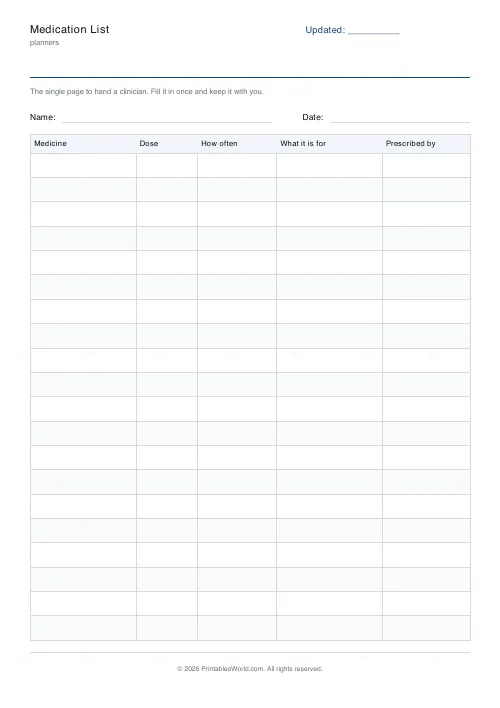
What this tool does
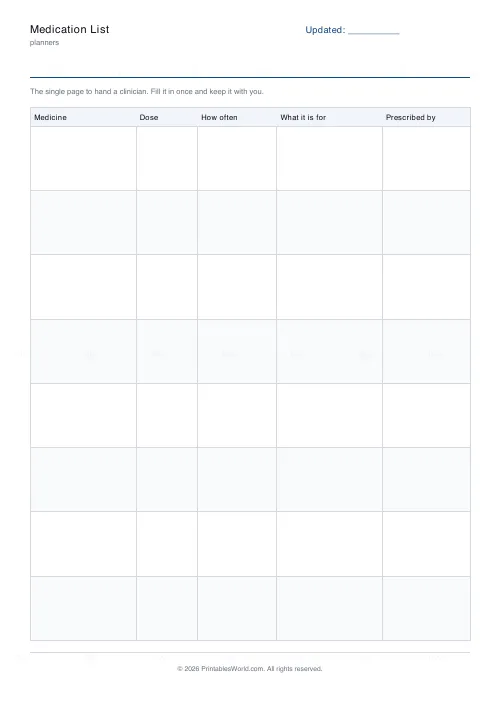
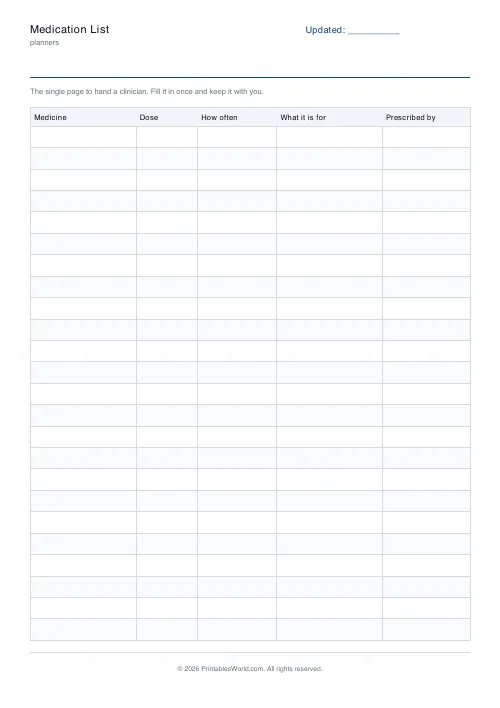
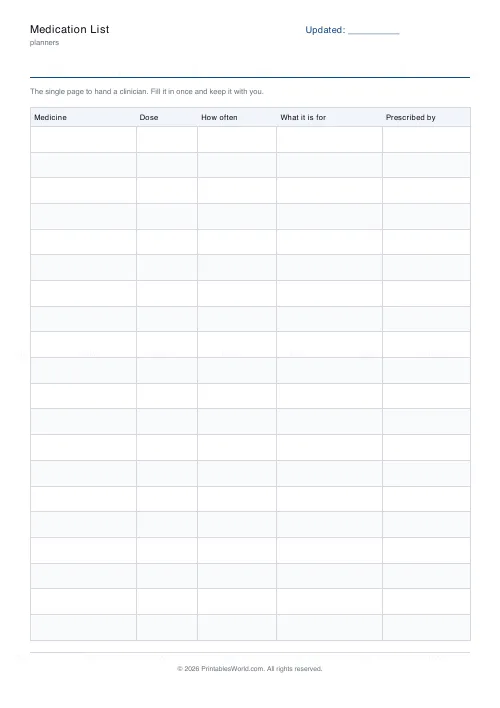
The one-page list to hand over at an appointment. Medicine, dose, how often, what it is for, prescriber. Eight to twenty-four rows.
People also used
Feedback
Spotted something off with this tool?
Written at the kitchen table, not in the waiting room
Every clinician asks what you are taking. Answering from memory, under time pressure, is how doses get reported wrongly. Filling this in at home with the boxes in front of you takes ten minutes and is simply more accurate.
The purpose column
What it is for is there because patients often know the purpose and not the name, and clinicians often need both. It also catches the case where two prescribers have treated the same thing twice.
Keep it current
Print a fresh one when anything changes and put the date in the header. An out-of-date list confidently handed over is worse than no list.
What goes in each column
- Medicine — the name on the box, generic or brand, whichever is printed.
- Dose — the strength and how many, for example 5mg, two tablets.
- How often — including "as needed", which is clinically different from daily.
- What it is for — in your own words; it is fine to write "not sure".
- Prescribed by — which catches the case where two prescribers are treating the same thing.
Printing it
Choose A4 or US Letter before you download and the table is laid out to fit that sheet — column widths are shares of the page, not fixed millimetres, so nothing is cut off at the right-hand edge. Alternate row shading can be turned off if you are photocopying in black and white, where a pale tint sometimes reproduces as a muddy grey. If you need more than one page, set the page count before downloading rather than printing the same PDF twice; the pages are then numbered, which matters the moment two of them get separated.
FAQs
Quick answers
Is the medication list free to print?
Yes. Set it up, download the PDF and print as many copies as you need. No account, no watermark on your own copy beyond our faint brand mark.
Can I change the number of rows?
Yes. The slider sets rows per page within a range that keeps every row big enough to write in. You can also print up to four pages in one download.
Can I change the column headings?
Not on this sheet — the columns are fixed so the layout stays even and legible. The title and the header label are yours to edit.
A4 or US Letter?
Both. Pick the paper size before you download and the table is laid out to fit that sheet.
Related tools
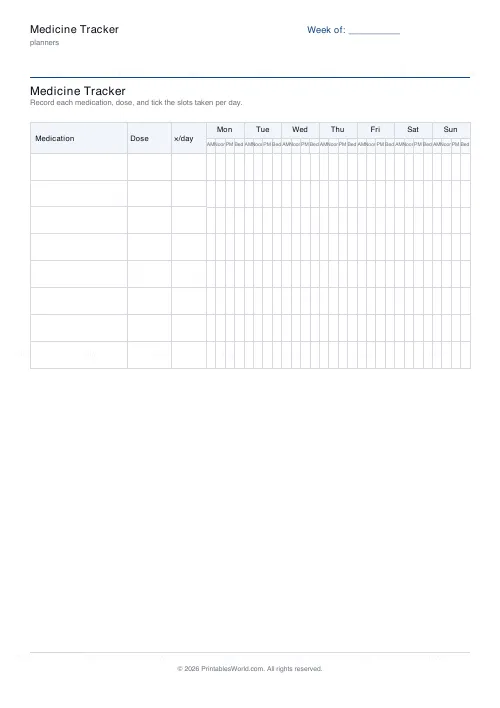
Medicine Tracker
Printable weekly medication tracker with AM / Noon / PM / Bed tick boxes.
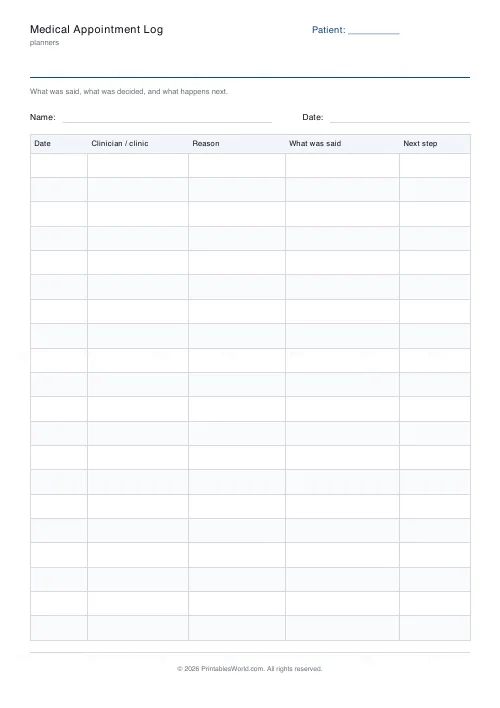
Medical Appointment Log
Printable medical appointment log: date, clinician, reason, what was said and the next step.
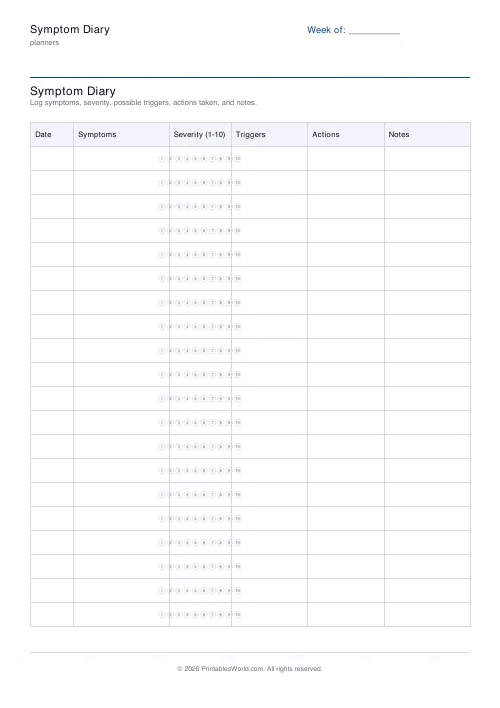
Symptom Diary
Printable symptom diary with severity 1–10 bubbles, triggers, and actions.
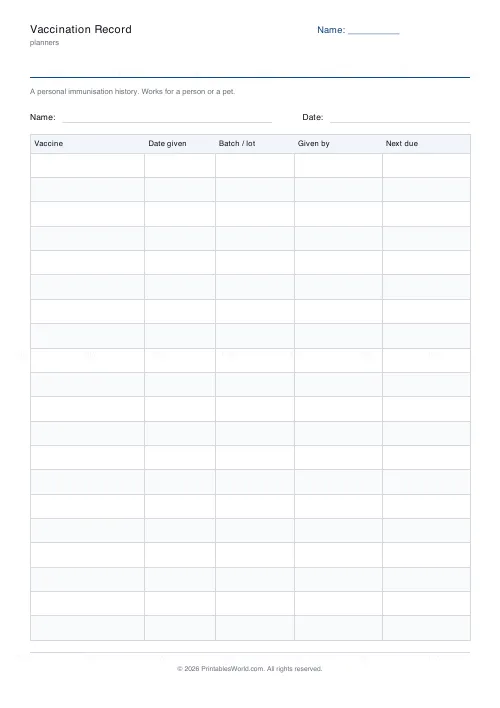
Vaccination Record
Printable immunisation record: vaccine, date given, batch number, who gave it and when the next one is due.
Further reading
Planners
Chore charts that motivate kids (without nagging)
Most chore charts fail for the same three reasons. Here is what to put on one by age, whether to attach money, and how to stop being the person who remembers everything.
5 min read
Planners
ADHD-friendly planning: systems that work
Standard planners assume you will remember to open them. That single assumption is why they fail for a lot of ADHD brains. And what an ADHD-friendly system has to replace.
6 min read
Planners
Study planning for exams: a student's complete guide
A revision timetable is only as good as what goes in the slots. Here is how to build one backwards from the exam date, and which study methods the evidence actually supports.
5 min read