What this tool does
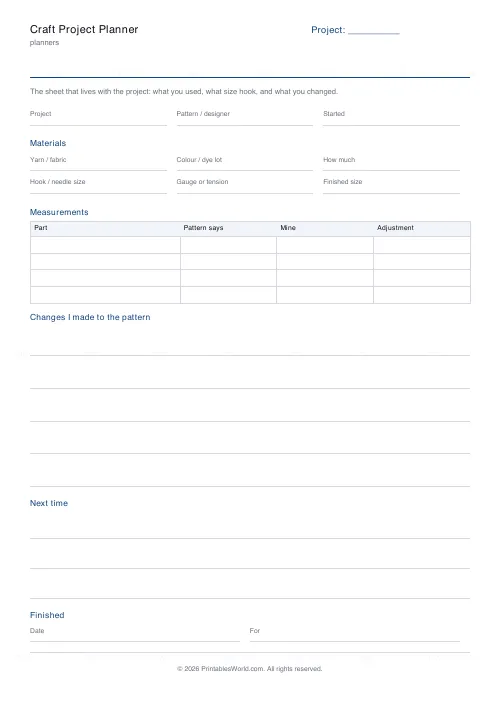
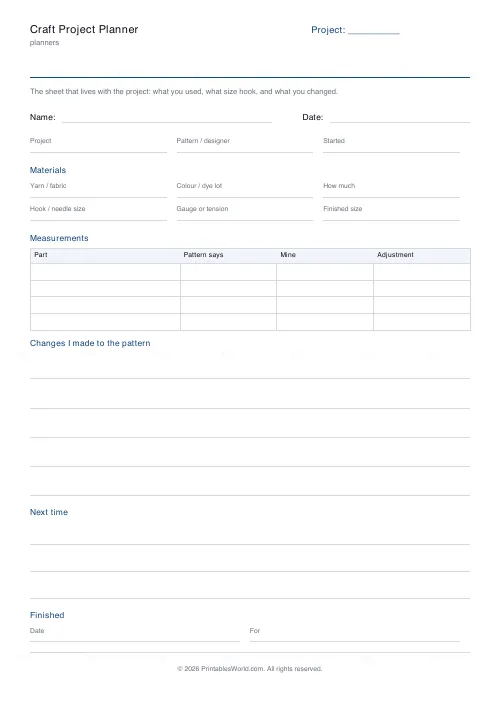
The sheet that lives with the project. Materials, hook or needle size, gauge, a measurements table, and what you changed.
People also used
Feedback
Spotted something off with this tool?
Gauge and dye lot, because future you will not remember
Two things sink a second attempt at a project: not knowing what tension you actually worked at, and not knowing which dye lot the yarn came from. Both are on the box at the time and gone by the time you need them.
The measurements table
What the pattern says, what yours measured, and the adjustment you made. That third column is the one that makes a pattern fit next time instead of being re-guessed.
Changes I made
Every maker alters a pattern. Almost nobody writes it down, which is why the second version of a good thing is so often worse than the first.
Fill in the materials block before you start
Yarn, colour, dye lot and how much. It takes two minutes with the ball bands in front of you and it is unrecoverable once they are in the bin. The dye lot in particular is the difference between matching a sleeve and re-knitting one.
Gauge, honestly
Write the tension you actually got, not the one the pattern asked for. That number is what makes the measurements table mean anything, and a swatch measured after blocking is the only version worth writing down.
Changes are the point of the sheet
Lengthened the body by four centimetres, went down a hook size for the neckband, ignored the sleeve decreases. Those notes are what turn a finished object into a repeatable one, and they are the first thing forgotten.
FAQs
Quick answers
Is the craft project planner free?
Yes. Set the title, download the PDF and print as many copies as you like. No account and no sign-up.
Can I edit the section headings?
The heading at the top and the label in the corner are yours to change. The section headings are fixed, which is what keeps every copy of the sheet laid out the same way.
Will it fit on US Letter as well as A4?
Yes. Sections are measured against the paper you choose, so nothing runs off the bottom of the shorter sheet.
Can I print more than one copy at a time?
Yes — set the page count up to four and the PDF carries that many identical pages.
Related tools
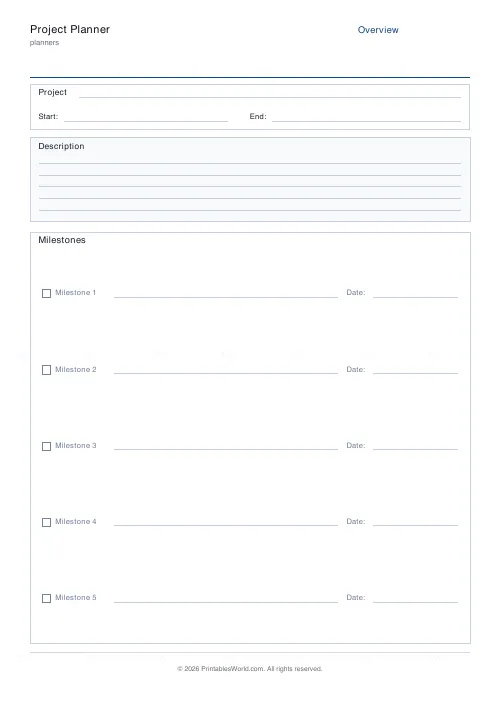
Project Planner
Three-page project planner. Overview, milestones, tasks, and risks.
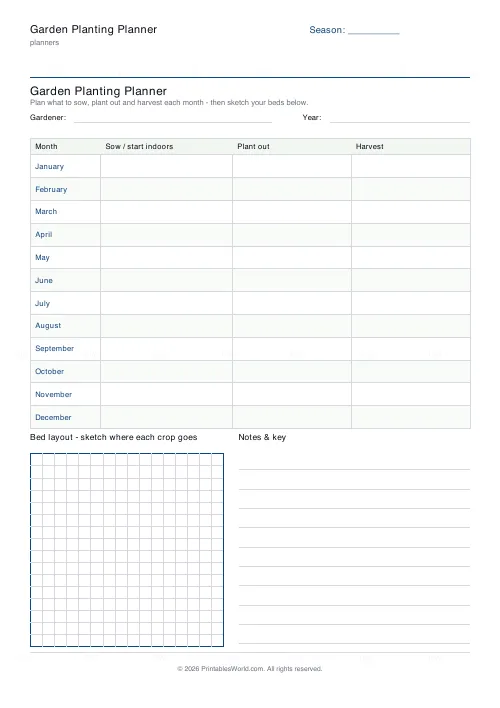
Garden Planting Planner
Printable month-by-month planting planner with a sow, plant out and harvest table plus a bed-layout grid.
Vision Board Grid
Printable empty grid for pasting your vision-board images and words.
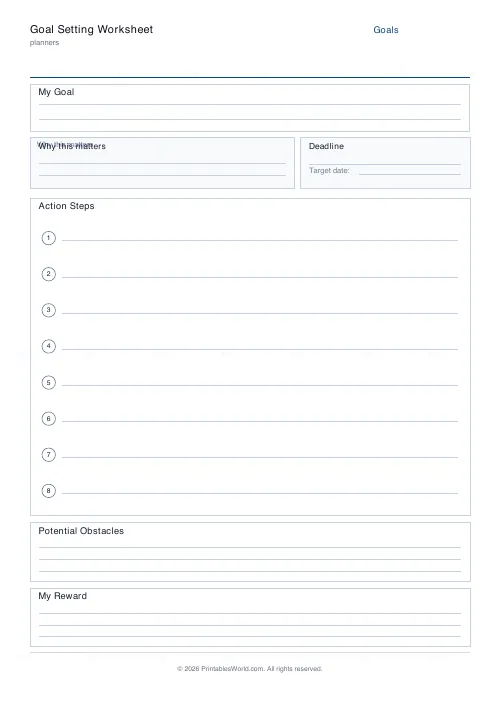
Goal Setting Worksheet
One-page goal worksheet: goal, why, deadline, steps, obstacles, and rewards.
Further reading
Planners
How to track habits that actually change your life
Habit tracking works because it makes an invisible process visible. It fails when you track too many things, or when protecting the streak becomes more important than the habit.
5 min read
Planners
ADHD-friendly planning: systems that work
Standard planners assume you will remember to open them. That single assumption is why they fail for a lot of ADHD brains. And what an ADHD-friendly system has to replace.
6 min read
Planners
How to pay off debt faster with a payoff tracker
One method costs less; the other is easier to stick to. Here is how to choose between them honestly, and why a visual tracker changes the odds either way.
5 min read