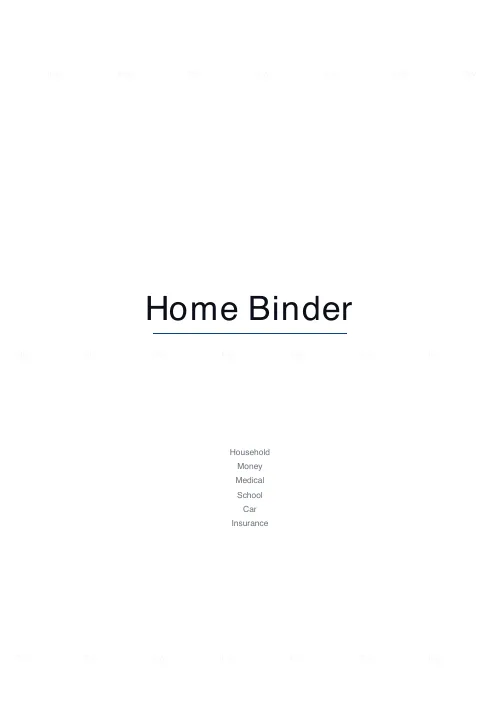
What this tool does
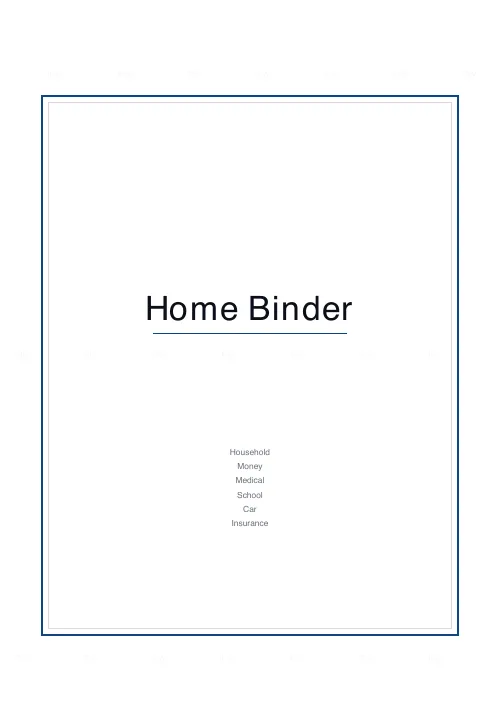
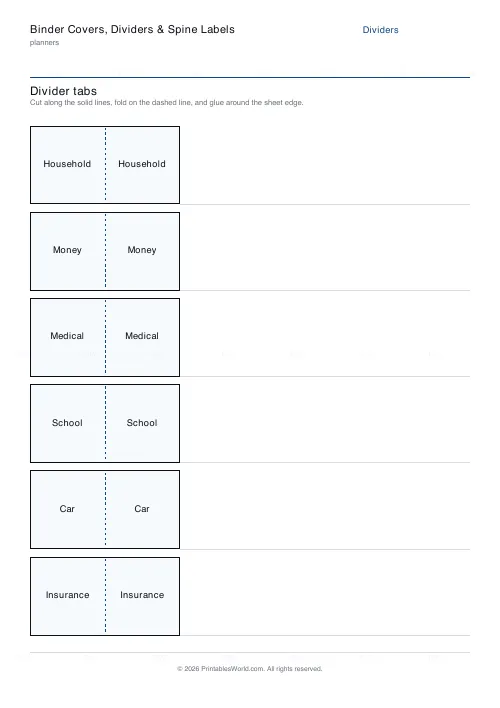
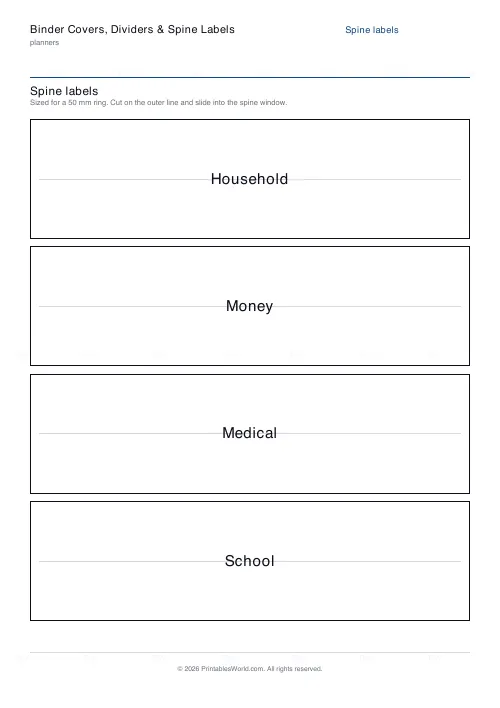
Three sheets from one list: a cover with a contents list, fold-over divider tabs, and spine labels sized to real ring sizes.
People also used
Emergency / Household Info Binder
Free printable emergency and household information binder. Labelled sheets for contacts, medical details, utilities, insurance, documents and pets, all in one place.
Home Inventory
Room-by-room home contents list for insurance: item, room, serial number, purchase date and value.
Family Command Center
One printable page for the whole household: a week-at-a-glance schedule for every family member, meals, chores, important dates, and reminders.
Feedback
Spotted something off with this tool?
Type the sections once
The same list of sections drives all three sheets. That is the whole reason they are one tool: a cover that says Household, Money, Medical and a set of tabs that say something slightly different is the normal outcome of making them separately, and it is worse than having no cover.
Spine labels are sized to the ring, not the binder
Ring size is what the spine window is cut to. Both metric and imperial sizes are offered rather than converted, because a converted label is a millimetre or two out and a label that does not fit its window is no use at all.
The tabs print on both halves
A tab folds over the edge of a divider sheet and is read from either side. Printing the label once leaves the back of every tab blank, which is exactly the side you see when the binder is closed.
The cover has no page furniture
It is the one sheet here printed without the running header and footer, because a cover goes in a clear front pocket and page furniture showing through it makes it read as a worksheet.
FAQs
Quick answers
Is the binder covers, dividers & spine labels free?
Yes — set it up, download the PDF and print as many as you need. No account and no sign-up.
A4 or US Letter?
Both. Choose the paper size before downloading and the sheet is laid out to fit it.
Can I put my own business name on it?
Yes. The heading and the fields at the top are editable, and the PDF carries only a faint PrintablesWorld mark.
Can I print several copies at once?
Yes — where the sheet supports it, set the page count before you download rather than printing the same PDF repeatedly.
Related tools
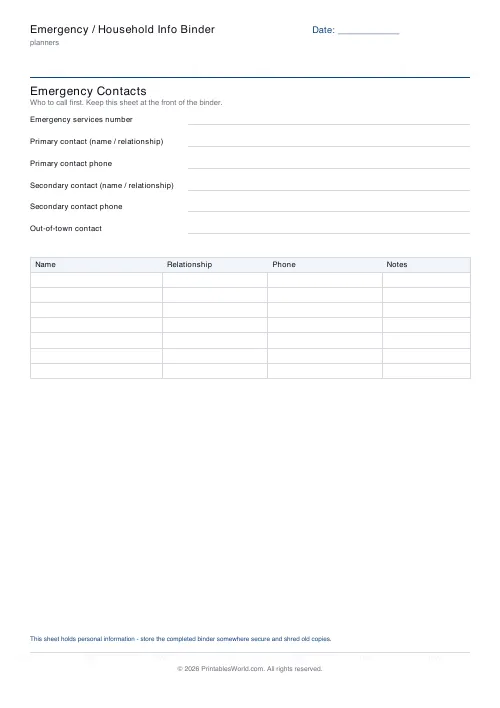
Emergency / Household Info Binder
Free printable emergency and household information binder. Labelled sheets for contacts, medical details, utilities, insurance, documents and pets, all in one place.
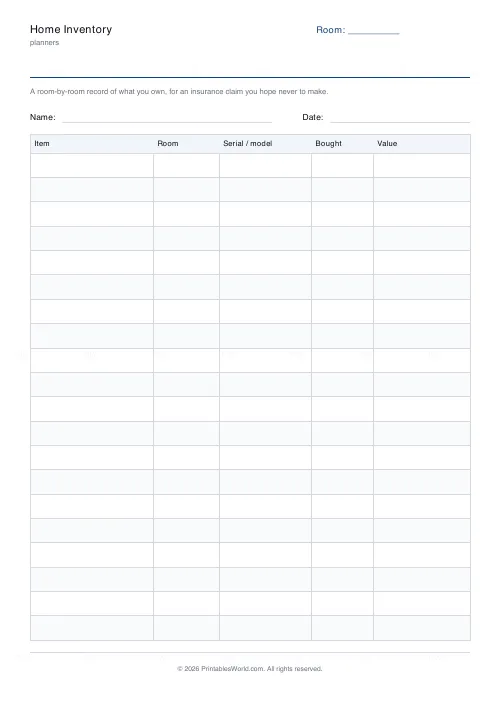
Home Inventory
Room-by-room home contents list for insurance: item, room, serial number, purchase date and value.
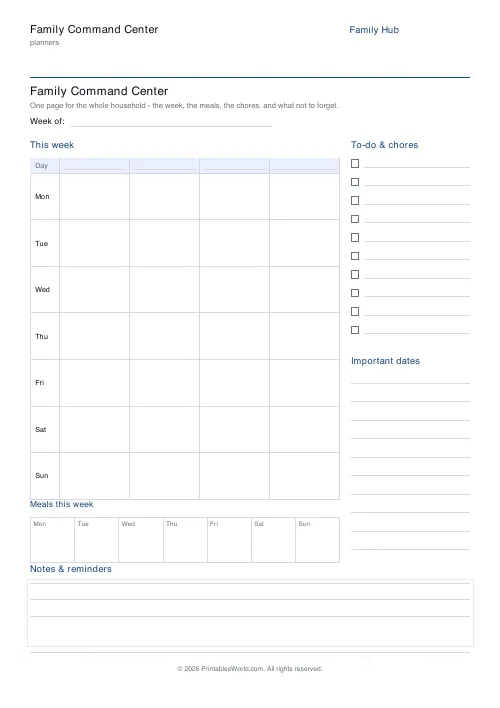
Family Command Center
One printable page for the whole household: a week-at-a-glance schedule for every family member, meals, chores, important dates, and reminders.
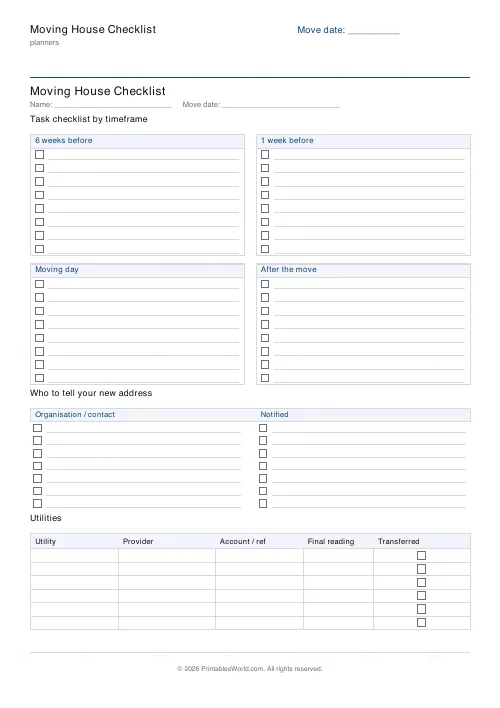
Moving House Checklist
Printable moving house checklist: tasks by timeframe, address-change list, utilities table.
Further reading
Planners
Budgeting for beginners: the 50/30/20 rule explained
Half to needs, 30% to wants, 20% to savings and debt. A useful starting frame. And this covers what actually counts as which, plus what to do when the numbers do not fit.
5 min read
Planners
Study planning for exams: a student's complete guide
A revision timetable is only as good as what goes in the slots. Here is how to build one backwards from the exam date, and which study methods the evidence actually supports.
5 min read
Planners
Chore charts that motivate kids (without nagging)
Most chore charts fail for the same three reasons. Here is what to put on one by age, whether to attach money, and how to stop being the person who remembers everything.
5 min read