What this tool does
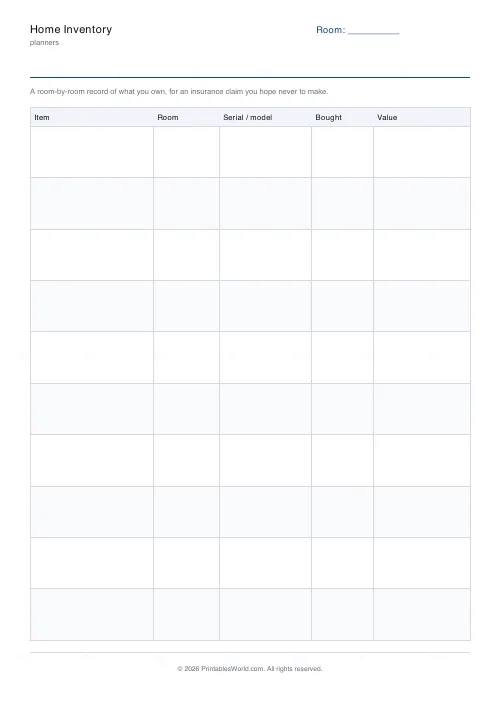
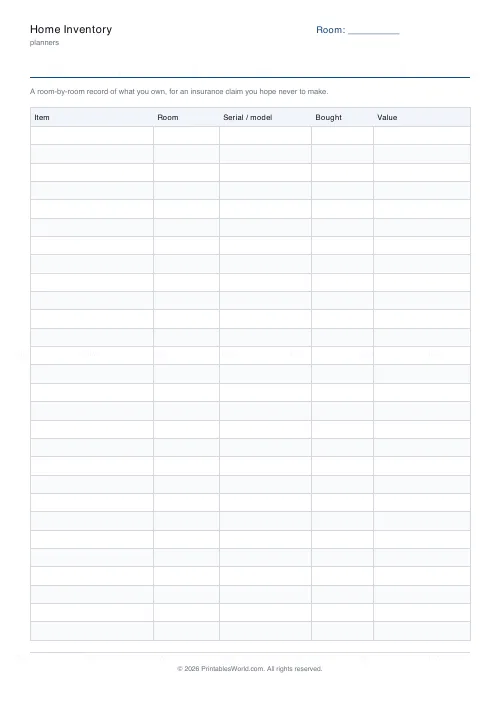
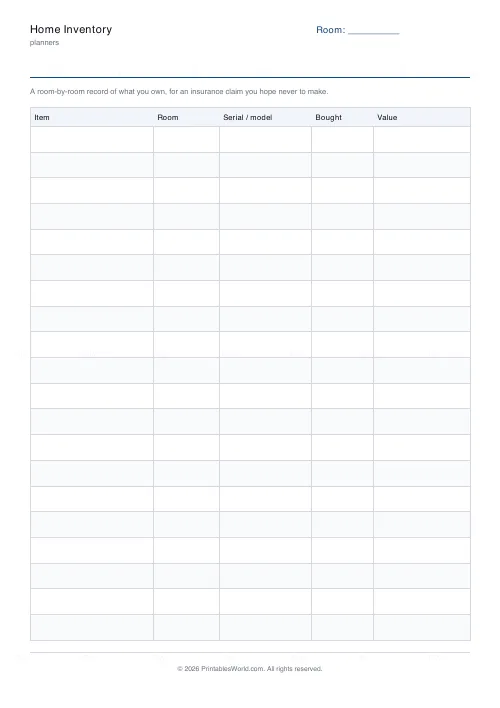
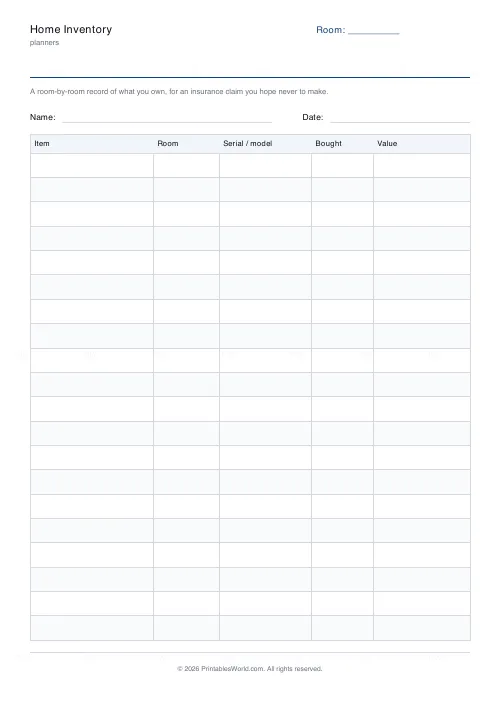
A contents list for insurance. Item, room, serial or model, date bought and value, ten to twenty-eight rows a page, up to four pages.
People also used
Emergency / Household Info Binder
Free printable emergency and household information binder. Labelled sheets for contacts, medical details, utilities, insurance, documents and pets, all in one place.
Home Maintenance Schedule
One-page printable home maintenance log: task, area, frequency, last done and next due.
Moving House Checklist
Printable moving house checklist: tasks by timeframe, address-change list, utilities table.
Feedback
Spotted something off with this tool?
Written before you need it
The difficulty with an insurance claim is not the form. It is that nobody can list the contents of their own house from memory, and the moment you need to is the worst moment to try.
Serial numbers are the column that matters
Item, room and value are what people expect. The serial or model column is the one that settles a claim, and it is the one that cannot be reconstructed after the fact.
How to fill it in
One room at a time, with the header label set to that room. Four pages in a download covers most houses. Photograph the finished sheets and keep a copy somewhere that is not the house.
What goes in each column
- Item — specific enough to identify: make and model, not "TV".
- Room — where it normally lives, which is how a loss adjuster will walk the house.
- Serial / model — photograph the plate if it is long. This is the column that settles a claim.
- Bought — month and year is enough; it sets depreciation.
- Value — what it would cost to replace today, not what you paid.
Printing it
Choose A4 or US Letter before you download and the table is laid out to fit that sheet — column widths are shares of the page, not fixed millimetres, so nothing is cut off at the right-hand edge. Alternate row shading can be turned off if you are photocopying in black and white, where a pale tint sometimes reproduces as a muddy grey. If you need more than one page, set the page count before downloading rather than printing the same PDF twice; the pages are then numbered, which matters the moment two of them get separated.
FAQs
Quick answers
Is the home inventory free to print?
Yes. Set it up, download the PDF and print as many copies as you need. No account, no watermark on your own copy beyond our faint brand mark.
Can I change the number of rows?
Yes. The slider sets rows per page within a range that keeps every row big enough to write in. You can also print up to four pages in one download.
Can I change the column headings?
Not on this sheet — the columns are fixed so the layout stays even and legible. The title and the header label are yours to edit.
A4 or US Letter?
Both. Pick the paper size before you download and the table is laid out to fit that sheet.
Related tools
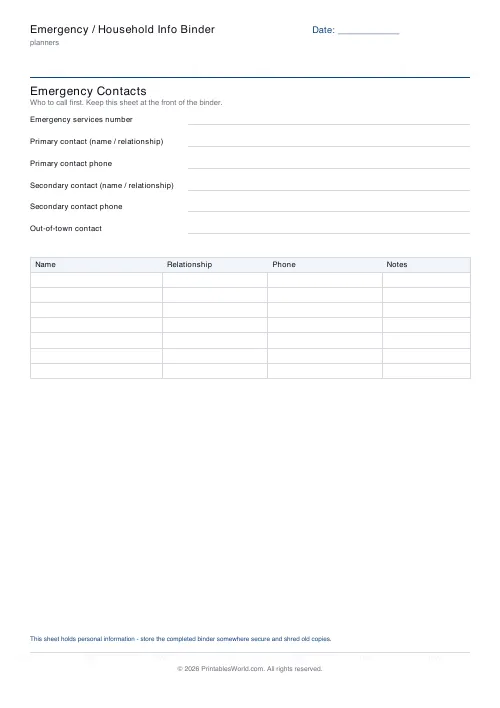
Emergency / Household Info Binder
Free printable emergency and household information binder. Labelled sheets for contacts, medical details, utilities, insurance, documents and pets, all in one place.
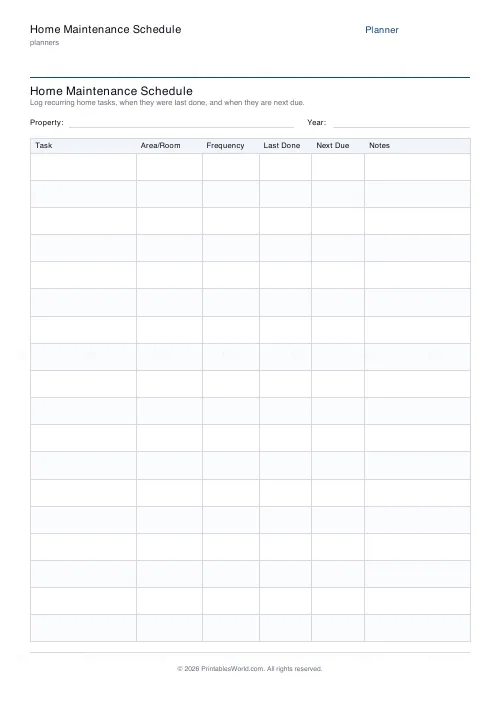
Home Maintenance Schedule
One-page printable home maintenance log: task, area, frequency, last done and next due.
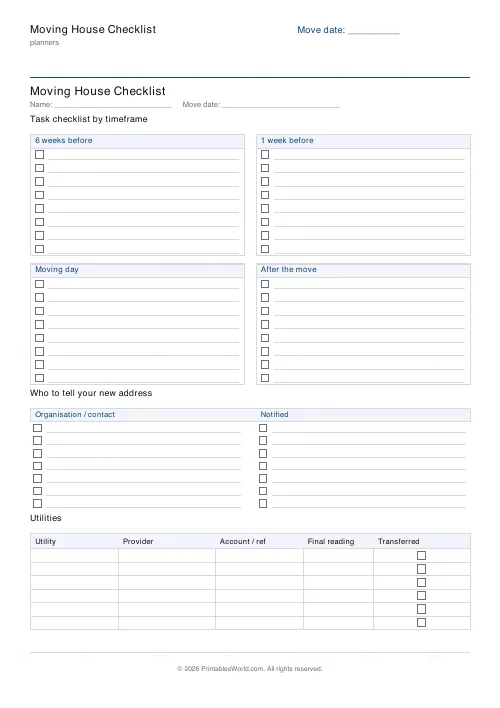
Moving House Checklist
Printable moving house checklist: tasks by timeframe, address-change list, utilities table.
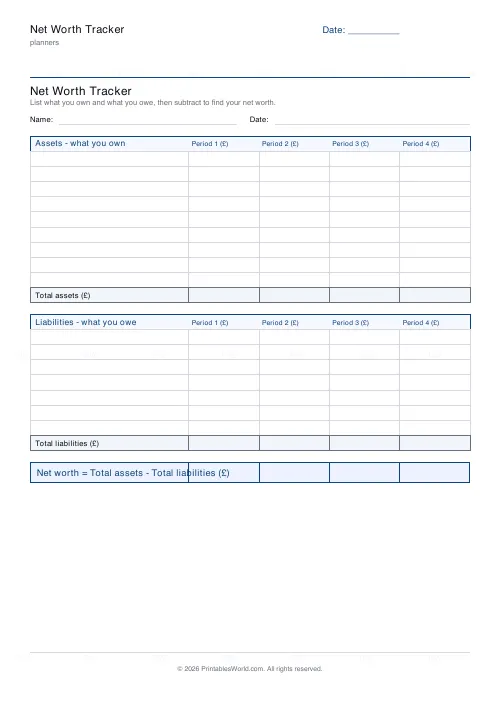
Net Worth Tracker
Printable net worth tracker: list assets and liabilities, then find your net worth.
Further reading
Planners
Study planning for exams: a student's complete guide
A revision timetable is only as good as what goes in the slots. Here is how to build one backwards from the exam date, and which study methods the evidence actually supports.
5 min read
Planners
Budgeting for beginners: the 50/30/20 rule explained
Half to needs, 30% to wants, 20% to savings and debt. A useful starting frame. And this covers what actually counts as which, plus what to do when the numbers do not fit.
5 min read
Planners
How to build a daily routine that actually sticks
Most routines fail in week two, when motivation runs out and nothing has replaced it. The fix is structural: fewer items, fixed anchors, and a plan for the day you miss.
6 min read