What this tool does
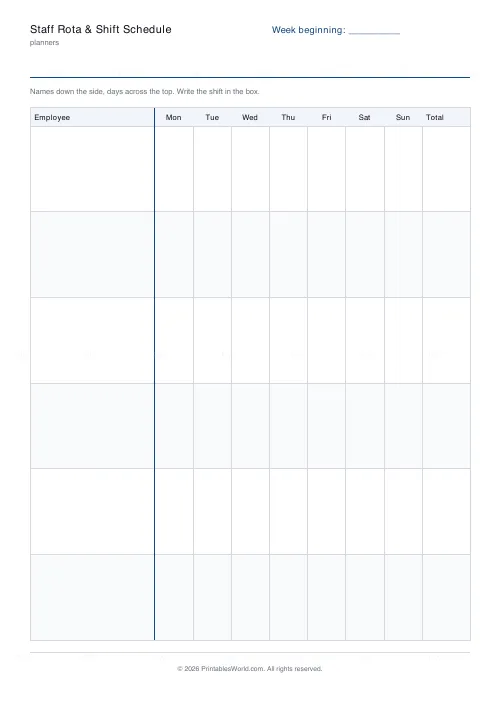
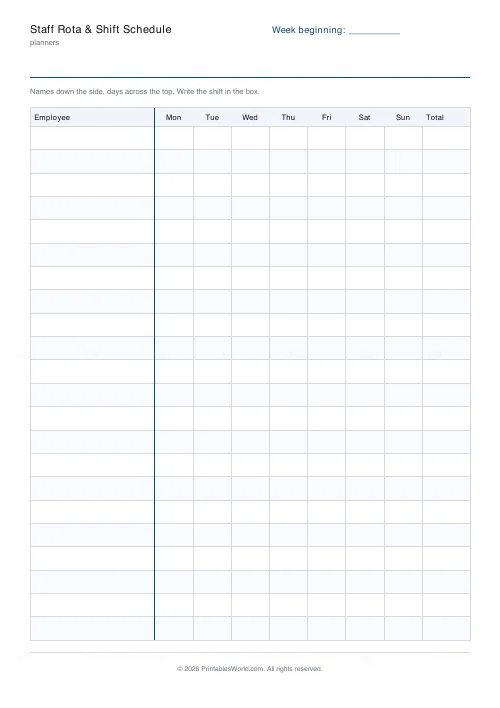
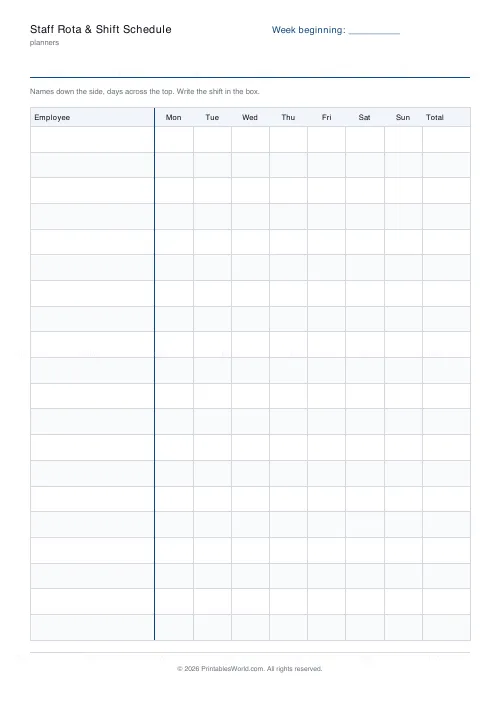
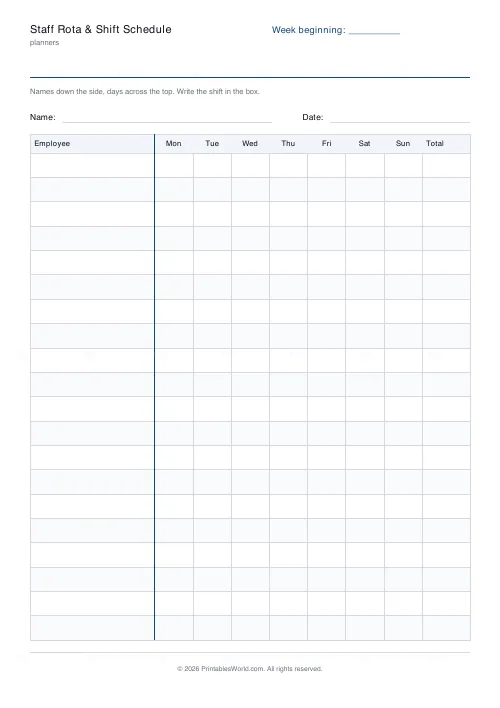
A weekly rota grid. Employee names down the left, Monday to Sunday across, and a totals column on the right. Six to twenty-two staff.
People also used
Weekly Timesheet
One-page printable work-hours timesheet: day-by-day rows, break column, weekly total and signature line.
Attendance Register
Printable class attendance register: student-name rows, day columns, totals.
Cleaning Schedule
Print a weekly cleaning schedule grid with custom rooms and tasks across Monday to Sunday.
Feedback
Spotted something off with this tool?
A grid, because a rota is read in two directions
A member of staff reads along their own row. A manager reads down a column to see whether Saturday is covered. A list cannot do both; a grid does both at once.
Write the shift, not a tick
The boxes are sized for nine to five or an early or a time, rather than a presence mark. A rota that only says who is in does not tell anybody when.
The totals column
Hours in the right-hand column, added by whoever fills the sheet in. It is what turns a rota into something you can check against a contract before the week starts rather than after.
What goes in each column
- Employee — down the left, one row each, grouped by role if that helps the reader.
- Mon to Sun — write the shift in the box: 9–5, early, off, or a time.
- Total — hours for the week, added as you fill the row in.
- Set the header label to the week beginning date, and print one per week — a rota without a date on it will be read in the wrong week at least once.
Printing it
Choose A4 or US Letter before you download and the table is laid out to fit that sheet — column widths are shares of the page, not fixed millimetres, so nothing is cut off at the right-hand edge. Alternate row shading can be turned off if you are photocopying in black and white, where a pale tint sometimes reproduces as a muddy grey. If you need more than one page, set the page count before downloading rather than printing the same PDF twice; the pages are then numbered, which matters the moment two of them get separated.
FAQs
Quick answers
Is the staff rota & shift schedule free to print?
Yes. Set it up, download the PDF and print as many copies as you need. No account, no watermark on your own copy beyond our faint brand mark.
Can I change the number of rows?
Yes. The slider sets rows per page within a range that keeps every row big enough to write in. You can also print up to four pages in one download.
Can I change the column headings?
Not on this sheet — the columns are fixed so the layout stays even and legible. The title and the header label are yours to edit.
A4 or US Letter?
Both. Pick the paper size before you download and the table is laid out to fit that sheet.
Related tools
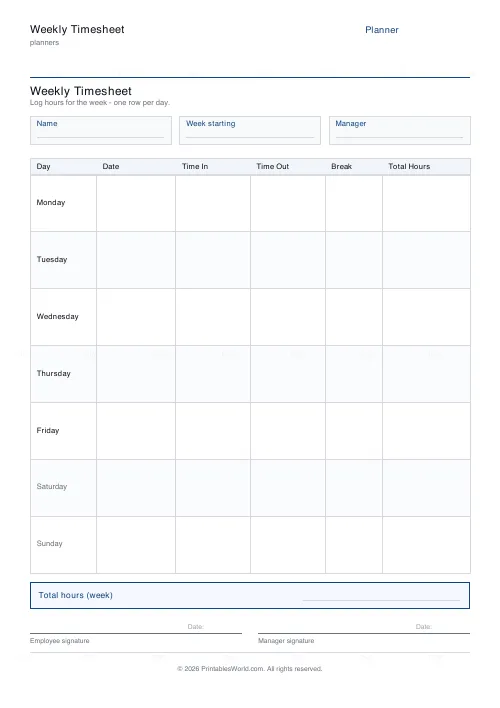
Weekly Timesheet
One-page printable work-hours timesheet: day-by-day rows, break column, weekly total and signature line.
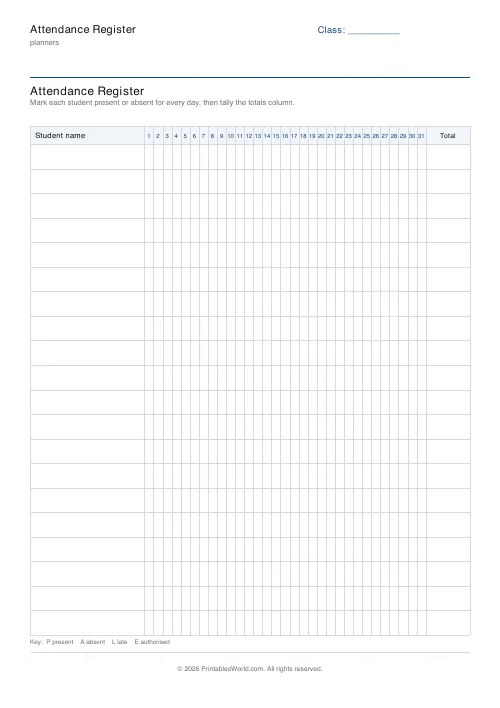
Attendance Register
Printable class attendance register: student-name rows, day columns, totals.
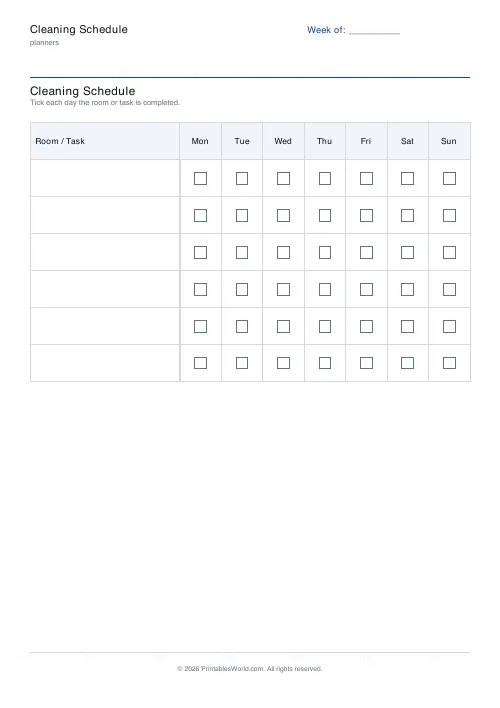
Cleaning Schedule
Print a weekly cleaning schedule grid with custom rooms and tasks across Monday to Sunday.
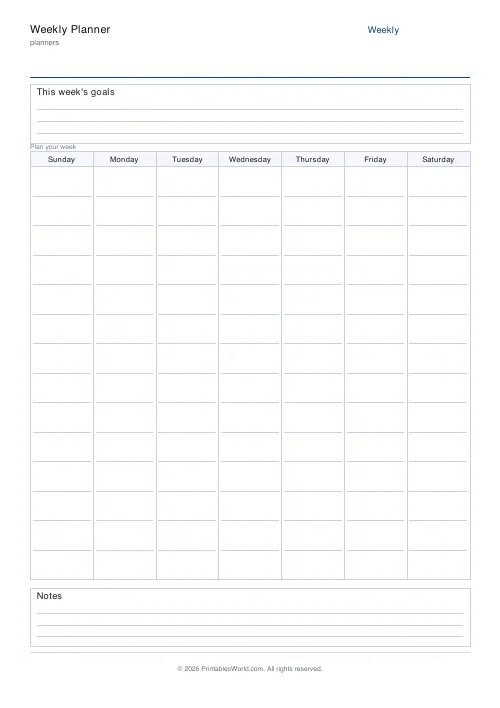
Weekly Planner
Weekly spread with seven day columns, a goals box, and a notes strip.
Further reading
Planners
Time blocking for beginners: a complete guide
Time blocking is deciding when each task happens, not just what. Here is how to size blocks realistically, what to do when the day breaks, and why most beginners over-schedule.
5 min read
Planners
Meal planning 101: save time and money every week
A weekly meal plan saves money mainly by changing how you shop. Here is a thirty-minute method, the shortcuts that keep it going, and the mistake that ends most plans in week three.
5 min read
Planners
How to build a daily routine that actually sticks
Most routines fail in week two, when motivation runs out and nothing has replaced it. The fix is structural: fewer items, fixed anchors, and a plan for the day you miss.
6 min read