What this tool does
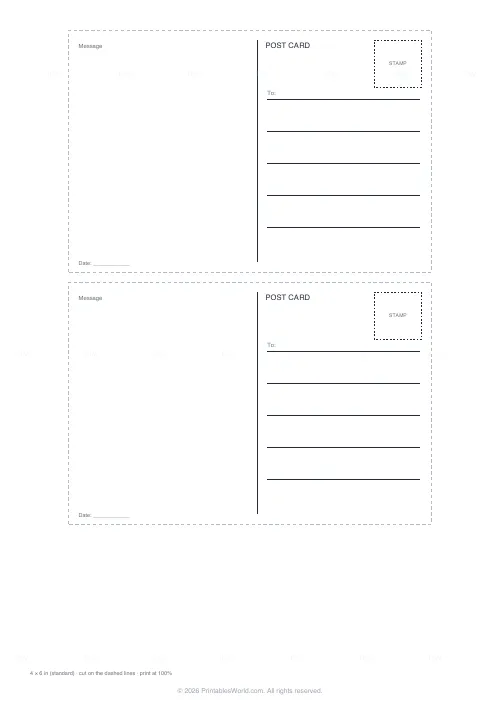
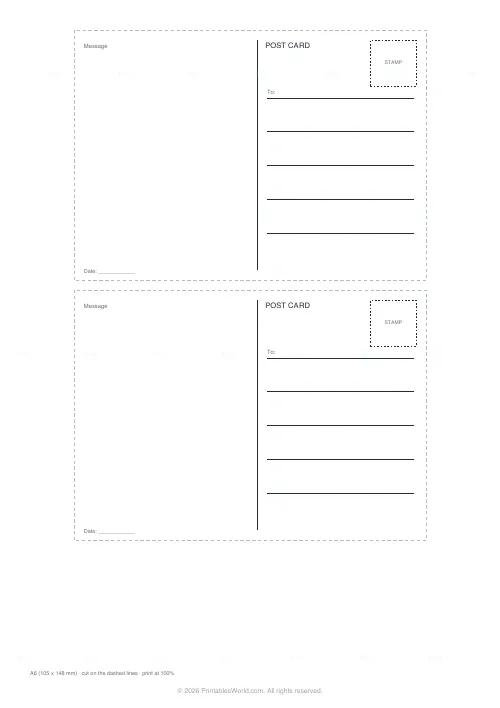
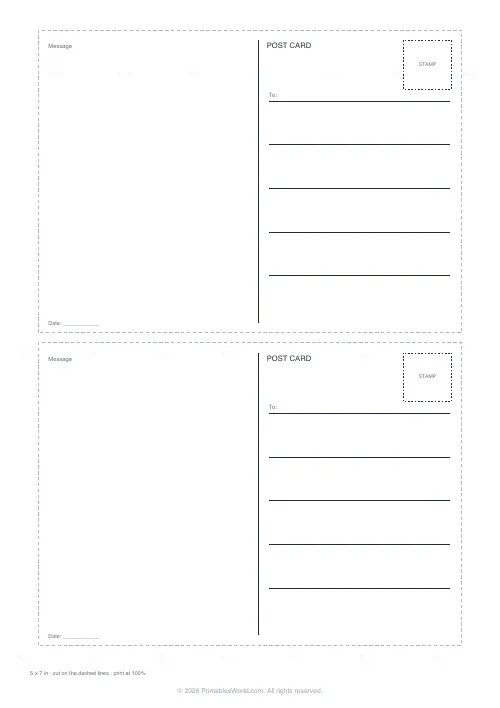
Two postcards per sheet at a real postcard size. The back has the divided layout every postcard has used for a century: message on the left, address lines and a stamp box on the right, a POST CARD wordmark. The front is blank, framed, or carries a banner with your own words. Print the back on the reverse of a photo, or both sides on card.
People also used
Party Invitation Generator
Clean, typographic printable party invitations. Pick a design, add the details, download a PDF.
Printable Bookmarks
Cut-out bookmarks with decorative borders and space for a name or quote.
Gift Tags & Labels Generator
Printable gift tags and labels you can cut out, write on and tie to any present.
Feedback
Spotted something off with this tool?
The divided back
A postcard back has looked the same since 1907: a vertical line down the middle, the message on the left, the address on the right, a box for the stamp in the top corner. Postal services still expect that layout, and a card that follows it goes through the sorting machines without a second look. The template draws it with a POST CARD wordmark, five address lines, a dashed stamp box and a date line, and can rule the message area if you prefer lines to blank space.
Sizes
4 by 6 inches is the standard postcard in the US and the size photo prints come in, which is the point: print the back onto the reverse of a 4 by 6 photo and it is a postcard. A6 is the European equivalent at 105 by 148 mm. 5 by 7 is the larger card. Two of any size fit a portrait A4 or Letter sheet with dashed cut lines between them.
The front
Blank, for a photo or a drawing. A thin frame, for a drawing that wants an edge. Or a banner: Greetings from, Wish you were here, a place name, up to forty characters, boxed near the top with a rule under it for a second line by hand. Choose Back only when the front is a photo you already have.
Classroom and craft use
Postcards are a favourite writing task because the space is small and the audience is real. Print the back-only sheet on card, have children draw the front, and post them. A class set also works as a geography exchange with another school.
Paper and postage
Card of 200 to 300 gsm posts well; ordinary paper needs an envelope. Print at 100 percent so the card is the size the postage rate assumes.
FAQs
Quick answers
Which sizes are available?
4 × 6 in (standard US and photo-print size), A6 (105 × 148 mm) and 5 × 7 in. Two per sheet in every case.
Can I print the back onto a photo?
Yes. Choose Back only and 4 × 6, put the photo in the printer face down and print. Check your printer's guidance for the orientation.
What does the front banner say?
Whatever you type, up to forty characters: Greetings from is the default. Clear it for no banner.
How do I print both sides?
Choose Back and front: the back prints on page one and the front on page two. Print page one, turn the sheet over, print page two, then cut.
Will the post office accept it?
The layout follows the standard divided-back convention that postal services expect. Use card of at least 200 gsm and the right postage for the size.
Related tools
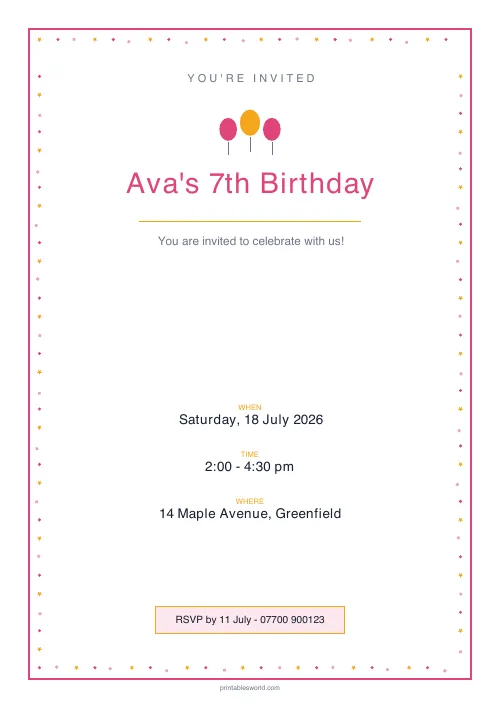
Party Invitation Generator
Clean, typographic printable party invitations. Pick a design, add the details, download a PDF.
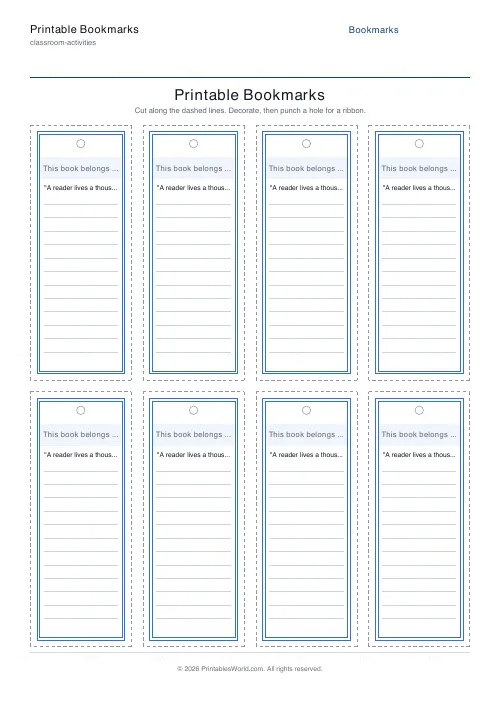
Printable Bookmarks
Cut-out bookmarks with decorative borders and space for a name or quote.
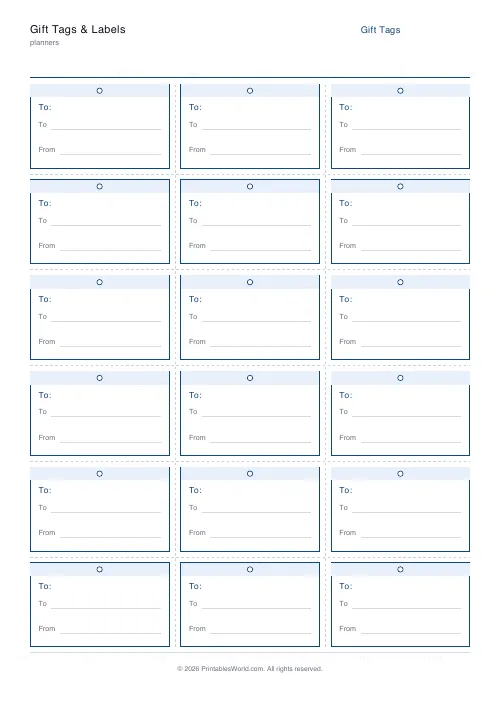
Gift Tags & Labels Generator
Printable gift tags and labels you can cut out, write on and tie to any present.
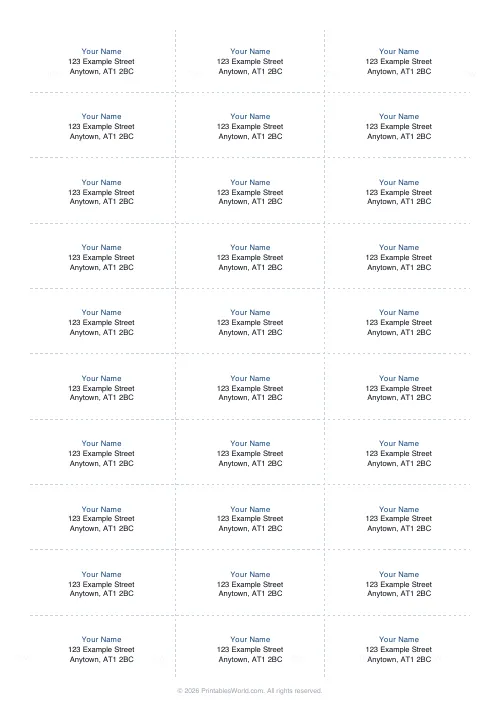
Address & Name Labels
Printable address label and name tag sheets in common Avery layouts.
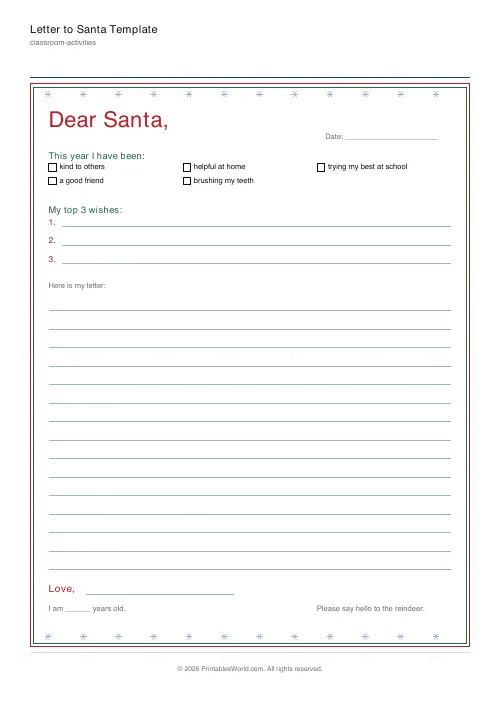
Letter to Santa Template
A guided letter with a good-behaviour tick list, numbered wishes and writing lines, plus a reply from Santa.