 Scan to get

 Scan to get
 Scan to get
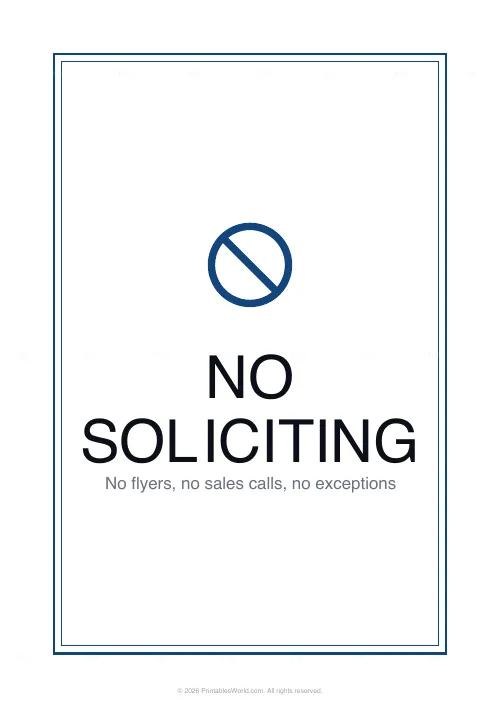
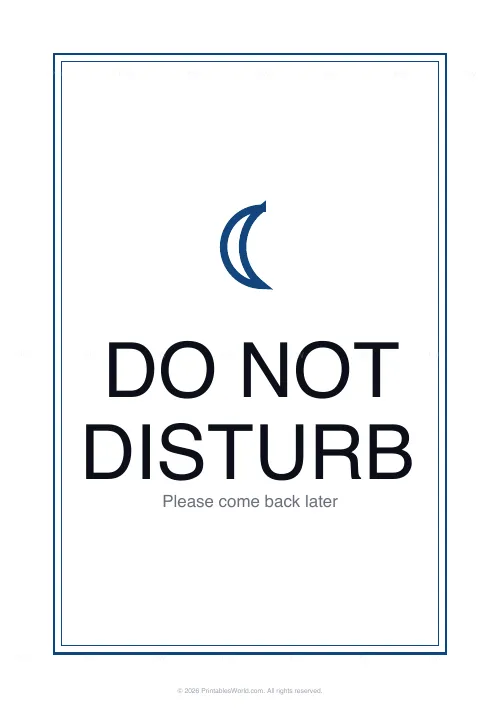
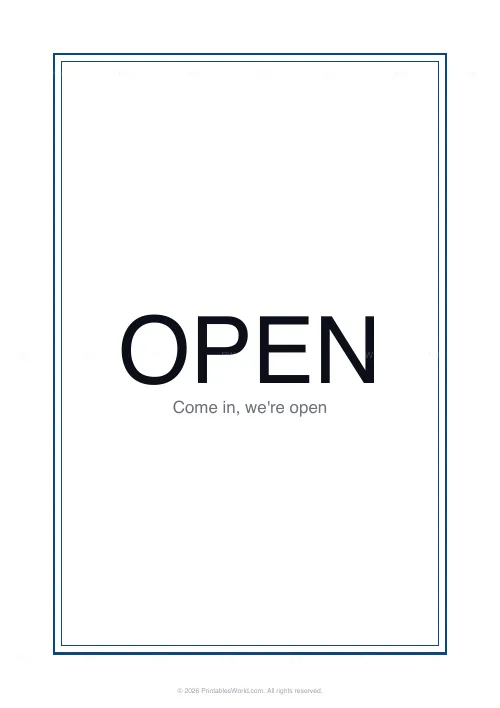
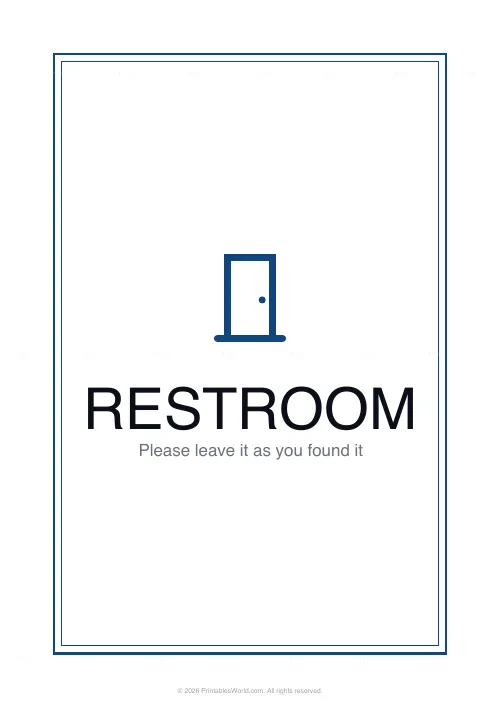
What this tool does
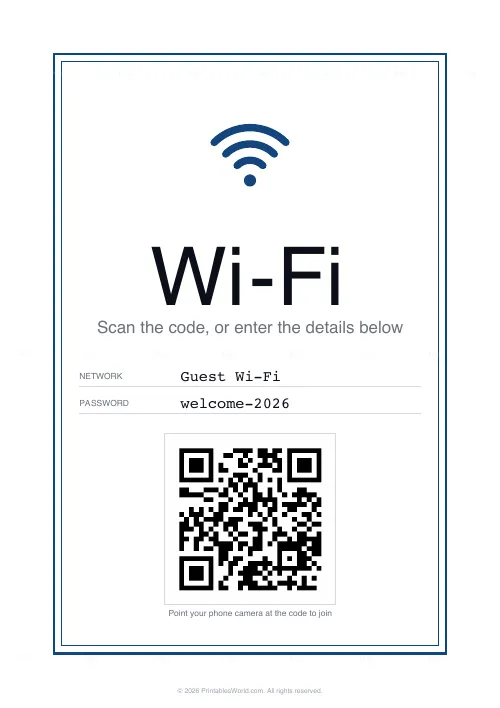
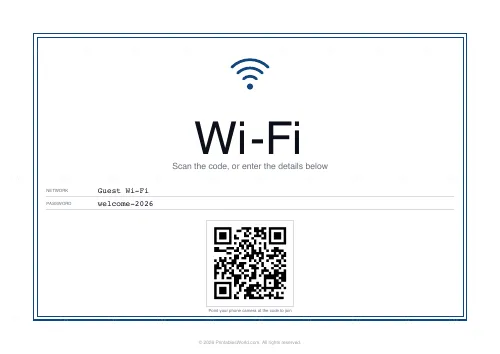
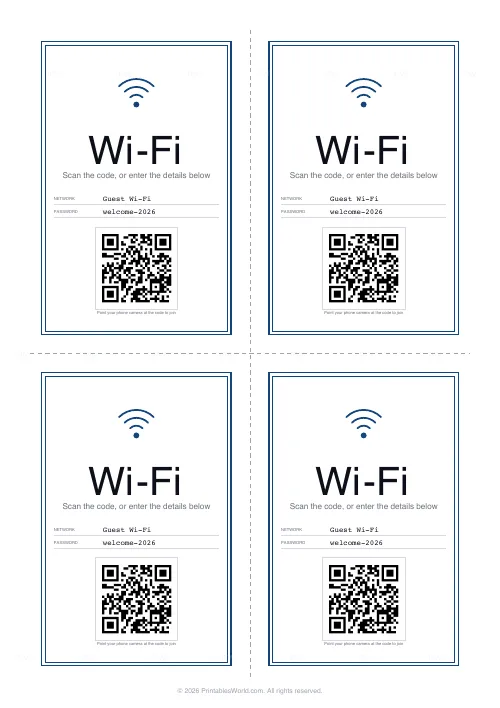
Pick a sign, change the words if you like, choose a border and print. The Wi-Fi sign takes your network name and password and builds the QR code phones join from, so guests point a camera at the wall instead of typing. Everything is made in your browser; the password goes into the PDF and nowhere else.
People also used
House & Wi-Fi Information Card
Printable house information card for guests: Wi-Fi name and password, bins, heating and check-out.
Desk Name Tags
Foldable tent-style name plates that read from both sides.
Table Numbers & Place Cards
Foldable tent cards. Large table numbers and guest place cards that read from both sides.
Feedback
Spotted something off with this tool?
The Wi-Fi sign
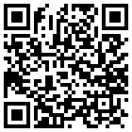
Type the network name, the password and the security type and the sign prints with both written out and a QR code beneath them. Point a phone camera at the code and it offers to join the network: the code carries the same WIFI: string Android and iOS have read since 2017, with the awkward characters in a password escaped so a semicolon or a colon does not cut it short. The password is set in a monospaced face, where a lowercase l, a capital I and the digit 1 are three different shapes, because a guest reads a Wi-Fi password one character at a time.
Nothing you type here is sent anywhere. The PDF is generated in your browser, and the file is named after the sign, not the network.
The other signs
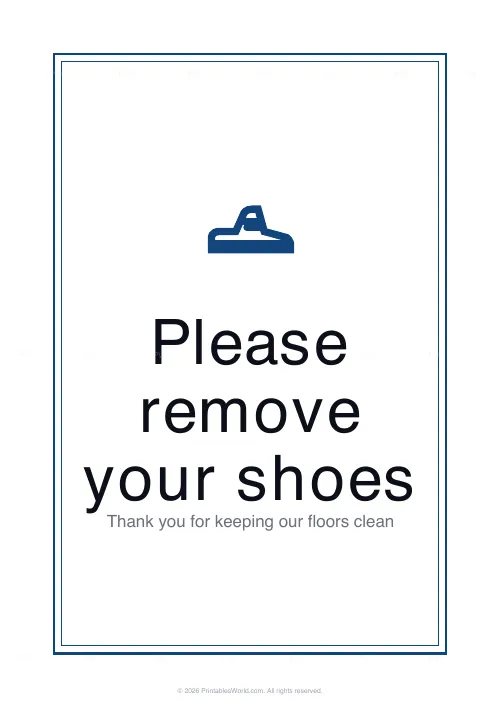
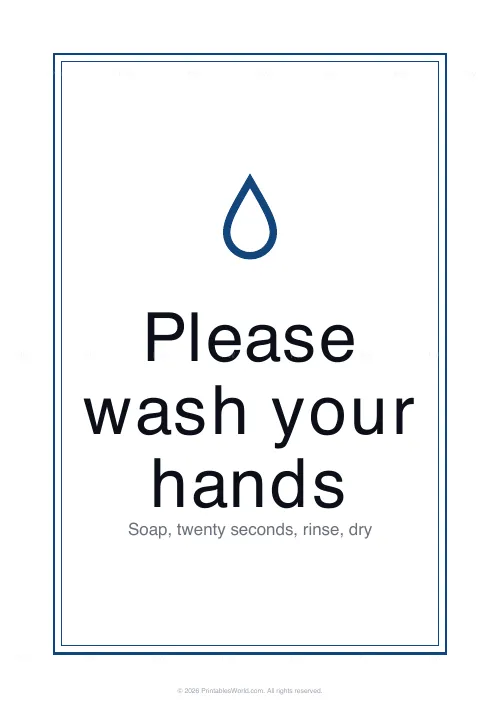
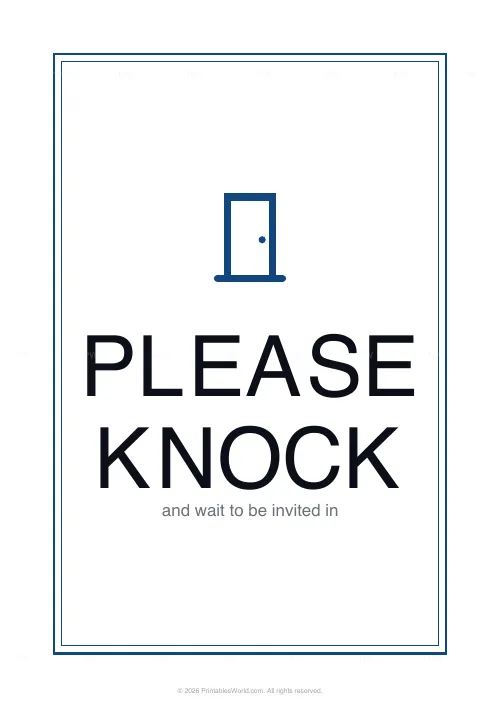
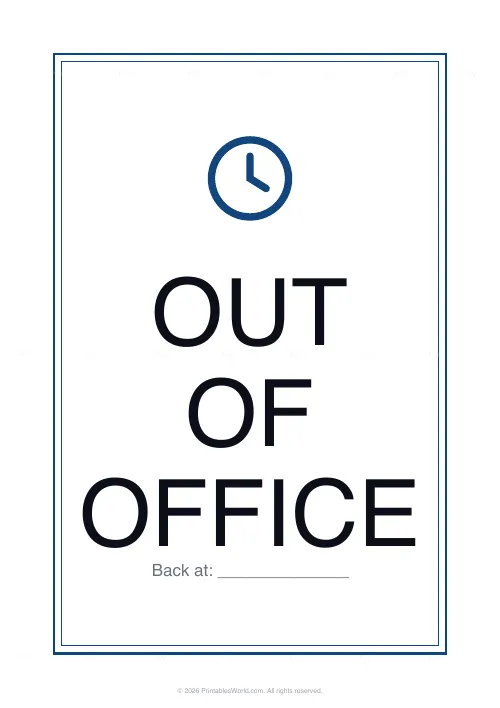
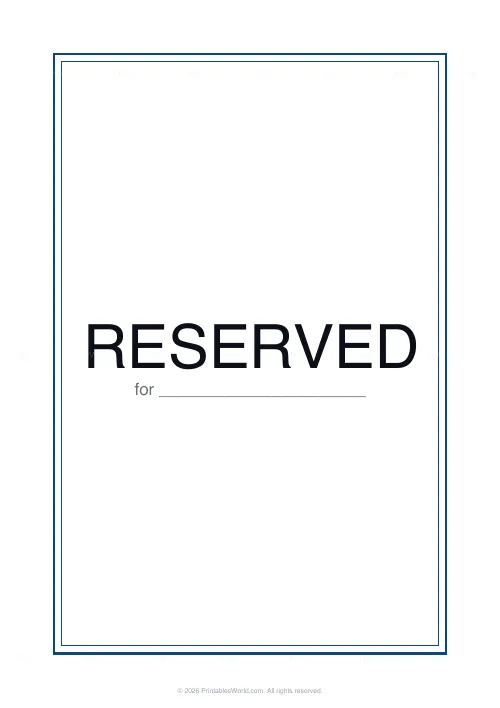
Please remove your shoes, no soliciting, do not disturb, restroom, please wash your hands, please knock, out of office with a space to write when you are back, and reserved with a line for a name. Open / Closed prints as two pages so you can glue them back to back and turn the sign over. Each comes with a second line you can rewrite, and a plain line drawing above the headline that you can switch off.
Your own words
The custom sign takes any headline up to forty-eight characters and lays it out at the largest size that fits, wrapping onto a second or third line before it shrinks, so a long headline still reads from across a room rather than coming out small on one line.
Borders
A double frame, a rounded border, a bar top and bottom, or nothing. The frame and the pictogram take the colour theme you choose at download.
Printing
Print at 100 percent. Card of 200 gsm or more stands up to a door; ordinary paper is fine inside a sleeve or under a magnet. For a sign that will live outdoors, laminate it or print on a waterproof sheet.
FAQs
Quick answers
How does the Wi-Fi QR code work?
It encodes the standard WIFI: string that phone cameras recognise, with your network name, password and security type. Scanning it offers to join the network without typing anything.
Is my Wi-Fi password sent to your server?
No. The PDF, including the QR code, is generated entirely in your browser. The file is named after the sign, and nothing you type into the Wi-Fi fields leaves your device.
Which security type should I choose?
WPA for almost every home and office network — it covers WPA, WPA2 and WPA3. WEP is only for very old routers. Choose open network if there is no password, and the code will join without one.
Can I change the wording on a sign?
Yes. Every sign has a headline and a second line you can rewrite, or choose the custom sign and write anything. Type a dash in the second line to leave it out.
How do I make a two-sided open and closed sign?
Choose Open / Closed. It prints as two pages: print both, glue them back to back or slide them into a sleeve, and turn the sign over.
Related tools
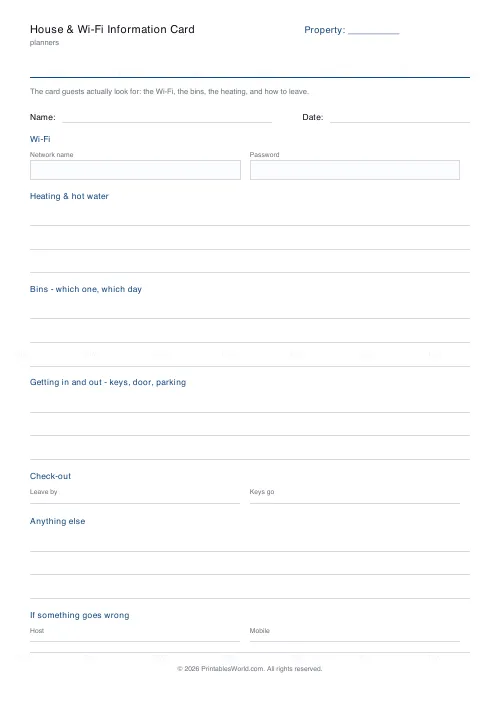
House & Wi-Fi Information Card
Printable house information card for guests: Wi-Fi name and password, bins, heating and check-out.
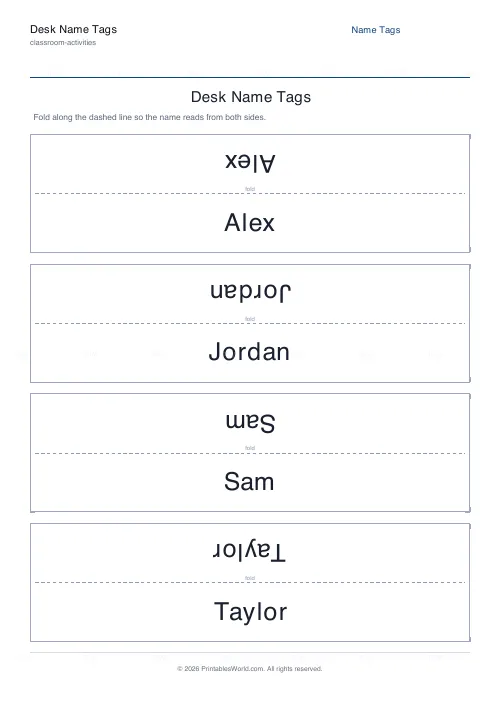
Desk Name Tags
Foldable tent-style name plates that read from both sides.
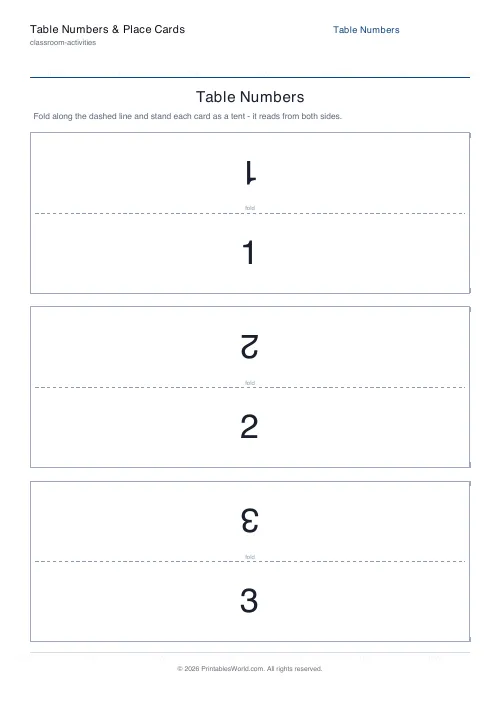
Table Numbers & Place Cards
Foldable tent cards. Large table numbers and guest place cards that read from both sides.
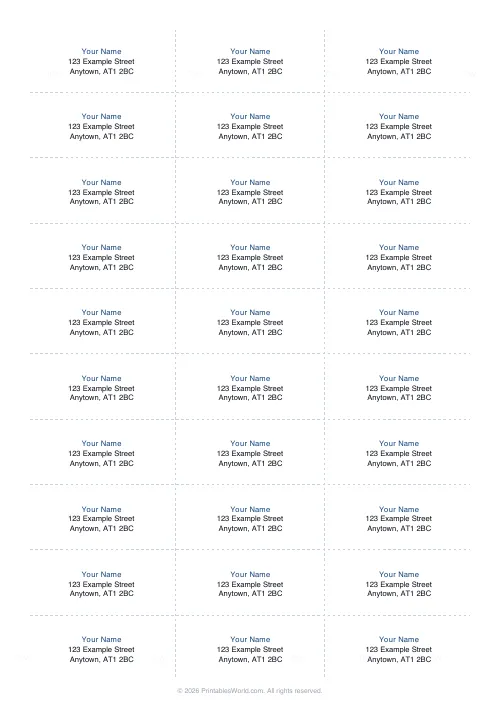
Address & Name Labels
Printable address label and name tag sheets in common Avery layouts.
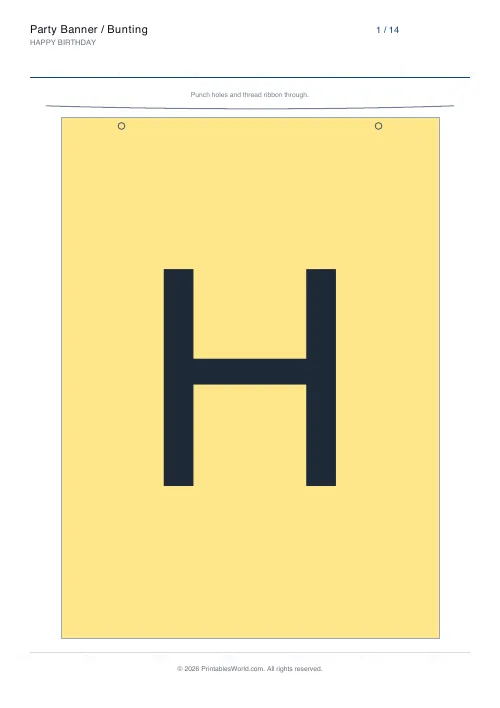
Party Banner / Bunting Generator
Type a phrase, get one big letter per flag. A birthday or celebration banner you can print and string up the same afternoon.
Further reading
Printable Paper
Bullet journalling with dot grid paper: a starter guide
The bullet journal was designed to be fast, not beautiful. Here is the original system, why dot grid suits it better than lines or blank, and the four pages you actually need.
5 min read
Printable Paper
Music manuscript paper: a guide for musicians
The number of staves on a page is not a style choice. It decides how much music fits and how legible it is at a music stand.
4 min read